
Why Anthropic Is Squeezing Claude Code Users, and It All Traces to One Compute Bet
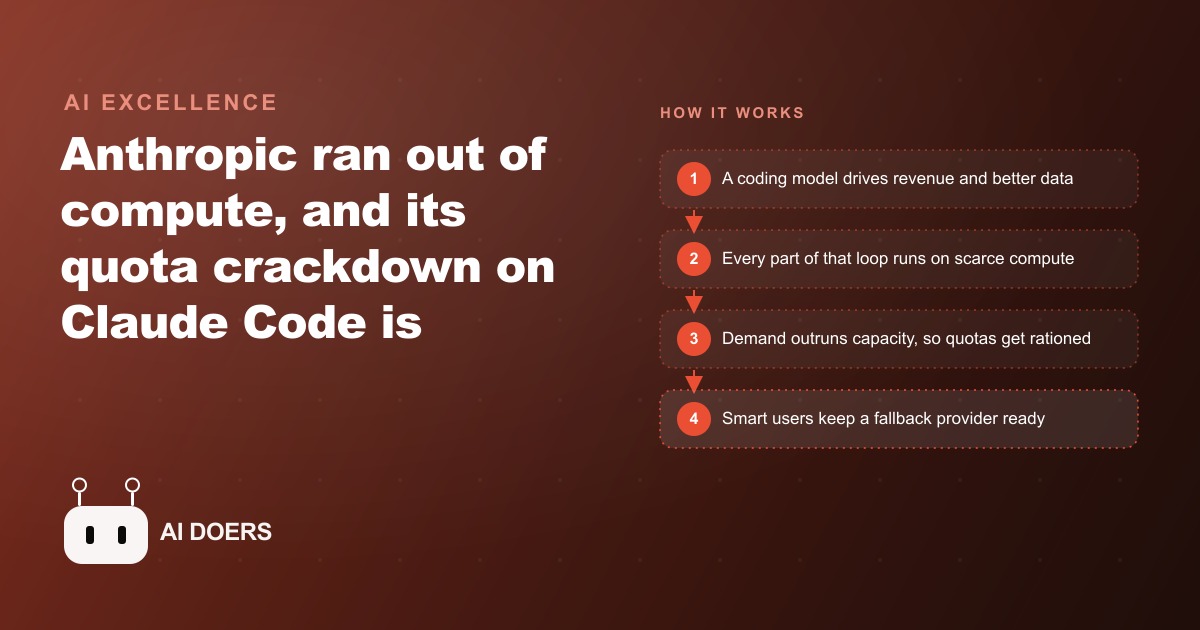
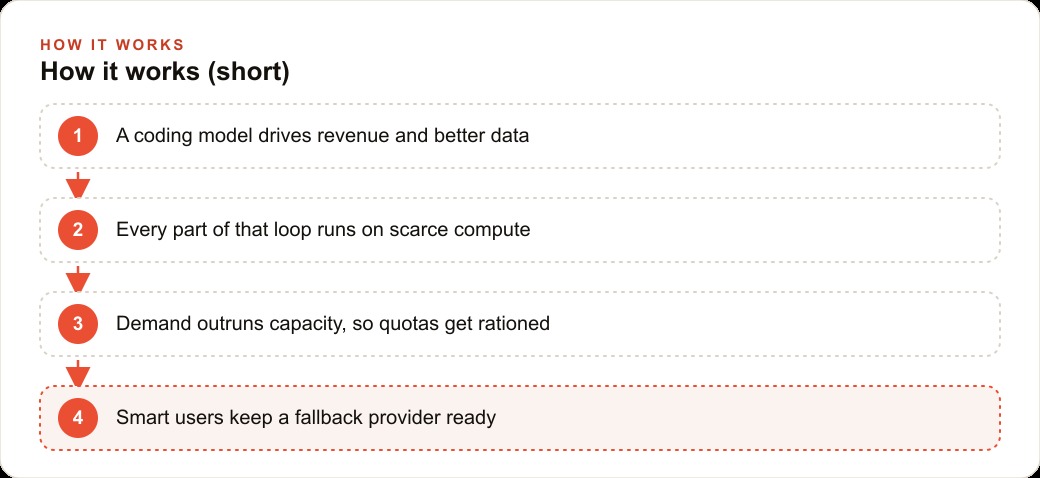
Anthropic is rationing Claude quota and pulling Claude Code from lower tiers because it does not have enough compute to serve demand that blew past its forecasts, and the real lesson for any business is provider risk.

On Easter weekend, Anthropic sent an email to Claude subscribers announcing that their subscriptions would stop covering certain third-party tool usage starting the following day at noon. Less than 24 hours of notice. The developers who had built their quoting, scheduling, and client communication workflows on top of those tools got the email that evening and had until the next morning to figure out what to do. I am Madhuranjan Kumar, and that Friday is the clearest example I can point to of why every business that runs on AI tools needs to treat provider risk the same way it treats any supplier risk: with a plan for what happens when the rules change.
The underlying cause of that disruption was a compute shortage. Anthropic had invested in infrastructure at a scale it calculated would be safe if demand growth slowed. Demand did not slow. Agentic use of AI, where a model works through multi-step tasks autonomously rather than answering one question at a time, burns dramatically more compute per user than simple conversation. A developer running an AI coding tool through a full afternoon of real work might consume as much capacity as a casual chat user consumes in a month. When enough of those heavy users hit the platform simultaneously, the capacity math falls apart. Rationing through quota cuts and third-party restrictions becomes the tool for managing a gap the company cannot bridge immediately with additional infrastructure.
The uptime data reflected the strain. The Claude consumer product ran at roughly 98.8 percent reliability over a 90-day measurement period. Competing services ran above 99.9 percent. One percentage point sounds small until you calculate what it means in hours: roughly 7 additional hours of potential downtime per month. For a business whose quoting or scheduling depends on an AI tool, 7 hours of downtime scattered across busy workdays is a real operational cost, not a rounding error.
This playbook describes four concrete steps for building the kind of workflow resilience that turns a disruptive Friday-night email into a minor inconvenience you recover from in an hour rather than a multi-day scramble.
Read the terms of service before you wire any AI tool to a workflow you depend on
Every major AI provider has terms of service language that allows it to change pricing, usage limits, plan coverage, and third-party tool compatibility with limited notice. This is not predatory behavior. It is the operational reality of a technology business moving fast in a competitive market where the cost structure, the competitive landscape, and the regulatory environment are all shifting on short timescales. The providers are not trying to surprise you. But they are not obligated to protect your workflow from changes that make sense for their business.
Reading the terms before you build a dependency takes 20 minutes and prevents months of downstream exposure. Look for three things specifically. First, what the terms say about changing plan coverage and how much notice is required. Some providers offer 30 days, others offer considerably less. Second, what the terms say about using your subscription inside third-party applications, because that policy is often a separate document from the main service terms and can change independently. Third, what the refund or credit terms are if a change renders a plan materially less useful than it was when you signed up.
For businesses running paid advertising campaigns with AI tools handling the brief-writing, targeting analysis, or reporting, the dependency can be deeper than it looks from the outside. Platforms like Google Ads are increasingly supported by AI-assisted planning layers that teams treat as always-available utilities. Knowing what the provider can change and how much notice they are required to give protects you from the kind of surprise the Easter weekend email delivered.
If the terms are ambiguous on a critical point, email support and get a written answer. Keep the record of that answer. If the terms later change in a way that contradicts what you were told, the documentation is useful. If support cannot give a clear answer about what a plan covers, that ambiguity is itself information worth factoring into how deeply you build a dependency on that service.
The broader point behind this first step is simple: treating an AI subscription like a stable utility that will always work as it does today is a category error. These companies are growing fast, iterating fast, and operating in a competitive environment where the cost structure for serving power users is still underwater. Every large-scale technology platform that went through a similar growth phase changed its terms during that period. AI providers are in that phase now.
Keep your core context in a portable file that lives on your machine, not inside the provider
The most expensive part of a forced AI tool migration is not finding a replacement service. It is recreating the context: the instructions that shaped how the tool responded to your specific business needs, the preferences and rules it had learned over months of use, the specialized setups built for recurring tasks. That context is what took real time to develop, and it is what makes a tuned AI setup dramatically more useful than a fresh account with default settings.
If that context lives only inside the provider's application, it becomes inaccessible the moment the service is disrupted, the plan changes, or the account has an issue. A service disruption, a policy change that cuts off your access, or even a billing dispute can put months of accumulated setup out of reach at the worst possible time.
The solution is a plain text file, saved on your own machine and backed up somewhere you control. This file holds your complete prompt templates, your core instructions, your most important remembered rules, and a brief description of any specialized setup you have built for recurring tasks. It is your master context document, and it is the thing that lets you load a new account or a new provider to a functional starting point in minutes rather than months.
For a service business, a portable context file might include the brand voice rules the team has developed, the standard format for every deliverable type the business produces, the key facts about active clients, and the intake questions used to open new projects. A business that also uses AI for its CRM and website stack, for drafting client follow-ups, categorizing leads, or writing website copy, might include the conventions for how different customer types are addressed, how pricing is presented in different contexts, and what information is always gathered before a proposal is drafted. All of this should exist in a file on your machine, not only inside an app that can change its terms.
Maintaining the file requires about ten to fifteen minutes per month. Every time you update a template, change a rule, or build a new specialized setup, the file gets updated. That habit is what keeps the file useful when you need it rather than a snapshot of how things worked six months ago.
Here is what this looks like with real numbers. A roofing contractor had built up a Claude setup over eight months that saved roughly 40 minutes per estimate on follow-up emails, scope-of-work summaries, and storm-damage inquiry responses. Across about nine estimates per week, that was six hours of weekly time savings. When the Easter weekend notification arrived, the contractor had no portable context file. Recreating the full setup in a backup account took nearly two weeks of iterative work during evenings, during which the estimate workflow reverted to manual drafting. The estimated revenue impact of operating at reduced efficiency for two weeks was over $3,000 in recovered time at the contractor's effective hourly rate. The portable file, built and maintained, would have reduced that recovery to a single afternoon.
Move token-heavy background work to off-peak hours
Quota rationing by AI providers is not uniform across all hours. Most providers set usage limits per session or per rolling time window, and the heaviest competition for capacity happens during business hours in the largest user time zones. Running token-intensive background work during peak hours puts your usage in direct competition with every other heavy user on the platform at the same time.
Token-heavy tasks are the ones that take the longest and consume the most capacity. Generating a batch of 30 follow-up email drafts for unconverted leads. Summarizing a week's worth of client conversations and extracting action items. Producing a comprehensive content brief for next month's articles. Analyzing a competitor landscape across a dozen companies. These tasks can be done at 11 pm or 5 am just as well as at 2 pm on a Tuesday, and running them off-peak extends your effective daily quota considerably.
The businesses most affected by quota squeezes are the ones that have built high-volume batch work into their peak-hours routine without realizing it. A team that runs its weekly content batch every Monday morning at 9 am is hitting the platform at its most contested moment. Shifting that batch to Sunday evening or early Monday morning costs nothing and meaningfully reduces the chance of hitting a limit before the most urgent tasks of the week are completed.
This applies to any AI tool, not only those that have made recent news for rationing. Even well-resourced providers have peak-hours capacity dynamics. Off-peak scheduling is the simplest and most overlooked way to stretch a subscription's practical value without changing the plan or paying for a higher tier.
The math on this is worth understanding concretely. If a platform resets usage limits on a rolling 24-hour basis, and you consume 60 percent of your daily limit during the 9-to-5 window on routine batch tasks, you have 40 percent remaining for the high-priority real-time work that comes in during the day. Moving the batch work to off-hours means you arrive at Monday morning with a nearly full daily limit available for whatever the day actually demands.
Set up and test a backup provider before you need one
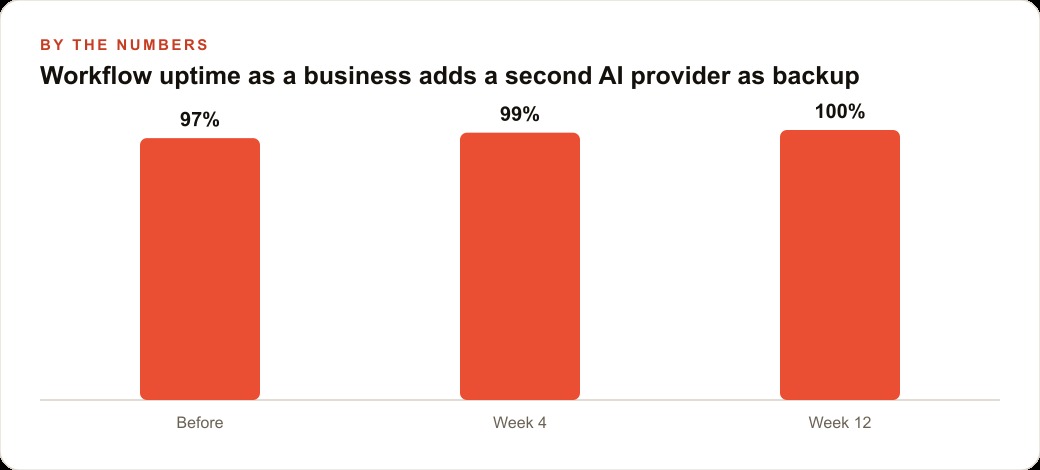
The businesses that navigated the Easter Anthropic disruption with minimal friction had one thing in common: they already had a second provider account set up and had run at least a few real tasks through it before the disruption happened. That prior testing made the difference between a 15-minute reroute and a multi-day scramble.
Setting up a backup provider takes an afternoon. Choose a service with a different infrastructure base from your primary, so a compute constraint that affects one is unlikely to affect the other at the same moment. Create an account. Load your portable context file into it. Run three or four real tasks from your actual workflow and evaluate the output quality. Note any gaps between how the backup performs and how your primary performs, and decide in advance which tasks you would route to the backup if the primary became unavailable.
The backup does not need to be a paid subscription at the same tier as your primary. A free-tier account at a second provider, tested once per quarter to confirm it is still functional and that your context file loads correctly, is sufficient for most business use cases. The goal is not to run two full operations in parallel. The goal is to know, before a crisis, that an alternative exists, that it can handle your core workflow at an acceptable quality level, and that you can switch to it in under an hour.
For businesses running paid advertising where AI helps with creative production and Meta ads campaign briefs, the continuity question is specific: can the backup provider produce ad brief drafts and performance summaries at a quality level that keeps the operation running while the primary is disrupted? Testing that on a quiet afternoon rather than in a crisis is the difference between a resilient operation and a fragile one.
One practical note on testing: run your most important task type through the backup, not a generic prompt. If your primary use is drafting quote emails, draft a quote email on the backup. If your primary use is writing campaign briefs, write a campaign brief on the backup. The quality difference that matters is the difference on the tasks you actually depend on, not performance on a benchmark you never use in practice.
Building this resilience does not require a large investment. A second provider account, a portable context file, and a habit of scheduling heavy work off-peak cost almost nothing to maintain. The return is that a provider disruption on any given Friday evening is something you recover from in an afternoon rather than something that breaks your operation for days. The businesses most hurt by these disruptions are the ones that treated AI tools as stable utility infrastructure rather than supplier relationships with real terms of service that can change. The ones that came through them smoothly had treated these tools accurately from the beginning.
That is exactly what we do at AI DOERS. Book a private 30-minute call with Madhuranjan Kumar and we will map the fastest path to it for your specific business.
Book your call →
Madhuranjan Kumar
Madhuranjan Kumar brings 20 years of performance-marketing experience and has managed over $200 million in Facebook ad spend for brands across the United States and beyond. His expertise spans the full modern marketing stack: Meta, Google Ads, TikTok, email automation, CRM, and the websites that hold it together. At AI DOERS he turns that track record into lead-generation systems for businesses across every industry.