
Turn Any Automation Into a Web App With Claude Code
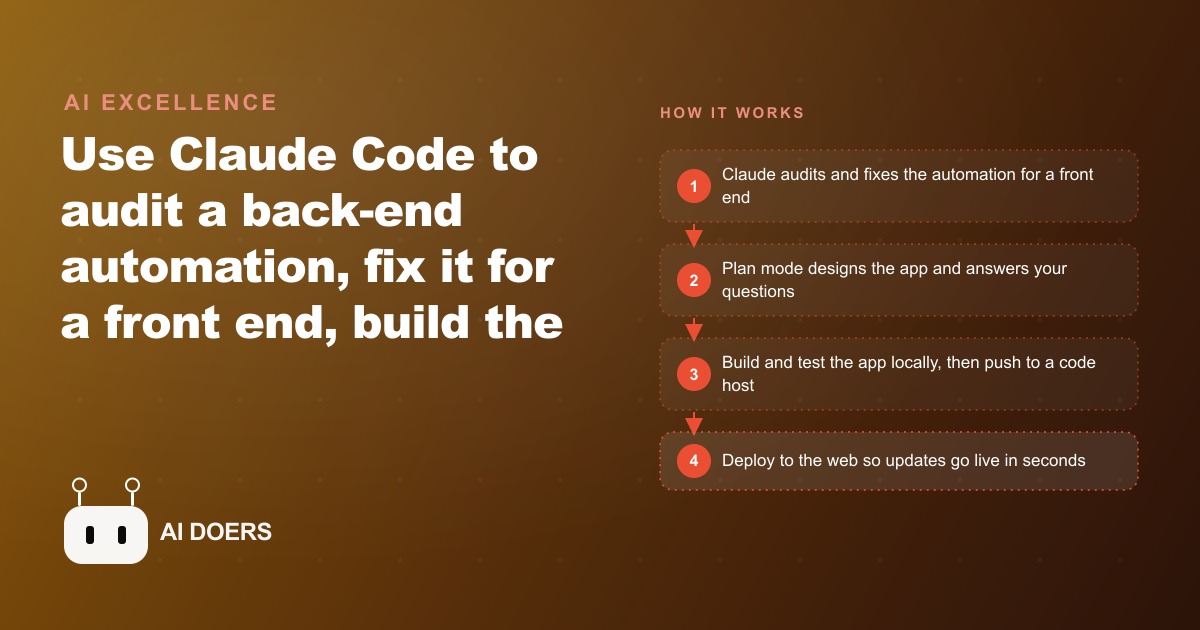
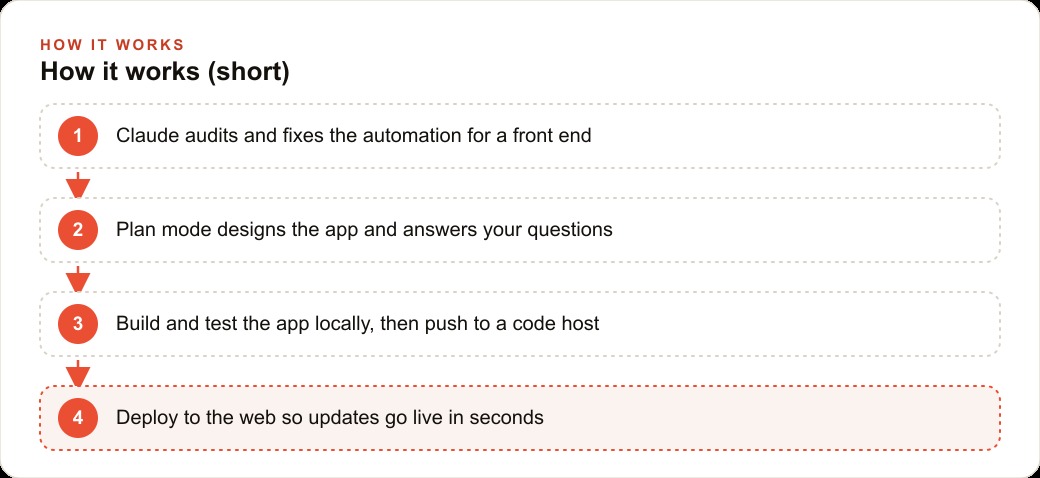
Claude Code can audit a back-end automation, fix it to talk to a front end, build the web app, and deploy it live. The whole loop runs on plain-language instructions, not hand-written code.

An electrician spending two to three hours a day on the phone estimating jobs is not unusual. What changed for one owner was a single decision: spend a week turning an existing back-end automation into a public-facing web app, then let homeowners quote themselves. I am Madhuranjan Kumar, and this is the story of exactly how that week went, what broke along the way, and what the numbers looked like two weeks after the first URL went live.
The owner was fielding between twenty and thirty quote requests every week. Each one meant a phone call, a set of clarifying questions about the job, a mental estimate, and a follow-up to confirm the booking window. That daily block of two to three hours was time not spent on jobs. An automation already existed to handle some of the logic: it mapped job types to estimate ranges and matched available time windows to the calendar. The automation worked, but it only ran when the owner manually triggered it. The project was to give it a front door.
Week one: mapping the existing automation before any front-end work began
The first instruction to Claude Code was not "build a web app." It was "read this automation and tell me what you find." That distinction matters. The instinct when starting a project like this is to jump to the thing you can see: the interface, the buttons, the form. The automation was invisible, already running, and that invisibility is exactly why it needed to be read first.
Claude Code mapped the automation end to end and produced a clear summary: what inputs the automation accepted, what sequence of steps it ran, what it returned, and what format those outputs were in. The automation had been built for one specific trigger, a manual form submission from the owner's internal tool. Every input was formatted for that trigger. Every output was a flat text string designed to be read by the owner, not parsed by a web application. That was the state of the starting point, and knowing it precisely was the only way to know what needed to change.
The mapping session took about two hours. The output was not code. It was a structured description of the existing logic in plain language, confirmed by the owner against what he knew the automation was supposed to do. One discrepancy came up: the automation had a step that handled multi-day jobs by doubling the base estimate, but the owner had stopped using that rule months earlier and had not updated the automation. Catching that before building the front end meant the web app would inherit the correct logic from day one rather than a silent mistake.
The back-end audit revealed three things the original build had never handled
Once the mapping was done, the audit identified three specific gaps. None of them were obvious from the outside, and all three would have caused the web app to fail under normal use.
The first was input format. The automation expected job descriptions in a particular text format that only the owner's internal tool produced. A homeowner filling in a browser form would submit plain text with no formatting guarantees. The automation had no way to parse that. Claude Code rewrote the input handling to accept plain text from any source and standardize it internally before the logic ran. This change was invisible to the homeowner, who just saw a normal text field. But without it, the automation would have returned errors on the first real submission.
The second was error handling. The automation had two possible paths: a successful estimate, or a silent failure that left the internal tool showing nothing. In a web app, silent failure means a homeowner who submits a form and sees a blank screen, with no idea whether the request was received. Claude Code added explicit error branches: one for jobs outside the estimable range, one for calendar slots that were fully booked, and one for submission errors the owner should know about. Each branch returned a message the web app could display rather than a void.
The third was the confirmation flow. The automation logged the estimate internally but had no mechanism to notify anyone. In the web app context, the homeowner needed an instant confirmation and the owner needed a notification. Claude Code added both: a response payload the front end could display and a lightweight notification trigger the owner could route to his phone. These three changes took most of the first week, and all of them happened before a single line of front-end code was written.
Plan mode turned a vague brief into a buildable specification in one session
With the back end audited and revised, the next step was the front end. The owner's initial brief was direct: a form where homeowners can describe the job, pick a time, and get a quote. That is a starting point, not a specification. Plan mode is where the gaps get filled before they become build problems.
Claude Code in plan mode asked a series of clarifying questions: Should the form work on a phone screen, given that most homeowners search from their phones? What should happen if someone submits a job type that falls outside the estimable range? Should the estimated range be shown immediately on the page or sent to the homeowner by message? Does the form need the homeowner's contact details? What happens if the preferred time window the homeowner selects has no available slots? How should the confirmation look?
The owner had thought through about half of these. The other half he answered quickly because the questions were concrete, not abstract. The session produced a written specification: a mobile-first form with three fields (job description, preferred time window, contact details), a results panel that displays the estimate range and the confirmed slot on the same page after submission, a fallback message for out-of-range jobs directing the homeowner to call for a custom quote, and a clean confirmation state. That specification was the build target. Every design decision was locked before code was written, which meant no backtracking mid-build because a feature was missing.
Local testing with real edge cases before the first URL went public
The build ran from the specification. Claude Code produced the front end, wired it to the revised back-end automation, and the result ran locally on the owner's machine. Local meant only the owner could reach it, which is exactly the right environment for the kind of testing that actually matters.
Testing against the happy path is not testing. Every form that goes live will be submitted by someone who leaves a field blank, who writes a job description in a format the automation does not expect, who picks a time window on a day the calendar shows as unavailable, or who submits from a phone where the layout looks different than on a desktop. Local testing worked through each of those scenarios one at a time.
The blank field case produced an error on the first pass. Claude Code added client-side validation that blocked submission until all three fields had content, with clear inline messages telling the homeowner which field needed attention. The out-of-range job description case returned the correct fallback message the first time. The unavailable time window case initially showed nothing, which was a front-end display bug: the back end was sending the correct response but the front end had no state to render it. Claude Code fixed the display state and the message appeared correctly on retry. The mobile layout needed one adjustment to the results panel, which was too wide for smaller screens. Claude Code fixed it with a responsive width rule.
One piece of preparation before the URL went live was securing the automation endpoint. The endpoint that the web app called to run the logic was a public URL. Nothing was stopping anyone or anything from calling it repeatedly. The owner left the endpoint unsecured on the assumption that traffic would only come through the web app form. That assumption was about to be tested.
Two weeks live: what actually broke first and what the numbers showed
The URL went live on a Tuesday. The form was linked from the owner's website and shared in one local community group. By Thursday, the automation had received three hundred calls that did not come from the web app form. They came from automated scanners that crawl new public URLs and probe any endpoint they can find. The owner noticed because the notification system fired three hundred times in roughly six hours.
The rate limiting fix took one session. Claude Code added a request limiter that allowed a maximum of ten calls to the endpoint per hour from any single IP address and rejected additional calls with a clear error. It also added an authentication token that the web app form included in every legitimate request and that the endpoint required before running the automation logic. After those two changes went live, the automated calls stopped producing results. The legitimate quote submissions continued working without any change to the form.
Two weeks after launch, the numbers were clear. The web app was receiving the same volume of quote requests the owner had previously handled by phone, between twenty and thirty per week. The difference was that the owner's daily time on phone estimates dropped from two to three hours to roughly thirty minutes of reviewing submitted requests and confirming the bookings that needed his attention. The web app handled the estimation and the initial confirmation. The owner handled the edge cases and the scheduled jobs that needed a site visit before a firm price could be given.
The first two weeks also revealed one category of request the web app was not designed for: emergency calls. A homeowner with a power outage who wanted the fastest available slot submitted through the form and received a standard time window response, because the form had no way to flag urgency. The owner added a simple checkbox: "Is this an urgent safety issue?" Jobs with that box checked routed to a separate notification that reached the owner immediately rather than queuing with the standard submissions. That addition took one session and required no change to the back-end logic, only a new condition in the front-end routing.
The pattern this two-week story illustrates is not specific to an electrician. Any service business that currently handles quote requests by phone and has any existing automation for the logic behind those quotes can build the same front door. The audit comes first, because what looks like a simple back end from the outside almost always has input format issues, missing error handling, and notification gaps that a web context exposes. The plan mode session comes next, because building before the specification is locked means rebuilding after the gaps surface. Local testing against real edge cases comes before any public URL. And securing the endpoint comes before sharing the URL, not after three hundred automated calls arrive.
The owner's assessment two weeks in was practical: the web app did not replace every phone conversation, because some jobs still needed clarifying questions a form could not ask. What it replaced was the routine two hours of standard quote requests that followed a predictable pattern and did not require his judgment. That time came back, and it came back every day.
The broader takeaway is about sequencing. The failure mode most people hit when turning an automation into a web app is skipping the audit, building a visible front end first because it feels like progress, and discovering the back-end gaps only when the first real user triggers an unexpected path. The audit is invisible work and the plan mode session produces no code. But those two stages are the reason the build that follows is clean rather than a series of patches applied after launch. The three hundred automated calls on day three were the only incident in two weeks of live use. Every other edge case had been found and handled before the URL was shared.
That is exactly what we do at AI DOERS. Book a private 30-minute call with Madhuranjan Kumar and we will map the fastest path to it for your specific business.
Book your call →
Madhuranjan Kumar
Madhuranjan Kumar brings 20 years of performance-marketing experience and has managed over $200 million in Facebook ad spend for brands across the United States and beyond. His expertise spans the full modern marketing stack: Meta, Google Ads, TikTok, email automation, CRM, and the websites that hold it together. At AI DOERS he turns that track record into lead-generation systems for businesses across every industry.