
Three Ways To Deploy Your Claude Automations So They Run While You Sleep
Use a one-line Claude Code loop for fast, frequent jobs on your machine, switch to scheduled tasks or cloud routines when you need them running around the clock with everything off, and push scripts to a cloud platform when the work is deterministic or needs no AI at all.

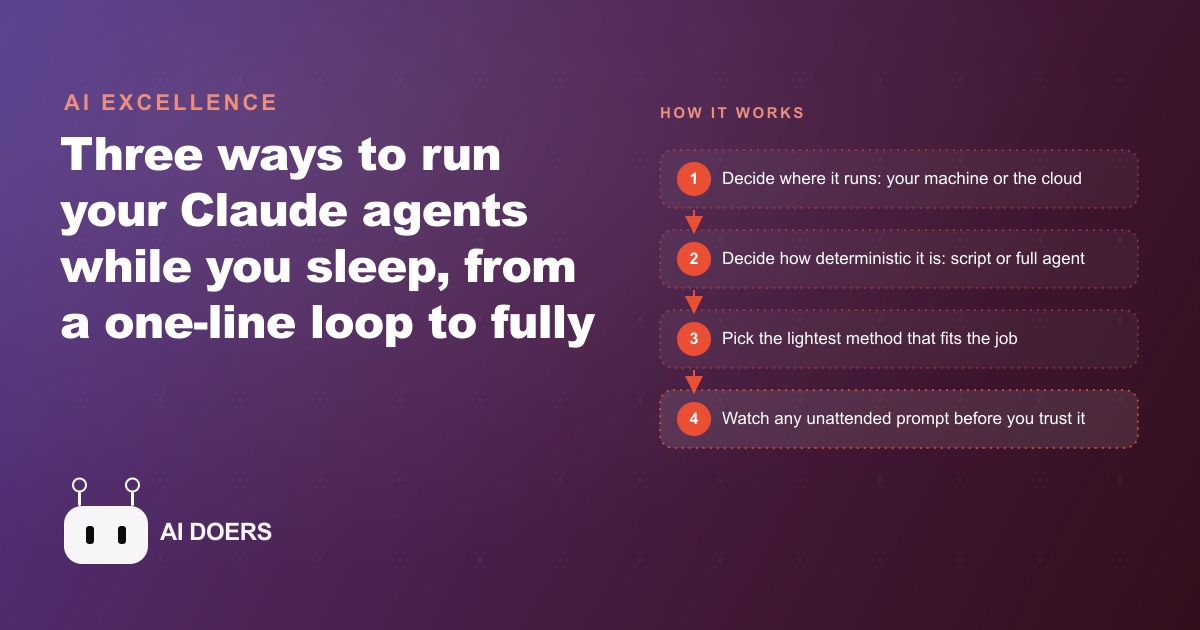
There is no single right way to deploy a Claude automation, and that is the whole point
Most people who want an automation to run without them ask the wrong first question. They ask which tool is best. The honest answer is that no tool is best, because deploying an automation is not one decision. It is two, and once you separate them the confusion falls away and the choice almost makes itself.
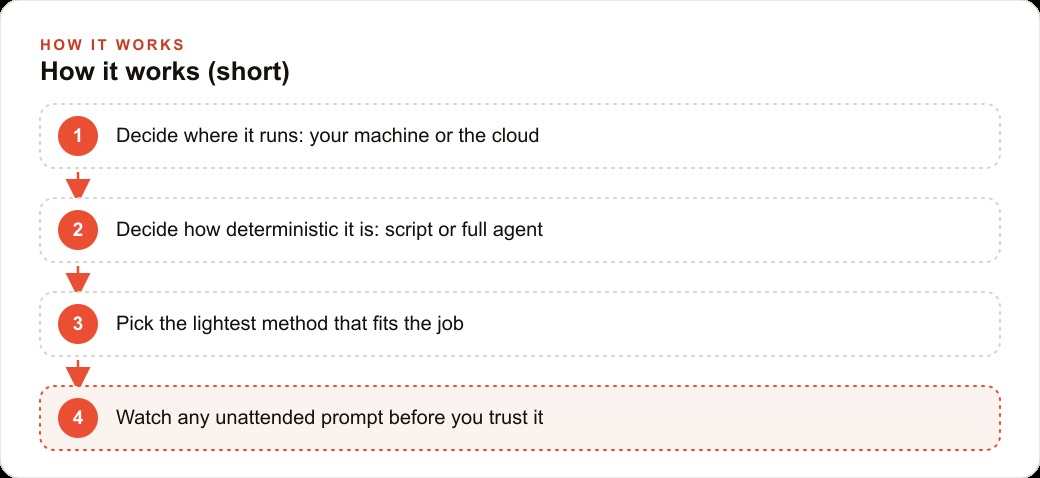
The first decision is where the work should live. Some automations are happy running on the machine sitting on your desk. Others must run whether or not that machine is awake, which means they belong somewhere in the cloud. The second decision is how much thinking the automation actually needs. Some jobs are rigid and predictable, the same steps every single time, while others need real reasoning, the ability to read a situation and adapt to it. Put those two axes together and every deployment method lands somewhere on the grid. You stop chasing one universal tool and start matching each job to the corner it belongs in.
I want to walk through the three practical ways to put a Claude automation to work, not as a ranked list where the last one wins, but as three different homes for three different kinds of work. By the end you should be able to look at any repeating chore in your week and know, almost instantly, where it should run and how much autonomy to give it.
The one-line loop is the fastest way to make something happen
The lightest option is a loop, and it is genuinely as simple as it sounds. You open Claude Code, and you say something close to "set up a loop that runs this every ten minutes until I stop it." That is the entire setup. There is no configuration file to edit, no schedule syntax to memorize, no dashboard to log into. You describe the cadence in a plain sentence and the tool takes it from there.
Underneath, the loop schedules the job for you using ordinary timing tools, the same kind of scheduled-job machinery that has quietly run computers for decades. The difference is that you never touch that machinery directly. You do not write the cryptic time strings that used to scare people away from automation. You say the interval in words and the tool translates.
Loops have a personality worth understanding before you lean on them. They are tied to a session, which means each terminal window or tab can run its own loops without stepping on the others. You can even clear the session and the loops keep going, which is a nice surprise the first time you see it. But they carry real limits. The machine has to stay on, because there is no cloud catching the work if your laptop sleeps. They expire after roughly a week, so they are not a set-and-forget solution for the year. And they fire inside a window rather than at an exact second, with a small jitter that can push a task up to half an hour off the precise time. That jitter sounds like a flaw until you realize what loops are for. They are for fast, frequent, forgiving jobs where "sometime in the next few minutes" is perfectly fine.
This is why a loop is the right home for the small, chatty tasks that keep a business responsive during the day. Watching for something to appear, nudging a draft into place, checking a source every few minutes. None of that needs a fixed clock. It needs to happen often and cheaply while you are already working, and a loop delivers exactly that with a single sentence of setup.
Scheduled tasks and cloud routines are for the work that cannot wait for you
The moment a job needs to run whether or not you are at your desk, the loop stops being enough and you move up to scheduled tasks and cloud routines. There are two flavors here, and the difference between them is the whole story.
A local scheduled task runs on your own machine on a timer, with a thoughtful bonus. If the machine was off when the task was due, it catches up on the missed run when you reopen the app, so you do not silently lose a day. That catch-up behavior makes local routines feel forgiving in a way loops are not. But they still depend on your hardware being reachable eventually, which is fine for a personal cadence and wrong for anything the business truly depends on.
A cloud routine solves that by running on the provider's own infrastructure. Your machine can be off, your terminal can be closed, you can be on a plane, and the routine still fires. This is the true around-the-clock option, the one you reach for when the automation is load-bearing. The trade you accept is a daily run cap and a minimum interval between runs, which vary by plan, plus the reality that the work now happens somewhere you cannot see it as directly. In exchange you get something genuinely powerful. A cloud routine does not have to run only on a clock. It can be triggered by an incoming request or by an action in a code repository, which quietly turns it into a webhook that other systems can fire. A schedule becomes an event listener, and suddenly your automation is not just punctual, it is reactive.
That reactive quality is where scheduled cloud work connects to the rest of a business. When a lead lands, a routine can fire on the event rather than waiting for the next tick of the clock, dropping that lead straight into the CRM and website stack so follow-up begins before anyone has looked at an inbox. The automation stops being a chore that runs on a timer and becomes a nerve ending that responds to what is actually happening.
Deployed scripts trade the agent away on purpose, and that is often the smart trade
The third home is a deployed script pushed to a cloud platform and run on a schedule or a webhook. This is the most different of the three, because it deliberately gives something up. When you deploy a script this way, you are shipping the workflow and the tools, but not the full autonomous agent loop. The steps are fixed. Any place you want the model to think becomes a metered call to the API rather than a resident agent reasoning in the background.
That sounds like a downgrade until you meet the jobs it is built for. A huge share of business automation is not thinking work at all. It is deterministic. Move this data here, reformat that file, total these numbers, email the result at the same time every night. For work like that, paying for a full reasoning agent to sit and run is wasteful. A deployed script does the deterministic job cheaply, and on the rare step where a little intelligence helps, it pays only for that single API call. You get reliability and low cost precisely because you refused to over-engineer it.
And when a job outgrows that simplicity, you are not stuck. Pushing the Claude Agent SDK onto the same platform restores the full agent loop, with tools, subagents, and skills, right on top of the infrastructure you already set up. Because it runs through the API, you carry a key, and if you want the automation to remember things across calls you pass a session identifier so its memory persists. The lesson is that a deployed script is not a lesser choice. It is the correct choice for predictable work, and it has a clean upgrade path for the day the work stops being predictable.
One business, three chores, three homes
Let me make this concrete with a single business running all three methods at once, because that is how it actually plays out. Picture a local services company, the kind spending real money to bring in customers, that wants to stop drowning in small tasks.
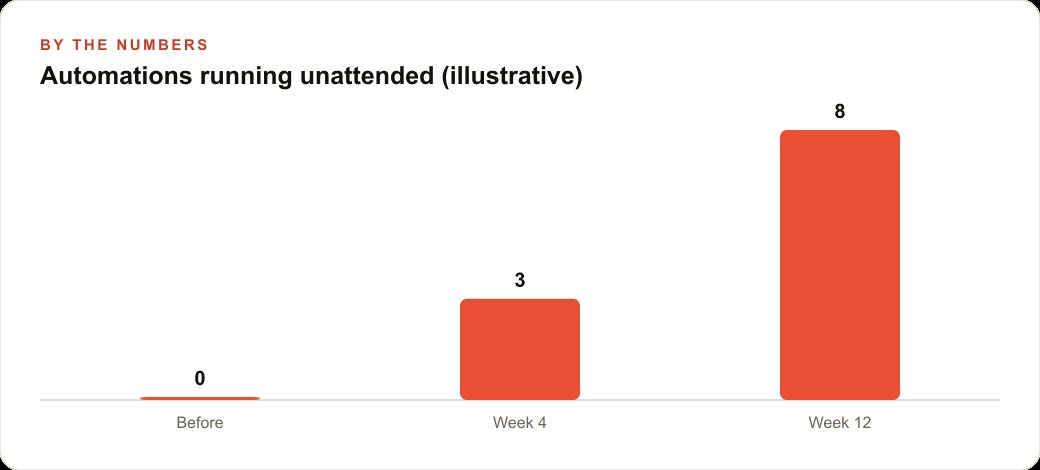
The first chore is fast and frequent. During business hours the office wants new online reviews spotted quickly and a reply drafted for the owner to approve. The office computer is on all day anyway and the timing does not need to be exact, so this is a textbook loop. One sentence of setup, nothing to maintain, and roughly every fifteen minutes it checks and drafts. Over a month that quiet loop might turn what used to be zero handled reviews into three or four thoughtful replies a week, simply because something was finally watching.
The second chore cannot depend on that office machine. Every morning the team wants a summary of the previous day's service requests, with the urgent no-heat or no-water calls flagged and draft responses lined up, so the first hour is not spent triaging. That must run at, say, 6 a.m. whether or not anyone left a computer on, which puts it squarely in a cloud routine. The illustrative payoff is real time back. If triage used to eat forty-five minutes each morning, a routine that arrives with the work pre-sorted can shrink that toward five, and it does it seven days a week without a person involved. Those recaptured mornings are also where paid demand gets handled faster, so leads coming from Facebook and Instagram ad campaigns get a same-hour response instead of an afternoon one, which is exactly where response speed turns into booked jobs.
The third chore is pure back office. Each night a job needs to update the revenue-and-jobs sheet and email a simple dashboard. There is almost no thinking here, so a deployed script is the cheapest correct answer, running on a nightly schedule and paying pennies only if a single step needs the model. Should the owner later want that script to actually reason about the numbers, spotting which job types are quietly the most profitable, the Agent SDK adds the brain back on top without rebuilding anything. And because the whole picture, the reviews, the requests, the revenue, now flows through structured tools, the same foundation feeds SEO and organic search later with almost no extra effort, since clean data is the raw material both jobs share.
Notice what happened. One business, three automations, and not one of them competing to be the "best" method. Each simply went to the home its two axes pointed to.
The discipline that separates working automations from expensive noise
If there is a single habit that matters more than tool choice, it is this. Decide the two axes first, out loud, before you build anything. Where does this work need to live, and how much autonomy does it actually need. Answer those two questions honestly and the method is no longer a debate. Fast and forgiving and machine-bound becomes a loop. Time-critical and machine-independent becomes a cloud routine. Predictable and cheap becomes a deployed script, with the agent added only when the job earns it.
The other discipline is trust earned slowly. An unattended automation is a prompt running with no one watching, which means a small mistake repeats itself at scale. So the first few days of any deployment are for watching, not walking away. Read what it does, confirm it behaves, and only then let it run in the background of your life. Get those two habits right, the axes up front and the supervised break-in period, and deploying automations stops feeling like a gamble on the right tool and starts feeling like what it really is, quietly delegating the repeating parts of your week to something that does not sleep.
Choosing the right home for each automation and wiring it so it runs reliably overnight is more subtle than any quick demo makes it look, and a misplaced automation either burns money or fails silently. You can absolutely set these up yourself using the framework above. If you would rather have your automations deployed on the method that actually fits each one and handed over already running, that is the kind of work I do for clients.
That is exactly what we do at AI DOERS. Book a private 30-minute call with Madhuranjan Kumar and we will map the fastest path to it for your specific business.
Book your call →
Madhuranjan Kumar
Madhuranjan Kumar brings 20 years of performance-marketing experience and has managed over $200 million in Facebook ad spend for brands across the United States and beyond. His expertise spans the full modern marketing stack: Meta, Google Ads, TikTok, email automation, CRM, and the websites that hold it together. At AI DOERS he turns that track record into lead-generation systems for businesses across every industry.