
The Cursor Workflow Nobody Talks About: Write the Docs Before You Build
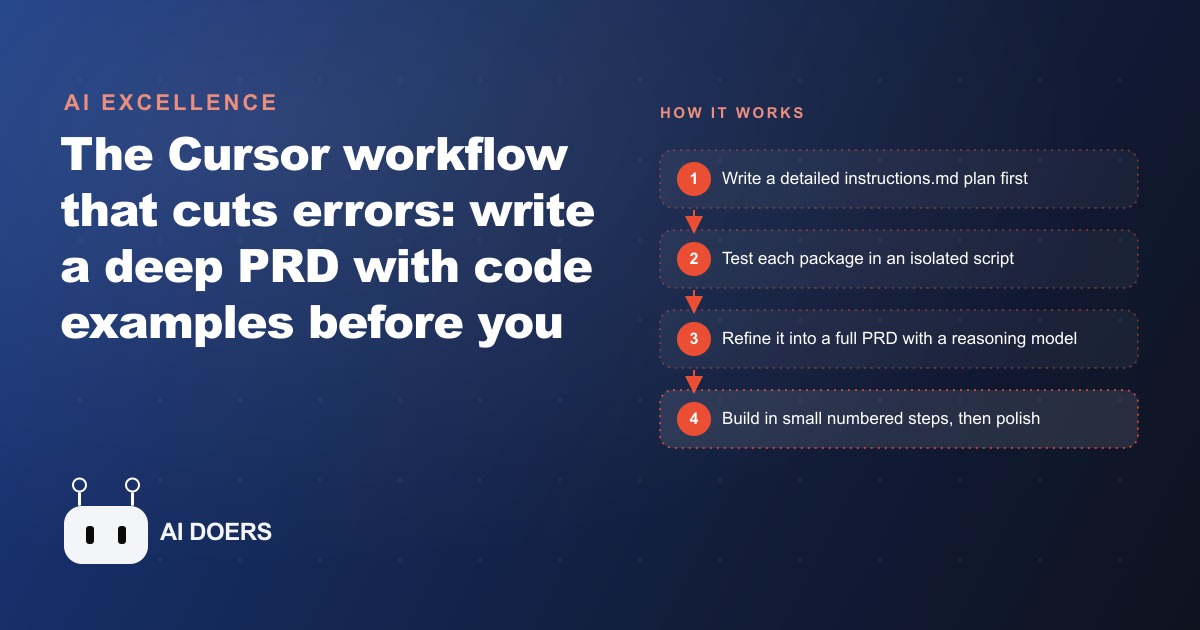
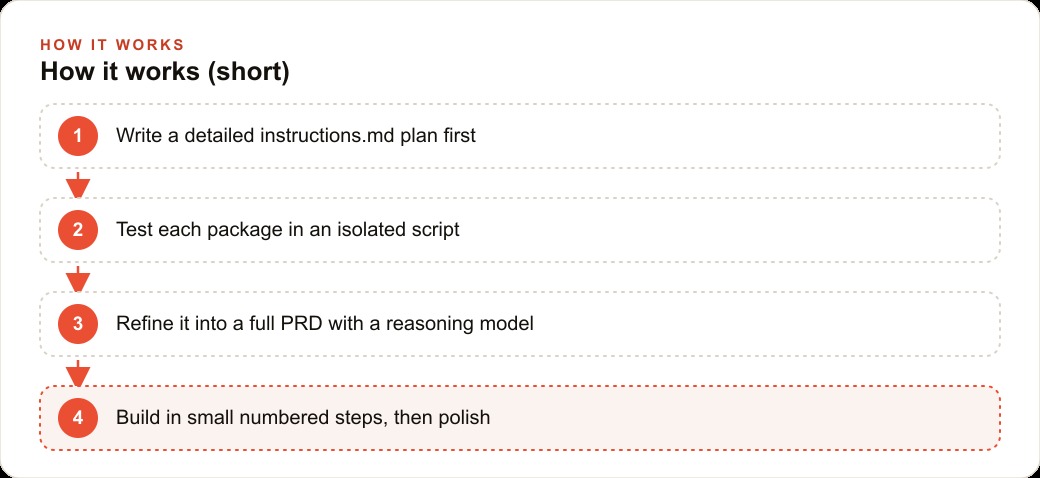
The most reliable way to build with Cursor is to write a detailed instructions file first, covering the overview, features, exact stack, tested code examples, and real file structure, then have a reasoning model refine it into a full PRD before Cursor writes a line.

The build that changed how I approach AI-assisted development was a restaurant reservation app. Not because it was technically complex, but because it was the first project where I forced myself to write a full planning document before touching Cursor, and the difference compared to my previous workflow was stark enough that I have never gone back. I am Madhuranjan Kumar, and what follows is the actual arc of that build: what I planned, where I got stuck, how the stuck parts got unstuck, and what the finished system cost to run. This is not a blueprint that generalizes to every project. It is the specific sequence of decisions that turned a project that would have taken three frustrating days into one I finished in a single focused session.
The wall I used to hit every time I skipped the planning step
The pattern was always the same. I would open Cursor, describe what I wanted to build, watch it generate the first screen impressively fast, and feel good about the momentum. Then the contradictions would start. A data model introduced in feature two would conflict with an assumption baked into feature one. The model would guess at a library version and guess wrong. An API route would exist in the model's generated code but not in the file structure the model had created three steps earlier. Each fix introduced two new conflicts, and by hour three I was spending more time debugging context mismatches than building features.
The fundamental problem was that Cursor was making hundreds of small decisions in sequence, with no document to constrain them, so each decision was independent of the ones before it. The result was internally inconsistent code that looked fine at the file level and broke at the integration level. No prompt in the moment could fix this because the prompt was the symptom. The cause was the absence of a shared context document that would have made consistent decisions the default rather than the exception.
Writing everything down before the first line of code
The restaurant reservation app had three surface-level requirements: guests could browse the menu, place a pickup order, and book a table. I had built similar things before by opening Cursor and prompting, and I knew what that produced. This time I started a blank document.
I wrote the overview in plain language first. Then I expanded it into features described as specific interactions, not categories. Not "menu page" but "a menu page showing items organized into category tabs, each tab revealing item cards with a thumbnail, name, short description, and price, with an add button that increments a cart counter in the header and opens a slide-in drawer." Not "checkout" but "a checkout page collecting name, phone number, and preferred pickup time from a dropdown of available slots in thirty-minute increments, with a confirmation step before submitting that shows the order summary and estimated total."
I named the stack explicitly. Not "Next.js" but "Next.js 14, with shadcn for UI components, Tailwind for CSS, and Lucide for icons." Not "some payment provider" but "Stripe, using the payment intents API, not the older charges API, with the secret key loaded from an environment variable named STRIPE_SECRET_KEY." Every gap I left in the document was a gap Cursor would fill with its own assumption, and assumptions were where the contradictions came from. Filling the gaps before the build started was the entire point. The document did not feel like code, but it was doing more work than any single prompt could.
Testing the reservation logic in isolation before it touched the main app
The part of the build I was most uncertain about was the table availability check. The app needed to show available time slots based on existing bookings in a database, and the logic for determining availability, accounting for party size, duration, and table capacity, was not something I wanted to debug inside a half-built application where the problem could be the logic, the schema, the API route, or the rendering.
I wrote a standalone script. It connected to a test database, inserted a few sample bookings with specific times and party sizes, and queried for available slots at a given date and time. I ran it. It failed with a type error on the timestamp comparison. I fixed the comparison. It ran and returned the right slots. That thirty-minute session proved the logic was correct before it was woven into anything else.
Then I pasted the working script directly into the planning document, under a section called "Reservation availability logic, tested and working." When Cursor later built the API route that handled booking requests, it used the code I had already proven rather than inventing its own version. There was no debugging session on availability logic in the main build. The logic was already solved, and the solution was in the document where Cursor could see it.
I did the same thing for the Stripe integration. I wrote a script that created a payment intent with a test key, returned the client secret, and confirmed the response format matched what the Stripe documentation described. The integration worked in isolation before it was wired into the checkout flow. Both working code examples became reference sections in the planning document. The pattern is simple: prove the risky part first, paste the proof into the spec, and let Cursor build against a known working example rather than against its own inference.
Running the spec through a reasoning model to expose the gaps it had not made
With the features written, the stack named, and the risky integrations proven, I fed the full planning document to a reasoning model and gave it one specific instruction: design the final file structure for this app with as few files as possible, and identify any feature interactions that the current spec does not address. The "as few files as possible" constraint is important. More files means more places for errors to compound. A build that works across eight files is more debuggable than one spread across twenty-two.
The reasoning model found three gaps. The cart state management was described in the feature section but not connected to the checkout page in the spec. The error state for a failed payment was not mentioned at all. The time zone handling for pickup slots was implicit and would have produced wrong results for users in a different time zone than the server.
Each of those gaps would have surfaced during the build as an error or as a feature that did not work quite right. Finding them in the planning document cost me twenty minutes of reading and updating the spec. Finding them during the build would have cost an unknown number of hours, because each gap would have disguised itself as a code error rather than a planning omission. The distinction matters: a planning gap solved in the document is free; the same gap solved inside a running codebase requires isolating the cause from everything else happening in the build.
I converted the final spec to clean markdown, including the file structure the reasoning model designed. The planning document now had an overview, features as specific interactions, the exact stack, two proven code examples, and a file structure for Cursor to build against rather than invent. The document was complete and the build had not started yet.
Building feature by feature and catching the first real error at the right layer
The build itself was faster than I expected. I asked Cursor to build feature 1.1, which was the menu page layout with category tabs and item cards. It built it. I accepted the changes, ran the project, and looked at the page. It matched the spec. Feature 1.2 was the cart state. Feature 1.3 was the header counter. Each step was small enough that if something broke, I knew which step had broken it.
The first error arrived at feature 1.4, which was the checkout form. Cursor built the form, but when I submitted it, the payment intent creation failed with a network error. The error came from the Stripe call, which Cursor had placed in a client-side component. A payment intent creation requires the secret key, and the secret key cannot live in client-side code without exposing it to anyone who inspects the browser.
I pasted the exact error and the relevant code into Cursor and asked it to find the root cause step by step. It identified the client-side placement immediately and moved the Stripe call into an API route, where it belonged. I had the working proof-of-concept from the isolation step to compare against. The fix took about four minutes, and it worked because the error was isolated to a single recent step rather than buried in a tangle of half-built features. That is the value of small steps: an error that appears in feature 1.4 is almost certainly in feature 1.4. An error that appears three days into a build-everything-at-once session could be anywhere, and the diagnosis costs proportionally more.
Adding a database cache and a cost logger before calling the app done
With the core working, the menu page, the cart, the checkout with Stripe, and the table reservation form, I added two things that are often skipped: a database cache and a cost logger. Both are easy to skip because the app works without them. Both matter in production.
The database cache solved a specific problem with the menu. Without it, every page load triggered a database query to fetch the menu items. On a quiet afternoon that is fine. On a busy Friday evening when forty people are browsing the menu simultaneously, it is unnecessary load on a database that is also handling real-time booking requests. A cache layer stores the menu response and refreshes it every few hours or when the owner updates the menu. The app serves the cached version for most requests, and the database handles actual writes and cache invalidations rather than reads on every page load.
The cost logger addressed a question I needed to answer before pricing this system for a restaurant owner: what does each AI-assisted booking suggestion cost to generate? The reservation app used a model to suggest available time slots based on natural language input, rather than a rigid dropdown. Every suggestion generation had a cost. The logger tracked each call and recorded the token count and the estimated cost. Over a testing session of about 200 calls, the average cost per call came out to roughly one cent. A restaurant taking 100 AI-assisted booking suggestions per day would pay about one dollar per day in model costs. That number is the one the owner needs before setting a pricing tier for the software. Without the logging step, the cost is unknown until someone gets a surprisingly large invoice. With it, the unit economics are visible before any commercial conversation begins.
What the finished app taught me about planning as a leverage point in AI development
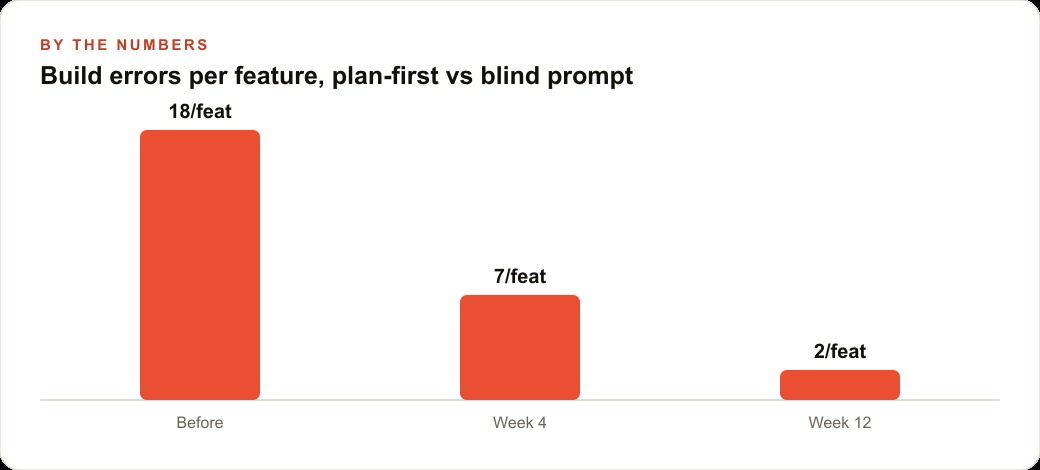
The reservation app was functional in one focused session instead of the three spread-over-days experience I had expected. The planning document took about two hours to write, including the isolation testing for Stripe and the availability logic. The actual build, with Cursor following numbered steps, took about three hours. The total was five hours for a working app with real integrations, a database cache, and known unit economics on the AI calls.
The two-hour planning investment did not add two hours to the project. It compressed the build from what would have been three days to one session by eliminating the entire category of errors that come from context mismatches. Every time Cursor made a choice, it made it against a document that already contained the context for that choice. Contradictions between choices vanished because the document constrained the choices before they were made.
There is also a less obvious benefit for anyone commissioning a build rather than building it themselves. A planning document written before the build is a scope document. It describes exactly what will be built, in enough detail that a developer, human or AI, can be held accountable to it. A restaurant owner who reviews and approves the planning document before the build starts is not just signing off on a plan. They are preventing the most expensive conversation in software development, which is the one that starts with "I thought you meant" after six hours of work have gone in the wrong direction.
The planning document is the build. The actual code is implementation of decisions that were already made. When the decisions are right, the code almost writes itself, and the debugging sessions that used to consume half the project timeline effectively disappear.
That is exactly what we do at AI DOERS. Book a private 30-minute call with Madhuranjan Kumar and we will map the fastest path to it for your specific business.
Book your call →
Madhuranjan Kumar
Madhuranjan Kumar brings 20 years of performance-marketing experience and has managed over $200 million in Facebook ad spend for brands across the United States and beyond. His expertise spans the full modern marketing stack: Meta, Google Ads, TikTok, email automation, CRM, and the websites that hold it together. At AI DOERS he turns that track record into lead-generation systems for businesses across every industry.