
The 6 Claude Code Skills Businesses Actually Pay For
After hundreds of hours in Claude Code, the skills that sell are the boring ones that save time, save money, or remove mistakes. Here are the six worth installing, plus a design bonus, and why selling the outcome beats selling the workflow.

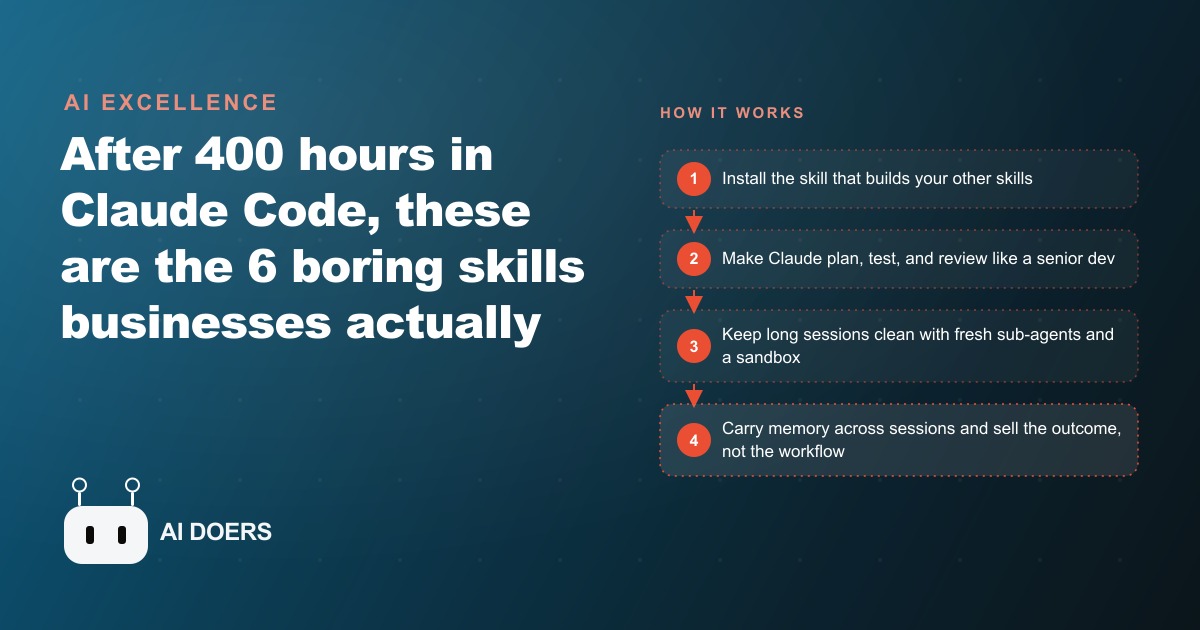
After hundreds of hours using Claude Code with real clients across real estate, service companies, coaching practices, and marketing teams, a clear pattern emerges. The skills that sell are the boring ones. Not the flashy demos. Not the speculative future cases. The skills that generate repeat client work and referrals are the ones that save time, save money, or remove mistakes from processes the client already runs every week.
I am Madhuranjan Kumar, and this is a report on what actually pays, with enough technical depth to put each skill to use.
A quick definition before the list: a skill is a markdown package that teaches Claude one specific job. A plugin wraps skills plus hooks and integrations, changing how Claude Code behaves at a lower level. These six are mostly skills, with one design bonus that rounds them out.
The skill that builds every other skill
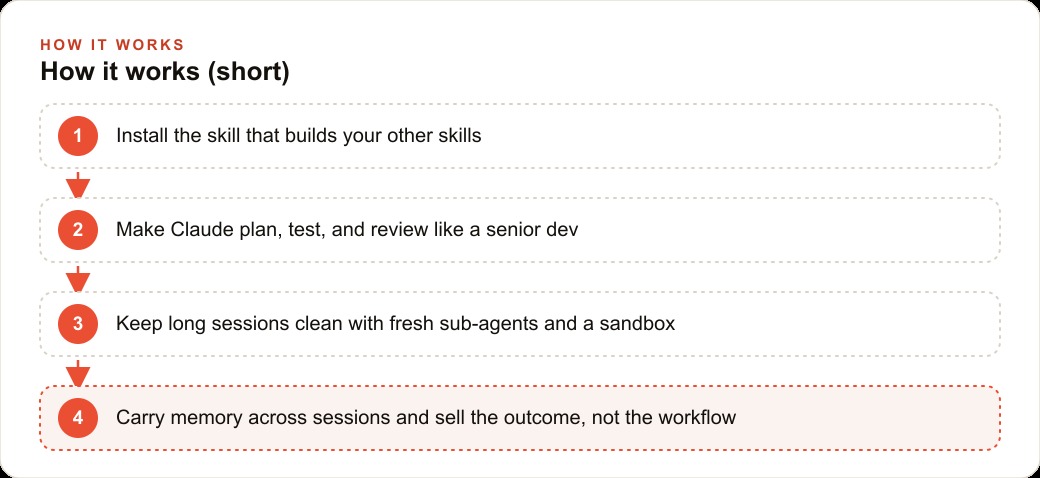
The first skill to install is Skill Creator, an official Anthropic skill that drafts, tests, and packages a new skill from a plain-English description. It is the factory. If a client has a standard operating procedure they want automated, you describe it to Skill Creator and get a reusable skill out the other side that encapsulates that process. You can even drop in an existing SOP document and have it build the skill from that.
The reason this belongs first is compounding. Once you have the factory installed, every new client workflow can become a skill rather than a one-off prompt. The investment in learning Skill Creator pays off on every subsequent engagement.
Making Claude plan, test, and review before it ships anything
The number-one failure mode in client AI work is rushed, sloppy code that breaks the moment the client runs it. Superpowers is the skill that kills that failure mode. It forces Claude to plan the full approach before writing a line, work in an isolated environment so nothing in the client's live project can be accidentally affected, write tests before implementing, and review the work twice before considering it done. It has over a hundred and fifty thousand stars on GitHub, which signals that a lot of people found the same failure mode independently.
For client work, this matters more than any individual feature. A client who ran a system you built and had it break on day one is a story that travels. A client whose system worked the first time and kept working is the story you want instead. Superpowers changes the base rate of that outcome.
Clean context across long sessions is worth more than most people realize
Two skills address the problem of long sessions: GSD and Context Mode. GSD, short for get stuff done, spawns fresh sub-agents with clean context for each task so the main session does not degrade into confusion as the context window fills. Its quality gates also catch a silent requirement drop, which is when the planning step acknowledges a requirement but the execution step quietly ignores it. That failure mode is common in long sessions and expensive when the client notices it.
Context Mode routes tool calls through a sandbox so only the useful output comes back to the model. A full browser automation snapshot can contain tens of thousands of tokens of irrelevant content. Context Mode compresses that down to the few hundred tokens that actually matter, which keeps the session efficient and reduces the token spend. It also logs events to a local database so a context compaction never causes Claude to lose track of what it was working on.
Together, these two skills are the infrastructure that makes long, complex builds survivable. Without them, a session that runs for two or three hours tends to produce subtly wrong output in the later stages because the context has drifted. With them, each task in a long session starts clean.
Two kinds of code review for two different risk levels
The built-in review skill does a fast local code check against common problems. It is for everyday use and costs nothing extra. It catches the obvious mistakes before they become pull requests.
The ultra review skill is different in kind. It uploads the branch to a cloud sandbox, spins up parallel reviewer agents, and only reports a bug if the agents independently reproduced it. The result is confirmed issues rather than style nitpicks and false alarms. Save this for anything touching payments, authentication, or a database migration, because those are the places where a missed bug is genuinely expensive and a false alarm wastes everyone's time.
Knowing which review to use and when is the practical skill. Most everyday changes get the fast local review. Anything that touches money, user data, or a production database gets the ultra review before it merges. That rule is simple enough to apply consistently and reduces the chance of a serious incident.
A memory layer that persists what matters across future sessions
Every time you start a fresh Claude Code session, the previous session's context is gone. The memory skill, often called ClaudeMem in the community, solves this by automatically capturing edits, decisions, and fixes into a local vector database as they happen. When you return to a project, it re-injects the relevant parts from past sessions rather than dumping everything in at once, which produces about ten times the token efficiency compared to loading the full history.
For client work, this matters at the handoff and at the follow-up. When a client comes back a month later wanting a new feature added to something you built, the memory skill means you pick up with context already in place rather than spending the first hour reconstructing what you did and why. That reconstructed hour is invisible to the client but visible on your token bill, and it is the kind of friction that makes follow-up work feel expensive when it should feel cheap.
For any client running ongoing content work, like SEO content that gets updated regularly, or campaigns built on Google Ads and Facebook and Instagram ads where creative and copy go through continuous iteration, the memory skill means each new session builds on the accumulated context of the previous ones rather than starting fresh. The work compounds rather than repeating.
Selling the outcome means the client never needs to know which skills you used
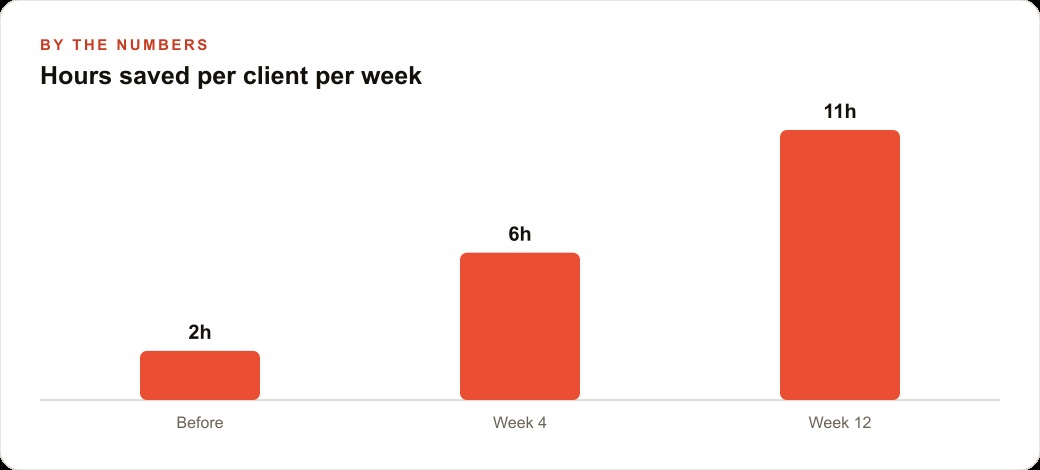
The positioning lesson is the one that makes the technical stack worth building. Owners do not pay for skills. They do not pay for tools. They pay for outcomes: ten hours saved per week, admin mistakes eliminated, leads followed up faster, reports produced without a staff member spending a Friday afternoon on them.
The way to sell AI work that holds up is to lead with the outcome and never mention the toolchain. A salon owner wants to know that the booking system you built will not double-book a stylist and will send the reminder at the right time. They do not want to know which skill you used to catch the requirement drop or which review tool confirmed the reminder logic before you handed it over. Those details are yours to manage. The outcome is what they buy.
For anyone building a practice around Claude Code, the advice that consistently holds is to pick one skill from this list, learn it deeply on a real project, produce a result you can describe in terms of hours saved or mistakes removed, and sell that outcome to the next client. Depth on one outcome sells better than a shallow demonstration of all six. Once one skill is paying consistently, stack the next one. The skills compound in the same way that the client relationships do.
That is exactly what we do at AI DOERS. Book a private 30-minute call with Madhuranjan Kumar and we will map the fastest path to it for your specific business.
Book your call →
Madhuranjan Kumar
Madhuranjan Kumar brings 20 years of performance-marketing experience and has managed over $200 million in Facebook ad spend for brands across the United States and beyond. His expertise spans the full modern marketing stack: Meta, Google Ads, TikTok, email automation, CRM, and the websites that hold it together. At AI DOERS he turns that track record into lead-generation systems for businesses across every industry.