
The 35 Vibe-Coding Terms That Turn a Prompt Into a Real App
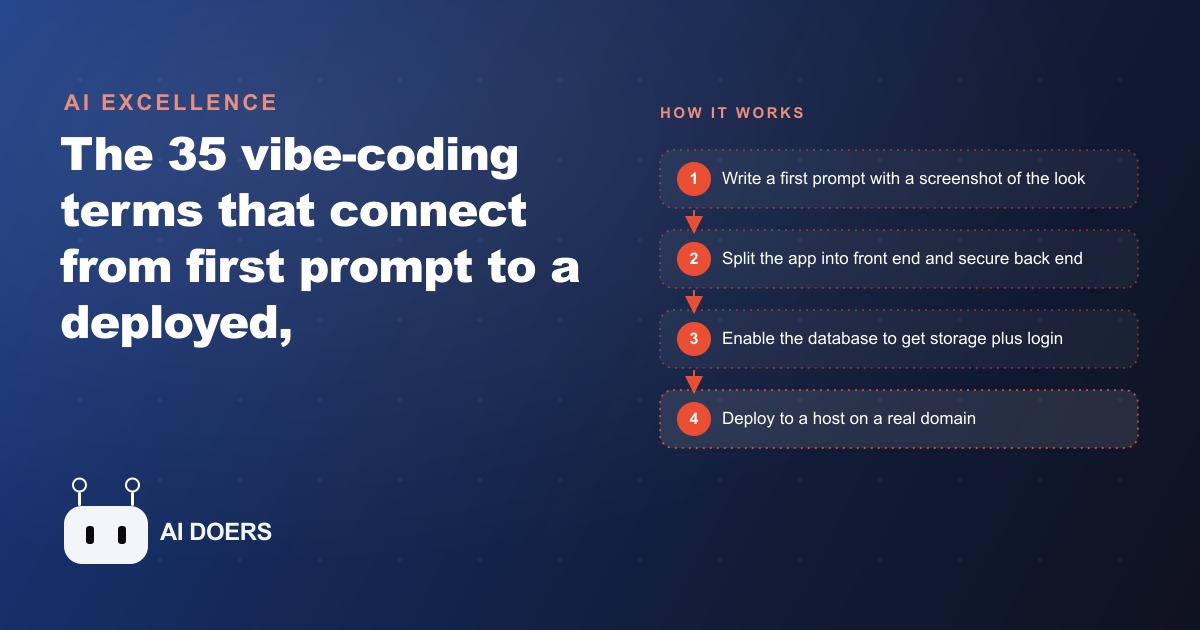
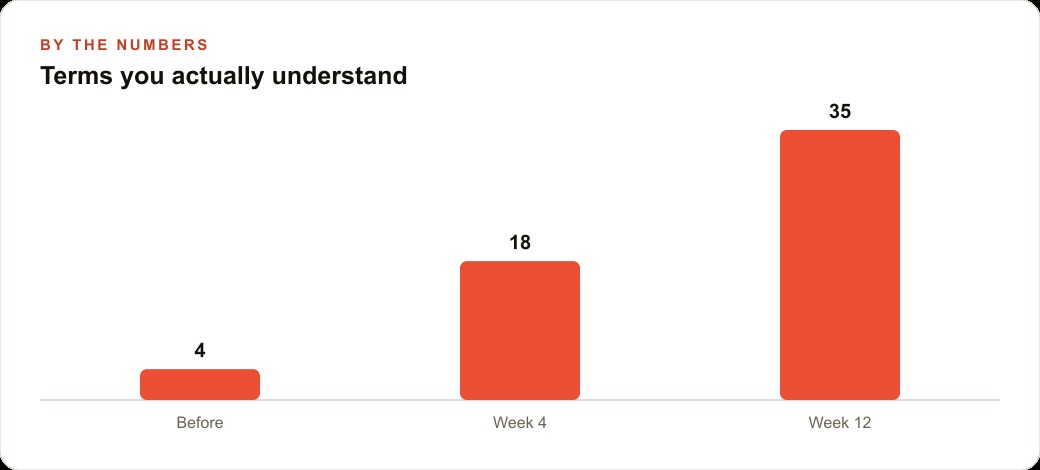
Vibe coding only clicks once you understand how a handful of core terms connect, from prompt to front end to database to deployment. Here is the mental map, with a worked example for a restaurant that wants its own ordering tool.

Nine months ago a veterinary clinic decided to build a patient-reminder app. The owner knew exactly what she wanted: a screen showing which patients were overdue for vaccines, an automated text message sent two weeks before each annual appointment, and a form where staff could mark a reminder as handled. She had the budget. She had a tool recommendation. What stopped the project was not the technology. It was the vocabulary. Every planning conversation with a developer left her feeling lost before the first technical decision was reached. Schema. Authentication. Back end. Webhook. Each word was a gap, and the gaps together made it impossible to hold the conversation long enough to start the build.
I am Madhuranjan Kumar, and this is the situation I encounter in some form in almost every conversation with a business owner who wants to build software but cannot get started. The vocabulary gap is the real barrier to creating custom software. Not the tools, not the cost, not the time. The words. Once you have a map of the words and understand why each layer of an application exists, you can direct a build, evaluate proposals, and make the decisions that only you can make as the person who knows the business. That map is what this piece provides.
A real application has five distinct layers. Each layer has its own vocabulary. Understanding them in order makes the whole thing intelligible.
The Interface Layer
The interface layer is everything a user sees and interacts with in the browser or on a device. Buttons, input forms, color, layout, navigation: all of it lives here. Developers call this the front end.
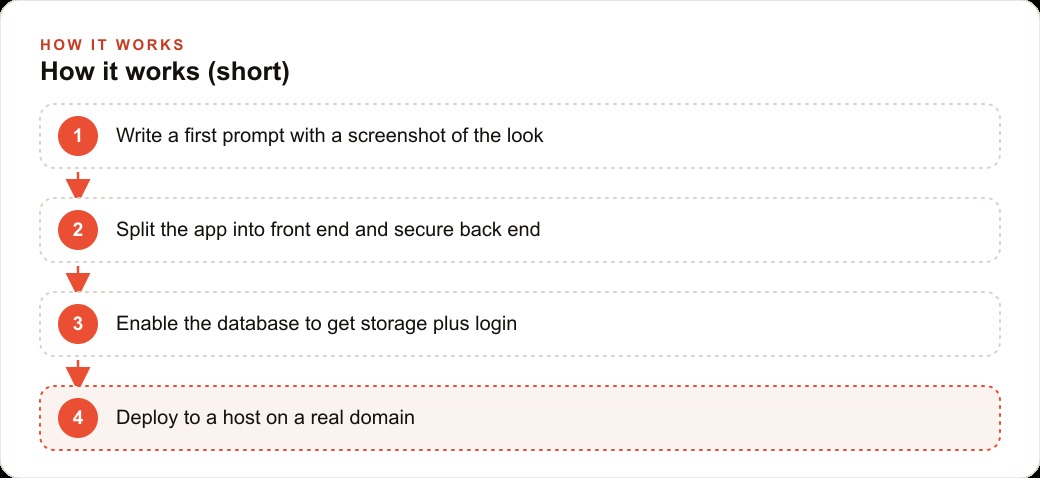
A prompt is the plain-language description you write to tell an AI coding agent what to build. In the context of software creation, your first prompt carries more weight than any other single input in the process, because the agent uses it to make hundreds of small decisions simultaneously. The most effective first prompt includes a screenshot of the interface you want. When you attach a screenshot, the agent matches the visual layout closely on the first pass instead of guessing at your intent and generating something you need to correct across multiple rounds of feedback.
Every subsequent message continues the same conversation. The agent holds the full context of what it has already built, so you can make small, specific adjustments rather than explaining the entire application from scratch each time. This is a fundamentally different working style from the way most people initially expect software to be built: not a single large specification delivered upfront, but an iterative back-and-forth where you guide the agent toward the result you want.
For the veterinary clinic, the interface layer includes the overdue-patient screen showing patient name, species, last visit date, and which vaccines are due. It includes the form staff use to mark a reminder as sent, and the preview screen where the manager approves the text message content before it goes out. All of this is front-end work. All of it is what a first prompt with an attached sketch or screenshot can initiate.
Component is a term you will encounter frequently in this layer. A component is a reusable piece of the interface, like a card that displays one patient record, that gets used in multiple places across the application. The agent builds components and assembles them into screens. Understanding that the interface is built from reusable pieces rather than drawn fresh for each screen explains why a change to the card design updates every place the card appears at once.
The Data Layer
Underneath the interface, every application that stores information uses a database. A database is the persistent record: it retains everything the application has ever recorded, even when the app is closed, the server is restarted, or the device is replaced.
Inside a database, information lives in tables. A table is structured like a spreadsheet where each row is one record and each column is one field. The veterinary clinic would have a patients table with columns for patient ID, owner name, species, breed, date of birth, and last visit date. It would have a vaccines table recording which vaccines each patient has received and when. The formal definition of those tables, including which columns exist and what type of data each accepts, is called the schema.
The schema is a design decision made before development begins, and it is worth thinking through carefully because changing it after records have been saved is disruptive. The agent can help you design the schema from a plain-language description of what the application needs to store. It will surface questions about edge cases you have not considered: what happens if a patient has multiple owners, whether a vaccine can be recorded as due without a date, whether the system needs to track which staff member logged each reminder.
Seed data is the collection of sample records you put in the database during development so the interface has something to display while you are working on the design. The clinic would create ten or fifteen fake patient records with realistic names, species, and dates so the overdue-patient screen looks like a real working tool while the layout and logic are being refined. Only after the design and the behavior are working correctly do you replace the seed data with real patient records.
The relationship between tables is part of the schema. The vaccines table references patients by their patient ID, creating a formal link between the two tables. This link is called a foreign key, and it is what allows the application to answer a question like "which vaccines has this specific patient received" by joining the two tables at the shared ID column. Understanding foreign keys is understanding how databases handle the real-world relationships between things, and it is one of the concepts that makes the most sense once you see it in a concrete example like the clinic.
The Logic Layer
The logic layer is the hidden half of the application that users never see. It runs on a server, applies the rules that govern how the application behaves, coordinates communication between the interface and the database, and calls external services when the application needs to do something beyond displaying and storing data. Developers call this the back end.
APIs are the primary mechanism for communicating with external services. An API is a formal interface for sending and receiving structured data. When the clinic's application sends a text message, it calls a messaging service's API to perform the actual sending. When it pulls appointment times from a booking tool, it calls that tool's API to request the data. API calls typically cost money, charged per request, which is one of the central reasons the back end exists: to manage those calls centrally and securely rather than allowing each user's device to make them independently.
An agent, in the software context, is a model equipped with tools that allow it to act rather than just respond. Where a plain model answers a question, an agent can call a tool to fetch data, use that data to decide what to do next, call another tool, and continue the loop until it completes a multi-step task. For the clinic, an agent could handle the morning overdue check: reading the patient database, identifying patients with vaccines due in the next two weeks, composing a personalized reminder for each one, and queuing them for review before sending.
Skills extend what an agent can do by adding pre-built capabilities it can invoke. A skill might allow the agent to post to a messaging platform, search a document library, or send a structured notification through a webhook. A webhook is a URL that your application publishes so that external services can trigger it by sending data to that address. When the booking tool creates a new appointment, it can send the appointment details to your application's webhook, and the application processes the new record immediately rather than polling the booking tool on a schedule to check for changes.
Logs are the back end's running record of its own activity. As the application processes each request, it writes log entries describing what happened at each step. When something breaks silently, meaning the application does not crash but produces the wrong result, the logs are where the diagnosis begins. The working pattern with an AI agent is to copy the relevant log lines and paste them into the prompt as context. The agent reads them, identifies where the behavior diverged from expectations, and proposes a fix that addresses the actual cause rather than a guess at it.
The Security Layer
The security layer governs who can access the application and what each person is allowed to do. It is the layer most beginners underestimate in the planning phase, and the one they most regret underestimating when the application goes into real use.
Authentication is the process of verifying identity. When a staff member opens the clinic application and enters a username and password, the application checks those credentials against stored records. On success, it creates a session token, which is a temporary proof of identity that the browser holds and sends with every subsequent request. The application reads that token to know who is making each request without asking for the password again. When the session expires or the user logs out, the token is invalidated.
Authorization is the question that follows authentication: given that we know who this person is, what are they allowed to do. A staff member at the clinic can log a reminder as sent and view the patients on their shift. A manager can also view the aggregate statistics, edit reminder templates, and disable a staff account. An unauthenticated visitor attempting to access any patient data receives nothing. The authorization layer encodes these rules and enforces them on every request.
API keys are the credentials that prove your application's identity to external services. When the back end calls the messaging service's API to send a text, it includes the API key as identification. This key must never appear in front-end code and must never be returned to the browser, because any person who obtains it can make calls that bill to your account, send messages in your name, or access your account data. API keys belong on the back end, stored in environment variables rather than in source code.
Environment variables are configuration values that live on the server separately from the application code. The messaging API key, the database connection string, the secret used to generate session tokens: all of these are environment variables. Storing them separately from the code means they can be changed without editing the application, and they are never accidentally included in a version-controlled repository or a shared file where unauthorized parties could read them.
The Deployment Layer
Building an application on a laptop produces something that works on that laptop. Deployment is the process of moving it to a server so it is accessible at a real domain, available around the clock, to everyone you want to reach.
A server is a computer that runs continuously and is reachable from the internet. Hosting services rent you access to server capacity without requiring you to manage physical hardware. For a small internal tool like the clinic's reminder application, hosting costs between five and twenty-five dollars per month at most providers. The domain is the human-readable address pointing at the server, and connecting a domain to a server involves a DNS record update that takes effect within minutes to a few hours depending on the provider.
The deployment workflow for a modern application typically involves pushing code to a repository, which triggers the hosting service to build and launch the updated version automatically. This pipeline means a change tested in development is live in production within a few minutes, without manual file transfers or server restarts. Most hosting services also provision SSL certificates automatically so the application runs over HTTPS, which browsers require for any page that accepts passwords or sensitive data.
For the veterinary clinic, deployment means the overdue-patient screen is available to every staff member from any browser at the clinic's subdomain. The automated reminder agent runs on the server each morning at six without requiring any laptop to be open and connected. Changes to reminder templates that the manager makes through the interface take effect immediately for the next morning's run.
The CRM and client management systems most clinics already use connect to the application through the APIs described in the logic layer, allowing patient records to stay synchronized between the reminder application and the existing practice management software. The deployment layer is what makes all of this accessible outside the developer's laptop, which is to say: it is what makes the application real. The same skill carries over the moment the clinic wants a public booking page sitting behind its Facebook and Instagram ad campaigns, because putting any front end live at a real address works identically once the five layers make sense.
From Vocabulary to Execution
The clinic's reminder application touches all five layers. The owner describes the interface with a screenshot. The data layer holds the patients and vaccines tables with a schema that captures their relationship. Seed data fills both tables so the design can be refined before real records exist. The logic layer runs the morning overdue check through an agent that reads from the database and calls the messaging API. The messaging API key lives in an environment variable on the server. Staff log in through the authentication layer, which ensures each person sees only what their role allows. The application is deployed to a server at a domain the clinic controls, running continuously, available to every staff member.
The vocabulary gap that stopped this build is exactly that: a gap, not a wall. The five-layer map above gives you enough grounding to direct a build, evaluate what a developer or an agent proposes, and make the decisions about how your specific business should work. Those decisions are the ones only you can make. Everything in the five layers can be handled by an AI agent given clear direction. Clear direction is the product of knowing the vocabulary well enough to describe what you want in terms the agent can act on.
That is exactly what we do at AI DOERS. Book a private 30-minute call with Madhuranjan Kumar and we will map the fastest path to it for your specific business.
Book your call →
Madhuranjan Kumar
Madhuranjan Kumar brings 20 years of performance-marketing experience and has managed over $200 million in Facebook ad spend for brands across the United States and beyond. His expertise spans the full modern marketing stack: Meta, Google Ads, TikTok, email automation, CRM, and the websites that hold it together. At AI DOERS he turns that track record into lead-generation systems for businesses across every industry.