
OpenAI GPT Image 2: Why It Ranked Number One and 10 Ways to Use It
OpenAI's GPT Image 2 was ranked the number one image model on arena.ai, beating Google's Nano Banana 2 by 242 points, mainly on text accuracy and realism. It is strong enough for packaging, ads, menus, and design mockups, and here is how I would put it to work.

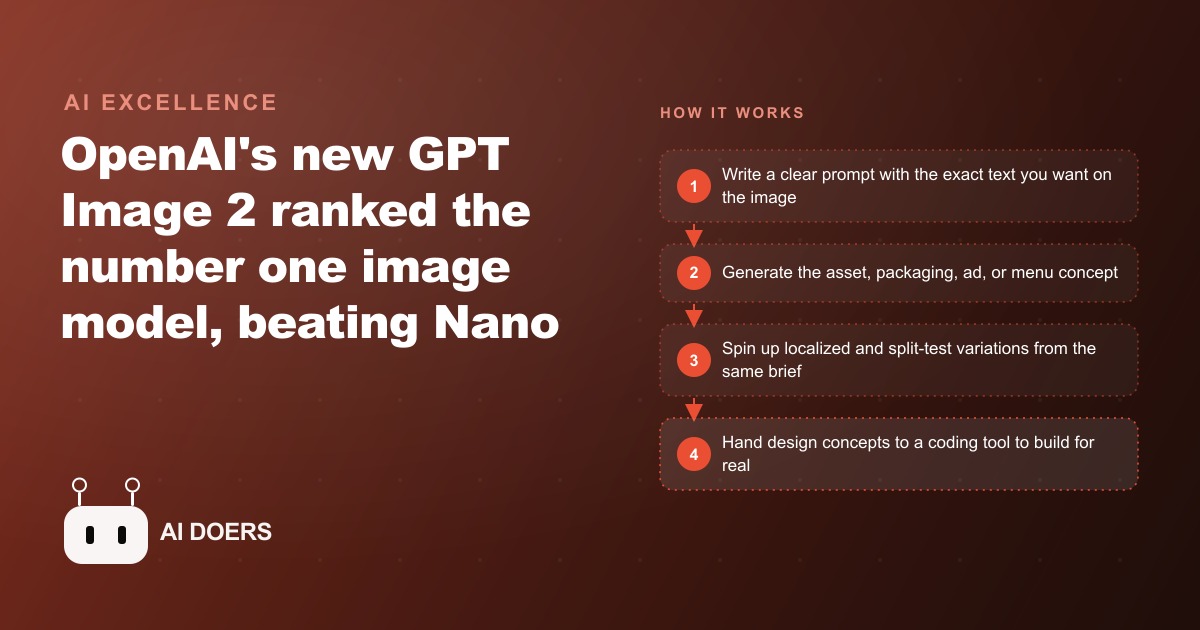
A new image model from OpenAI landed this week with a benchmark score that, according to arena.ai, creates the largest gap ever recorded between two major competing image generation models. GPT Image 2 beat Google's Nano Banana 2 by 242 points. In a benchmark where single-digit improvements are typical between model generations, 242 points is a structural separation, not an incremental update. Understanding what drove that gap reveals which commercial workflows just changed.
GPT Image 2 posted the largest benchmark gap between two major image models arena.ai has recorded
Arena.ai's image benchmark scores models against each other through direct head-to-head comparisons where human evaluators pick the better result, and the rankings update continuously as more comparisons accumulate. A gap of 242 points between GPT Image 2 and Nano Banana 2 is notable because benchmark gaps of this size between two major, well-resourced competitors are rare. Both companies have significant engineering resources. Both models reflect recent, serious development effort. The gap is not the result of one side neglecting the problem.
What the gap reflects is a discontinuous improvement in two specific capabilities that happen to be the ones that most determine commercial usability: text accuracy and photorealistic believability. Previous models often produced smeared characters, garbled words, and images that read as unmistakably generated. GPT Image 2 handles small text well enough to render legible nutrition labels, readable barcodes, and correctly spelled words at small sizes consistently. On photorealism, the improvement is not in technical fidelity but in a more commercially useful quality: candid believability. Images look like something taken on a phone rather than something rendered at too-perfect a precision to be mistaken for real.
Understanding the gap matters beyond the benchmark number itself. It tells you that the improvement is real enough to change how you should think about which visual tasks to delegate to AI generation versus human designers. A narrow benchmark gap suggests incremental improvement within the same category of use. A 242-point gap suggests capabilities have crossed into new use cases.
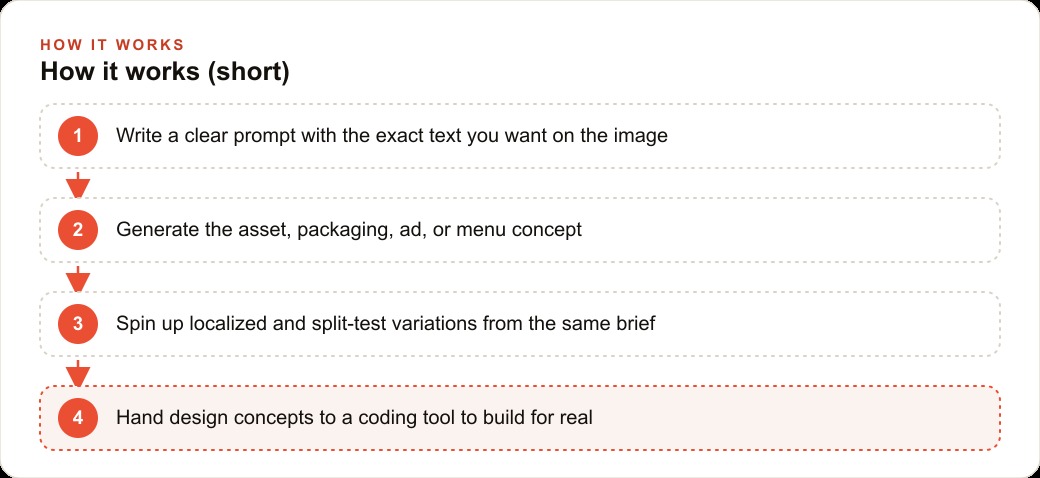
Text accuracy was the blocker that kept generated images out of commercial workflows. That blocker just moved.
Text in generated images has been a persistent problem since the first generation of diffusion models. Ask any image model from two years ago to produce a product label with specific text and the result would be a convincing simulation of letters that, on close inspection, resolved into nonsense. Nutrition facts panels came out with unreadable characters. Menus had plausible-looking text that said nothing real. Business cards rendered the company name with letters subtly wrong. Even when the overall image was visually impressive, the text made it unusable for any purpose where the words had to be correct.
That is not a cosmetic limitation. It is a commercial exclusion. Any workflow that requires correct text in an image, which includes product packaging, menus, service graphics, ad creative with specific pricing or offers, business collateral, and compliance-adjacent documentation, was effectively outside the reach of AI image generation as long as text accuracy was unreliable. The workaround was to generate the image background and add text manually in a design tool, which added steps, added software, and still required someone with layout skills to make it look right.
GPT Image 2 does not make text perfect in every case, but it crosses the threshold where correct text in a commercial image is the expected result rather than a lucky outcome. A product label with a real ingredient list, the right font hierarchy, and a legible barcode-style element is now achievable in a prompt rather than a design brief to a human designer. That moves AI-generated images from conceptual use cases into operational workflows for a wide range of businesses that previously could not use them.
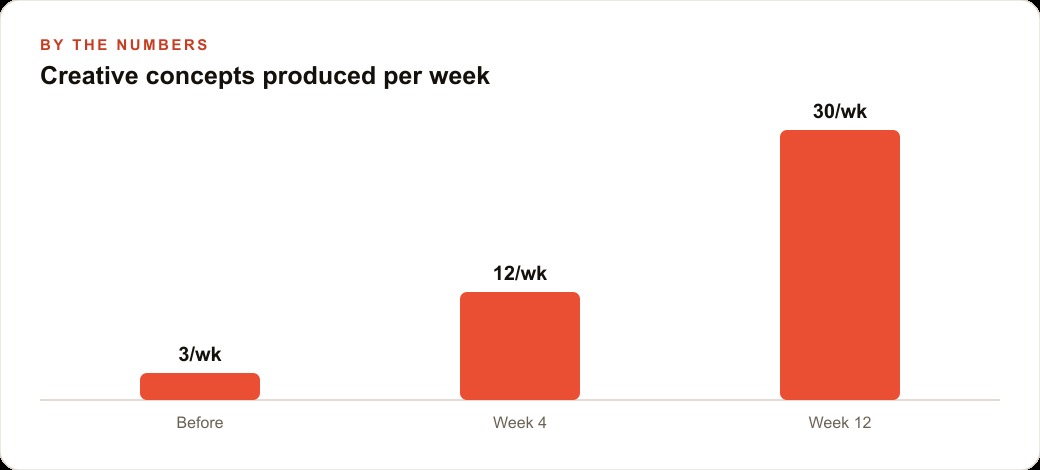
Photorealistic believability is a different test from photographic fidelity, and the model passes the harder one
There is a meaningful distinction between an image that is technically accurate to photographic norms and an image that a viewer believes is a real photograph. Many generated images achieve the first without achieving the second: they are technically sharp, correctly lit, and accurately composed, but they feel produced rather than captured. The perfection itself reads as artificial. The lighting is too even, the surfaces too clean, the composition too deliberate. A trained eye spots it immediately, and even an untrained eye often senses something is off without being able to name it.
The candid-style realism in GPT Image 2 is notable because it targets the harder quality deliberately. Slightly imperfect framing, natural variation in lighting, the visual impression of a moment captured rather than staged: these are the elements that make a real photograph read as real, and generating them is a different kind of challenge than generating a technically correct image. It requires the model to introduce the right kind of imperfection rather than optimizing toward a technically ideal result.
For businesses producing user-generated-style content, which is one of the most consistently high-performing formats in paid social advertising, this capability matters directly and immediately. Generating a realistic selfie-style ad for a skincare product, with believable lighting and a correctly rendered label visible in the frame, is now within reach from a text prompt. The result looks like an authentic customer photo rather than a produced ad, which is the visual format that drives the highest engagement and lowest cost per click in current social advertising environments.
The use cases this unlocks for businesses that were still sending visual work to agencies
The combination of text accuracy and photorealistic believability unlocks a specific category of commercial visual work that was previously out of reach for AI generation. Product packaging mockups with correct nutrition facts, ingredient lists, and label text can now be produced in minutes for concept review before investing in physical samples. Menu boards with legible dish names, descriptions, and prices can be updated as often as needed without a designer's involvement. Ad creative with specific offer text, correct pricing, and localized variations in multiple languages is now a prompt rather than a multi-day agency project. Listing photos for delivery apps that look like natural phone photography rather than studio renders can be generated at the volume needed to test different dishes and angles.
Each of these was either sent to a human designer or not done at all, because doing it poorly was worse than not doing it. The timeline for a designer-produced packaging concept, through briefing, first draft, revision, and approval, runs to days at minimum. The cost, whether through an agency or a freelancer, ranges from hundreds to thousands of dollars depending on the scope and the market. GPT Image 2 produces a first-version concept in minutes at roughly six cents per generated image, which changes the economics of the concept phase fundamentally.
The correct framing is not that this replaces the designer. It is that it replaces the concept phase, which is the part of the design process that costs the most time and the most money per usable output. A business that generates twenty concepts in an afternoon and selects the three worth developing further has done the creative exploration that previously required days of agency time and multiple briefing rounds, and done it at a total cost of approximately one dollar in generation credits.
The downstream effect matters too. When a business arrives at a design consultation with twenty generated concepts already in hand, the conversation with a designer changes completely. Instead of briefing from a vague description and waiting for a first draft, the business can point to specific concepts and explain what is working and what is not. That specificity compresses the revision cycle, reduces the total hours billed, and produces a final result that is closer to what the business actually wanted because the exploration happened before the meter started running.
What the 30-prompt head-to-head revealed about where the model still has limits
A structured 30-prompt comparison between GPT Image 2 and Nano Banana 2 used Claude Opus 4.7 as a neutral judge, chosen specifically because GPT Image 2 is an OpenAI product and Nano Banana 2 is a Google product, which would make either company's own tools a compromised evaluator. Claude Opus 4.7 scored each pair on five dimensions: artistic style, character consistency, handling of complex multi-element scenes, diagram quality, and user interface rendering quality. The entire comparison was built and run using Claude Code, which generated every image, executed the tests, and assembled two review dashboards from a single task brief.
GPT Image 2 won more categories across the 30 matchups. The margin was clearest on text-heavy images and candid-style photographs. The limits that showed up consistently were around high-volume repetition and rate constraints: cycling the same source image through many variations in a short window degraded quality noticeably, suggesting the model performs best when each generation is treated as its own session rather than a rapid iteration within the same thread. Hitting API rate limits produced results below the model's typical quality level.
At thumbnail scale, which is smaller than the model's intended output resolution, both models showed limitations that were not visible at full size. For any commercial use where the image will appear at small sizes, generating at full resolution and scaling down produces better results than generating at target size. Pricing between the two models is roughly equivalent at approximately six cents per generated image, which means the choice between them for any given workflow is purely about capability and fit rather than cost.
The test also revealed something about workflow design. Batching similar prompts together, with consistent style instructions and the same reference elements, produced more consistent results than generating images one at a time with varied prompt structures. For any business using this model at production volume, building a standard prompt template with locked style parameters and varying only the content-specific details is the practice that gets consistent quality across a full batch.
The concrete move: one visual workflow you currently pay for, tested against this model this week
The test that converts this from news into a business decision is specific. Pick one visual workflow your business currently outsources or delays because of design cost, and run a prompt through GPT Image 2 this week. If you are a restaurant owner paying a designer for quarterly menu graphics, generate one menu board layout. If you are an e-commerce seller paying for product listing photos, generate one product concept. If you are a service business that has never produced a polished service graphic because nobody on the team has design skills, generate one annotated before-and-after for a recent job.
The benchmark comparison becomes real when you measure the gap between that generated output and what the equivalent human-produced output cost in time and money. For a restaurant generating menu graphics, seasonal promotion images, and delivery-app listing photos, a realistic quarterly design cost with a freelancer or small agency is in the range of 800 dollars. GPT Image 2 produces a full quarter of that same content at concept quality for under five dollars in API credits. The generation cost for a full quarter's content runs to roughly 4 dollars and 80 cents for 80 images at six cents each. That is 795 dollars saved per quarter, or 3,180 dollars per year, before accounting for the time saved in briefing, revision cycles, and waiting for designer availability.
The practical workflow is to use GPT Image 2 for concepts and first versions, select the ones that work, and involve a designer only for final refinements on the assets that will go into the highest-stakes placements. That hybrid approach captures most of the cost savings while maintaining quality control on the final output.
Madhuranjan Kumar walks through exactly this kind of tool evaluation and integration with business owners who want to understand not just what a tool can do but how to wire it into an actual workflow that saves real money and time, rather than running as an isolated experiment that never changes how the business operates.
That is exactly what we do at AI DOERS. Book a private 30-minute call with Madhuranjan Kumar and we will map the fastest path to it for your specific business.
Book your call →
Madhuranjan Kumar
Madhuranjan Kumar brings 20 years of performance-marketing experience and has managed over $200 million in Facebook ad spend for brands across the United States and beyond. His expertise spans the full modern marketing stack: Meta, Google Ads, TikTok, email automation, CRM, and the websites that hold it together. At AI DOERS he turns that track record into lead-generation systems for businesses across every industry.