
Master 80 Percent of Claude Code as a Complete Beginner
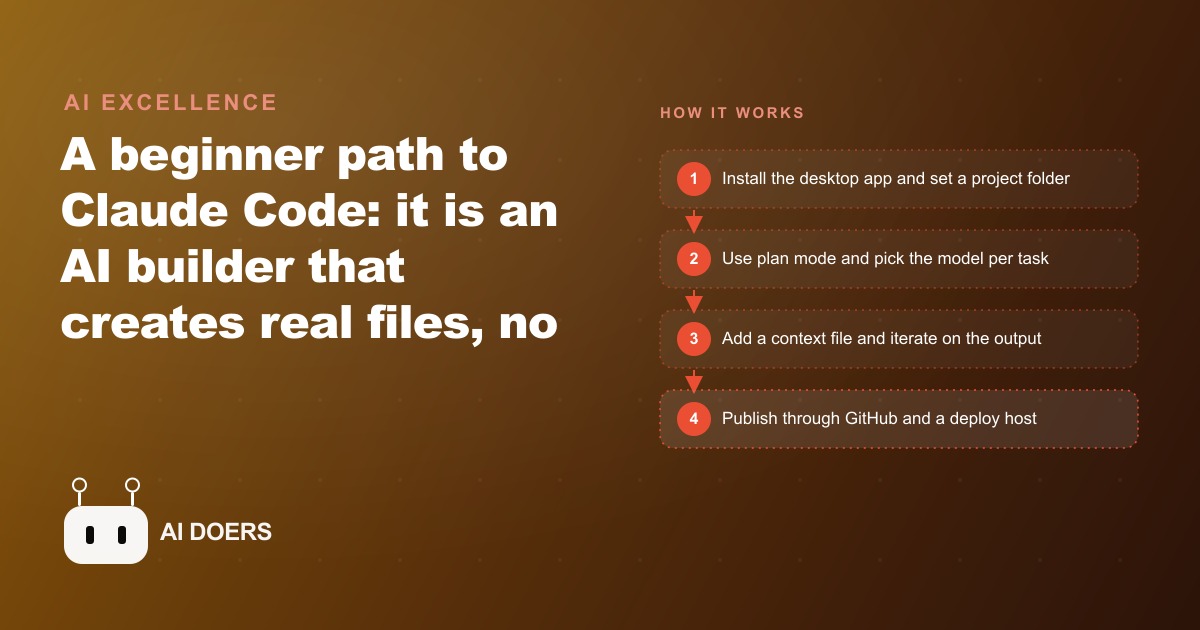
Claude Code is an AI builder that creates real files from plain English, no coding required. Here is the beginner path and how a hair salon could use it.

Small business owners are spending between fifteen hundred and four thousand dollars for custom web pages and digital tools they could build themselves in an afternoon. Claude Code has changed that equation, and the learning curve for someone without a technical background is shorter than most tutorials make it look.
I am Madhuranjan Kumar. This is the practical path from first install to a published page you can actually send to a client or customer. No coding required. No developer vocabulary to learn in advance.
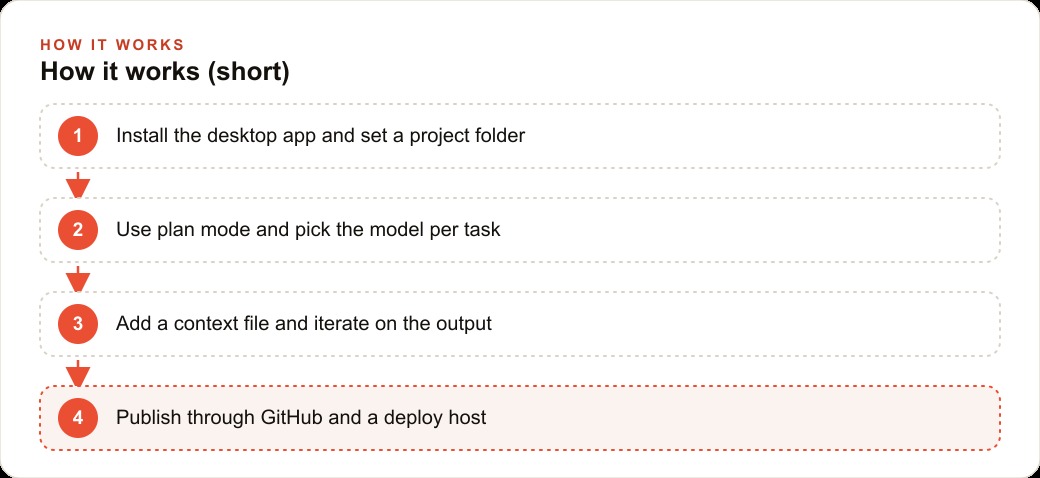
Install the desktop app and set your first project folder
The first decision shapes how the rest of the learning curve feels. Most Claude Code tutorials send beginners toward the terminal or a developer environment called VS Code. Those are the right starting points for professional developers and unnecessary friction for everyone else. The desktop app is the beginner path. Available for Mac and Windows, it installs in under two minutes and bundles three tools in one package: the AI builder, a chat interface, and a collaborative file tool called Cowork. You open it the same way you open any other application on your computer. Nothing to configure before you can start building.
Before building anything, create a fresh folder on your desktop and name it after the project. Claude Code only ever accesses the one folder you designate, which keeps projects isolated from each other and prevents accidental mixing of files between separate builds. Every project gets its own folder. The folder is the workspace. This habit takes thirty seconds and prevents real confusion once you have several projects running simultaneously.
The folder approach also makes publishing clean later. When you are ready to share the project with the world, everything it needs is in one place. When you come back to it in three months to update a price or add a section, you open the folder and pick up exactly where you left off without hunting through a cluttered desktop for files scattered across multiple sessions.
Pick the right model for the task you are working on
Claude Code gives you access to multiple AI models, and the choice matters for both output quality and credit cost. Use the most capable available model for the first prompt and for any planning work. Planning is the phase where errors are most expensive. A weaker model in the planning phase produces a structure that looks plausible but has architectural problems you only discover halfway through the build, at exactly the wrong moment to fix them cleanly.
For revision rounds and small targeted changes, a lighter model handles the same quality of work at significantly lower credit cost. The practical pattern across most projects: the strongest model for the first build and for any decision that affects the overall structure, a lighter model for every iterative round afterward. On a project that takes multiple sessions to complete, the savings from mixing models are real and compound with each round. Once the habit forms, it becomes automatic rather than a deliberate calculation.
The fastest available option handles quick single-question lookups cleanly but rarely has the depth needed for a strong first build pass. Reserve it for simple information queries and use the more capable models for anything that becomes part of your deliverable.
Run plan mode before a single file gets written
Plan mode is the step that separates beginners who get a useful first output from beginners who build something structurally wrong and have to start over. In plan mode, Claude Code describes the project in plain language before writing any files. You see the proposed layout, the color choices, the sections, the animations, and the technical structure described in readable sentences. You can read that plan, push back on anything that does not match what you want, revise it with a follow-up message, and only then tell it to build.
Catching a structural problem before it exists as files is fast. Catching the same problem after twenty files have been created is slow and sometimes means scrapping the entire session. For a non-developer, plan mode is the primary quality control step because you do not need to understand code to evaluate a plan. You read it the way you would read a designer's proposal and respond to it the same way: this section should appear before that one, I want the calculator above the services list, I do not want the sliding animation because it makes the page slow on mobile.
Before you prompt the plan, upload a screenshot of a website you admire. It does not need to be in the same industry or the same type of page. It needs to have the visual quality you are aiming at: a color relationship that feels right, a layout that is clean and readable, a navigation style that fits your brand. The plan that comes back reflects that reference rather than the default layout the model generates when given no visual guidance. For a service business where the first impression of a landing page determines whether a visitor calls or leaves, this single addition closes a meaningful gap between a generic first output and one that is close to what you actually wanted.
Build the context file that makes every future prompt smarter
The highest-leverage addition to any Claude Code project is a context file. It is a plain text document in a format called CLAUDE.md, and it goes in the project folder before you start prompting the actual build. Once it is there, every prompt you write benefits from the model already knowing your business, your brand voice, your customers, and the specific purpose of the project.
What goes in it: the business name and what it does, the services or products offered, who the typical customer is and what they care about, the tone that fits the brand, and standing instructions that apply to every output in this project. Standing instructions might include things like: always include the phone number in every call to action, always use this specific color as the primary button color, never use formal titles in the copy. Those instructions eliminate the need to repeat yourself in every prompt and gradually shape the project into something that actually fits your specific business rather than a generic template with your name swapped in.
The easy way to write this file is to open Claude in the regular chat interface and ask it to interview you about your business. It will ask fifteen or so structured questions about what you do, who you serve, and what the project should accomplish, then write the document for you. The whole process takes around fifteen minutes for a first project. Once written, most of it carries forward to future projects with minor edits. The quality gap between projects built with a strong context file and projects built without one is large and consistent. It is also the gap most beginner tutorials skip, which is why most tutorial outputs look generic and interchangeable regardless of the business they were built for.
Iterate on the output with targeted revision rounds
The first output from any Claude Code build prompt is a starting point. Treating it as a finished product creates frustration that is entirely avoidable. Treat the first build the way you would treat a first draft from a designer: it establishes the direction, places the core elements in roughly the right structure, and gives you something concrete to react to. Your job after the first output is to open it in a browser, look at it as a real page, and decide what to refine next.
Claude Code lets you select a specific section of what it built and give a targeted instruction about only that piece. You do not have to reprompt the entire project to change the navigation color or reorder two sections on the page. That precision matters because it keeps the parts you liked intact while fixing the parts you want to change. The workflow is: first build, review in a real browser, targeted revision, review again, another targeted revision. Three or four rounds typically produce something you would be comfortable showing to a customer or client.
Review in a real browser after every round, not just the last one. Seeing the output in a live browser catches rendering issues that look fine inside the Claude Code interface and look broken on screen in Chrome or Safari. If the page includes a phone number, a price, an address, or any specific factual detail about your business, verify it in each round. The model sometimes carries over placeholder text from earlier in the session, and a page with an incorrect phone number or a placeholder price creates exactly the wrong impression for a visitor who arrived from a paid advertisement or from organic search.
Add a screenshot reference when visual accuracy matters most
For any project where the look and feel carries business weight, a visual reference is worth adding before you prompt the plan. Upload a screenshot of a site with design qualities you want to match: a specific way of presenting pricing, a header layout that feels premium, a gallery treatment that shows work well. The model uses that image the same way a designer uses a reference board. It does not copy the site. It calibrates its visual decisions throughout the project so the output lands close to the aesthetic target in your head rather than a statistical average of all the pages it has ever seen.
This matters most for businesses running Facebook and Instagram ad campaigns where a visitor clicks an ad and lands on your page in a state of mild skepticism. The visual quality of the page they land on is often the deciding factor between a lead and a bounce. A reference-guided build that arrives closer to polished on the first pass is worth the thirty seconds it takes to find a screenshot.
Scale the setup with skills, connectors, and plugins
Three types of extensions become worth learning once the core build loop is solid and you have a clear sense of what good output looks and feels like.
Skills are reusable instruction files that teach Claude Code how to handle specific recurring tasks. A social media caption skill encodes your format preferences, your tone, and the call-to-action pattern you use across platforms. A pricing page skill stores your pricing structure and the layout that converts best for your customers. Skills install per project or per account and activate on demand without you re-explaining the requirements in every new prompt. You can find pre-built ones in a marketplace or ask Claude Code to write one based on work you have already completed.
Connectors link Claude Code to external tools you already use. A file storage connector lets the model build from real documents and spreadsheets you have created rather than invented placeholders. For anyone building tools that connect to a CRM and website stack, connectors are what allow outputs to reflect how the business actually operates rather than a generic approximation. A calendar connector lets it plan around your actual schedule. An email connector gives it access to draft and reference messages.
Plugins improve the quality of specific output types. A front-end design plugin makes interfaces look more polished and professional than the default output. These are worth adding once you have the instinct to recognize the difference a plugin makes. Adding extensions before you have that instinct adds complexity without proportional value.
Push to GitHub and publish to a deploy host to get a real link
Files sitting in a desktop folder are invisible to anyone who could benefit from them. The publishing step turns a local build into a shareable, maintainable web presence, and it is the step most beginners postpone because it looks technical from the outside.
Ask Claude Code to push the project to GitHub. It handles the technical steps, and you end up with the project stored in a repository you control with a complete version history. From there, connecting a deploy host like Vercel takes a few minutes: authorize it to access your GitHub account, select the repository, and it builds and deploys the project automatically. The result is a real web address you can share with anyone.
That address is also live and updatable. Every future revision you make in Claude Code can be pushed to GitHub, and the deploy host picks up the change and updates the live page automatically. You have closed the loop from idea to a working, independently maintainable presence without hiring a developer. Future updates take minutes rather than weeks and a development invoice.
For any business investing in SEO and organic search to bring visitors to their site, a page you can update independently has a compounding advantage over one that requires paying someone for every change. Every update you can make yourself is one more thing a visitor might find that answers their question and prompts them to contact you. The publishing step is what makes all of the building work matter in practice.
How a hair salon built an owned branded page with a color price calculator
Before this workflow, the salon had one online touchpoint for potential clients: a generic booking link from a third-party scheduling platform. The owner could not customize the appearance, add pricing context for color services, or adjust anything without logging into a system that charged monthly for features she rarely used. Every client who wanted to understand color pricing before booking had to call or send a direct message. That friction reduced the number of fully informed bookings and created a constant stream of pre-booking questions the front desk handled manually instead of spending time on clients already in the chair.
The context file the owner created described the salon in specific terms: three stylists, a focus on color services and Brazilian blowouts, a clientele mostly between 28 and 45, a brand voice that was warm and approachable without being casual, and a specific need for a color service calculator that helped clients estimate their appointment cost based on hair length before deciding whether to book.
Plan mode returned a four-section layout: a header with the salon name and a short brand tagline, a services menu with descriptions and base prices, a color service calculator with a hair length selector that displayed a live price estimate, and a booking call-to-action linked to the existing platform. The owner approved the plan, asked for two adjustments to the section order and the placement of the calculator above the services list, and approved the build.
Two targeted revision rounds followed the first output. The first adjusted the font sizing in the services menu. The second changed the booking button color to match the salon palette exactly. The result was a page the owner controls completely, with real service descriptions, accurate current prices, and a calculator that lets clients estimate their color appointment cost without calling first. It replaced the generic booking link for anyone arriving through search or social media.
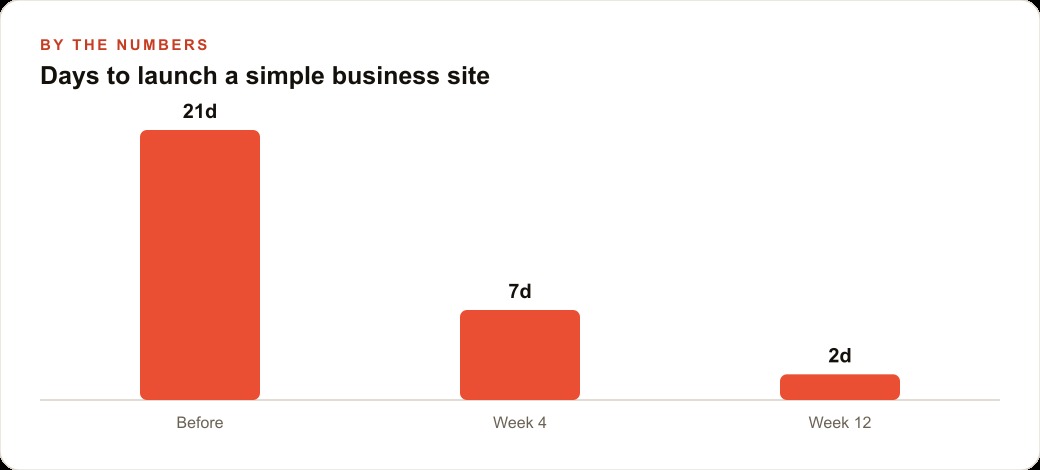
The estimated freelancer cost for an equivalent page with a custom interactive calculator: between twelve hundred and fifteen hundred dollars, with a two to three week turnaround and every future change billed as a separate job. The Claude Code version cost a modest credit spend and a Saturday morning. The owner now updates prices and services herself by prompting, without waiting on anyone.
That difference between what a custom digital tool used to cost and what it costs now is the business case in one example. What the owner contributed was knowledge of her business, clarity about what her clients needed before booking, and the fifteen minutes it took to write a useful context file. Those remain entirely her contributions. What changed is that she no longer needs a developer standing between that knowledge and a working result. The first project is the hardest one. Every project after it is faster, because the skills transfer directly and the instinct for what makes a useful prompt builds with each session.
That is exactly what we do at AI DOERS. Book a private 30-minute call with Madhuranjan Kumar and we will map the fastest path to it for your specific business.
Book your call →
Madhuranjan Kumar
Madhuranjan Kumar brings 20 years of performance-marketing experience and has managed over $200 million in Facebook ad spend for brands across the United States and beyond. His expertise spans the full modern marketing stack: Meta, Google Ads, TikTok, email automation, CRM, and the websites that hold it together. At AI DOERS he turns that track record into lead-generation systems for businesses across every industry.