
How to Host Your Claude Code Agents So They Run on Their Own
An automation built in Claude Code lives on your laptop until you host it. Move it to a cloud runner and it works on a schedule, retries failures, and runs even when your computer is off.

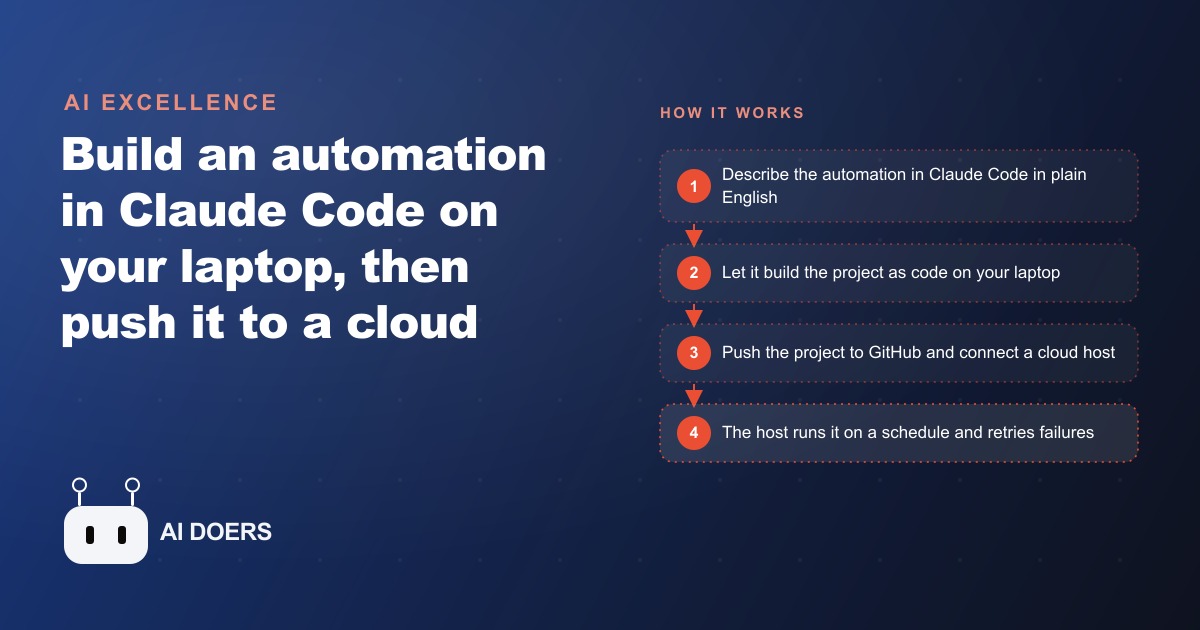
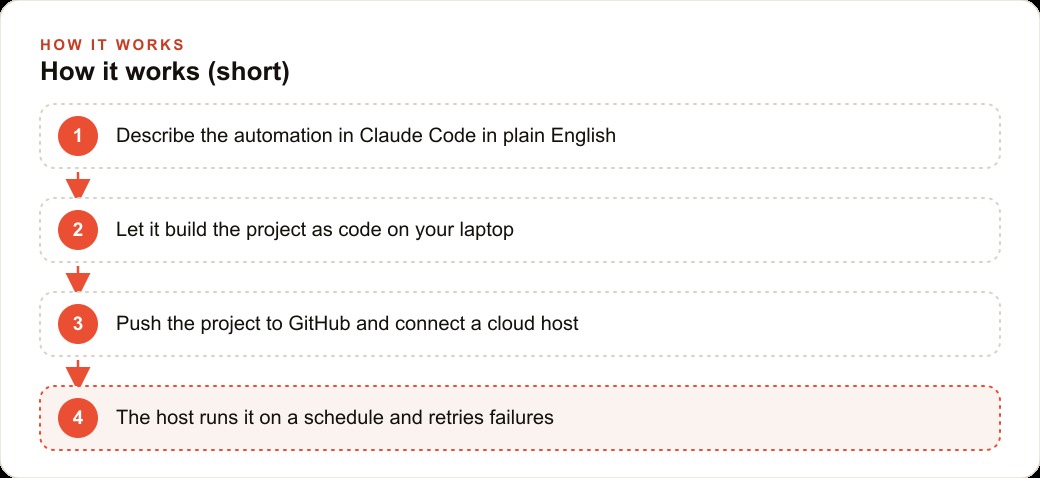
Build an automation in Claude Code on your laptop, and it runs when you run it. Move that automation to a cloud host, and it runs on a schedule, retries its own failures, and keeps working every week whether your laptop is open or not. The gap between those two states is the gap between a clever demo and a real business tool. I am Madhuranjan Kumar, and this is the path from one to the other.
Describe the automation in plain English and let Claude Code build the project
The starting point is a plain-English description of what you want to happen on a schedule. Not a technical spec. A description of the outcome. Tell Claude Code what data you want gathered, where you want it delivered, how often it should run, and what to do when a source is temporarily unavailable. Claude Code asks clarifying questions about the details it needs to make the logic reliable: what geography to cover, how to handle duplicate records, which source to try first and which to fall back on if the first is rate-limited.
The planning conversation matters more than most people give it credit for. A one-shot prompt that skips the planning phase produces something that looks like it works on the first test and breaks on the second real run because the edge cases were not designed in. Edge cases are cheap to handle in the planning conversation and expensive to fix after the automation is deployed. The duplicate detection logic, the fallback source behavior, the output format that matches whatever receives the data: all of these are questions the planning phase answers before a single line of code gets written. Claude Code can run in plan mode, where it researches the task and proposes an approach before executing anything, and using that mode on any automation that will run unattended is the discipline that separates reliable deployments from fragile ones.
Test the output locally before anything leaves your machine
The local test is the quality gate, and skipping it is the most common mistake in this workflow. If the automation does not run cleanly on your own machine with a sample of real inputs, it will not run cleanly on a cloud host that fires on a schedule you cannot always monitor. The test needs to cover the specific scenarios that matter: what happens when the primary data source returns an empty result, what happens when a record fails to save, what happens when the automation runs twice in a row and both runs try to create the same record.
The automation architecture that handles those scenarios reliably splits the work into smaller, focused workers rather than one large job. A finder step identifies the records to process. A creator step handles each record individually. That separation means a failure in Madhuranjan Kumar step for one specific record retries just that record rather than restarting the entire job from the beginning. On a long run that processes hundreds of records, the difference between these two designs is the difference between a failure that costs a minute and a failure that costs an hour.
Credentials management gets established in this phase. API keys and access tokens live in a hidden environment file on the local machine and never appear inside the code itself. The habit of using environment variables for all secrets, from the very first line of the first test, is the one discipline that prevents the most common and most costly deployment mistake: pushing code with embedded credentials to a repository that more people can see than you intended.
Push the project to GitHub and connect a cloud host
Once the automation produces correct output on real inputs on your own machine, it is ready to move. Push the project to a GitHub repository. This step does two things simultaneously: it creates a backup of the code outside your local machine, and it creates the deployment mechanism for every future update. The cloud host connects to the GitHub repository, and from that point forward every new commit automatically updates the live automation without a manual file upload.
The secrets that were in the local environment file get added to the cloud host separately through its secrets vault. The code references them the same way it did locally, through environment variable names. The values never appear in the repository. If a credential needs to rotate, updating it in Madhuranjan Kumar's secrets vault takes thirty seconds and requires no code change.
The cloud host provides the infrastructure that makes an automation a real business tool: scheduled triggers that fire at a specific time or interval without any machine staying on, automatic retry behavior when a step fails, task queuing so multiple simultaneous runs do not interfere with each other, and a log of every run that shows each step and its duration. That log is what makes debugging practical. When something goes wrong, the problem is almost always obvious from reading the step log rather than digging through code. The step that timed out, the step that returned an empty response, the step that wrote a record correctly but then tried to write it again: all of these show up clearly in the log and point to specific fixes.
Set the schedule and failure behavior before going live
The schedule and failure configuration is a design decision that most people make carelessly and then fix the hard way after something breaks in production. Setting a schedule without deciding what a failed run should do produces automations that fail silently, create gaps in the data, and require manual intervention to diagnose and restart. Deciding before launch what the failure behavior should be, retry with a two-minute delay, alert to a specific channel, or skip and wait for the next scheduled run, is a five-minute conversation that prevents hours of troubleshooting after the fact.
For a Google Ads account where the automation is gathering competitor data or managing a report feed, a silent failure on Tuesday produces a gap in the data that makes Wednesday's reporting misleading. For a business that uses the automation output as input to its CRM and website stack, a gap in the automated data feed creates manual catch-up work that the automation was supposed to eliminate. Retry behavior set at the right interval handles the transient failures that cause most production issues, typically a rate limit or a brief source outage, without any human involvement.
Monitor the first several runs and build confidence before reducing oversight
The first week of live runs is when the edge cases that were not covered in local testing appear. Not because the testing was careless, but because real-world data is messier than test data in ways that are hard to anticipate. A source that was reliably available during testing starts returning occasional empty results during peak hours. A record format that was consistent in the test dataset shows up with a slightly different structure in three percent of live records. A timezone edge case produces one duplicate per week that the duplicate detection logic was not designed to catch.
These are fixable problems and they are expected. The discipline is to watch the first week's run logs actively, not passively, so the fixes go in quickly and cleanly rather than accumulating into a problem that requires rebuilding part of the automation from scratch after it has run incorrectly for a month.
Once a week of runs shows clean logs with correct output and appropriate retry behavior on the occasional transient failure, the automation is ready for reduced oversight. The monitoring level drops from daily log review to a weekly check and an alert configuration that notifies if a run fails more than twice in a row without recovering. At that level, the automation is genuinely unattended. It does the work, logs the results, and alerts if something needs attention. The team that set it up has already moved on to building the next one.
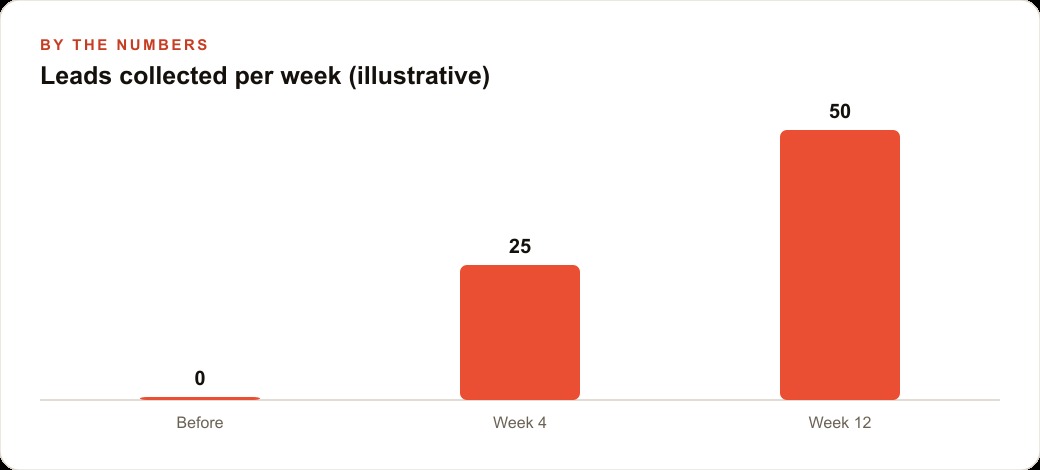
For a small fitness studio where the automation runs every Monday morning to gather fresh local leads and add them to a standing list, the numbers illustrate the compounding value directly. If the studio previously spent two hours per week on that research manually, the hosted automation reclaims roughly one hundred hours per year. Across a team where each person's time has real value for client-facing work, that reclaimed time is measurable in the revenue it enables rather than the administrative task it replaced. The automation does not just save time. It shifts what the team does with the hours it frees up, and that shift is where the real return lives.
That is exactly what we do at AI DOERS. Book a private 30-minute call with Madhuranjan Kumar and we will map the fastest path to it for your specific business.
Book your call →
Madhuranjan Kumar
Madhuranjan Kumar brings 20 years of performance-marketing experience and has managed over $200 million in Facebook ad spend for brands across the United States and beyond. His expertise spans the full modern marketing stack: Meta, Google Ads, TikTok, email automation, CRM, and the websites that hold it together. At AI DOERS he turns that track record into lead-generation systems for businesses across every industry.