
How Claude Code Routines Let Your Agents Run 24/7 Without Your Laptop
Claude Code routines are single prompts that run on Anthropic's cloud, triggered by a schedule, an API call, or a GitHub event, so your automations keep working with your machine off. Here is how I would set them up for a business.

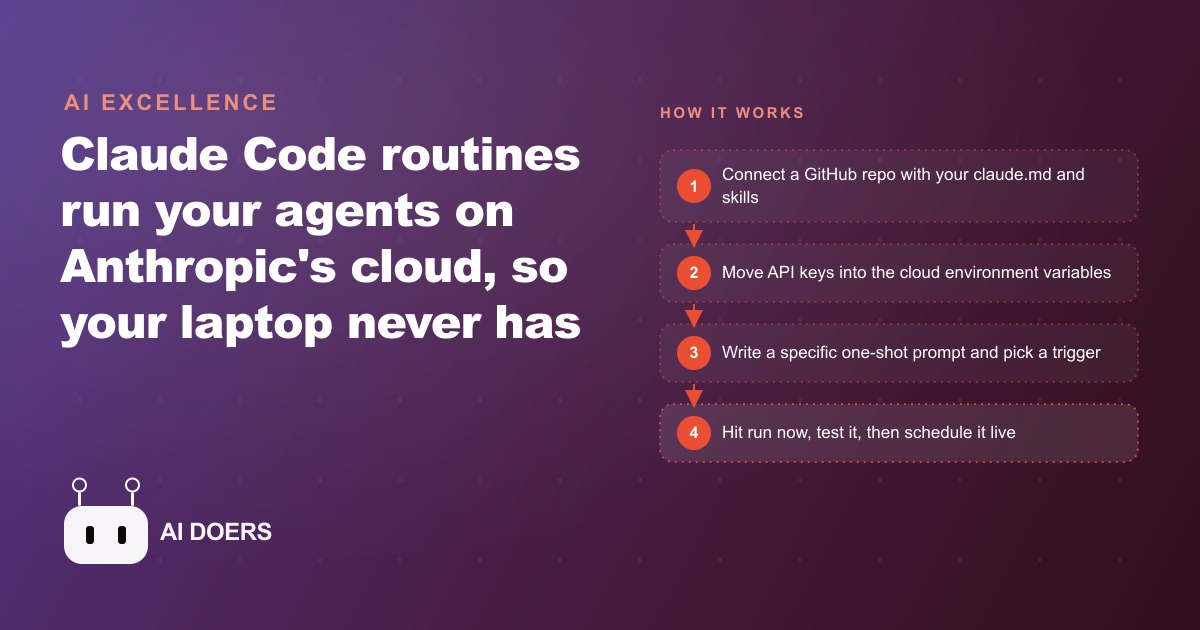
Claude Code routines are single prompts configured once that run on Anthropic's cloud instead of your computer. That one sentence is the whole mechanism, and it resolves the most persistent frustration of running AI automations: the machine dependency. A scheduled task or a recurring loop that needs your laptop open and a session active is fragile by design. Leave the desk, close the lid, or lose internet and the automation stops. A routine removes that dependency entirely. The prompt runs on infrastructure you do not maintain, on a schedule you set once, whether your machine is on or not.
I am Madhuranjan Kumar. This is the point where AI automation stops being a personal productivity experiment and starts behaving like a system a business can actually rely on.
Why leaving your laptop open for automations is a fragile dependency
The practical problem with machine-dependent automations is not that they fail dramatically. It is that they fail quietly. A weekly report that was supposed to run on Friday at nine does not run because the laptop was in a bag at nine. A nightly data cleanup stops after three days because the session timed out and nobody noticed. These are not catastrophic failures. They are the kind of low-grade unreliability that makes people stop trusting automated systems and go back to doing things manually.
A routine that runs on cloud infrastructure does not have this problem. The run happens regardless of what the local machine is doing. The reliability is structural, not dependent on anyone remembering to leave a session open. For a business that wants to actually hand off a recurring task to an automated system and not think about it again, this structural reliability is the prerequisite.
The three triggers that replace a running machine
A routine can fire in three different ways. The first is a schedule, with a minimum interval of roughly one hour. A nightly summary, a weekly report, a daily data refresh: these are all schedule-triggered runs. The second is an API call, meaning a webhook or another system can trigger the routine with a simple request. A new lead form submission, a customer event, or any external signal can fire the routine without a human in the loop. The third is a GitHub event, like a new pull request or a push to a branch, which makes routines natural for code review, automated testing, or documentation tasks that should happen every time the codebase changes.
The same routine can serve as a nightly job, an on-demand button, or a reaction to an external event depending on which trigger you set. The trigger decision is usually obvious from the task: recurring work goes on a schedule, reactive work goes on an API trigger, code-adjacent work goes on a GitHub event.
The environment variable problem that trips up every first routine
The most common failure mode when setting up a first routine is the missing API key. Your local project almost certainly has a .env file with API keys for the services it connects to. That file is gitignored, which is correct. But the cloud clone that runs your routine pulls the repository without the .env file, because gitignored files do not get pushed. The routine wakes up in an environment with no API keys and cannot connect to anything.
The fix is to move the keys into the cloud environment's environment variables. This is a separate configuration from the repository, specific to the routine's cloud context, and it persists across runs. Keys go in the environment variables, not the code.
The second part of the fix is being explicit in the prompt. A routine can keep failing because the agent looks for a .env file that is not there, finds nothing, and stalls. The instruction that prevents this is straightforward: tell the prompt explicitly to use the key from the environment variable and not to look for a .env file. That sentence in the prompt eliminates the most common reason first routines fail silently.
The access level decision and why trusted is the right default
Routines have two access settings. Trusted access restricts outbound requests to Anthropic-vetted domains. Full access allows any outbound request. Most connectors work on trusted. Some do not, and you only discover this when the connector fails on trusted and works on full.
The default should be trusted. Full access carries a small data exfiltration risk: an agent on full access that behaves unexpectedly could make outbound requests to arbitrary destinations. On trusted, the set of destinations is bounded and verified. The practical rule is to start on trusted, confirm whether the routine works, and only switch to full if a specific connector requires it. When you switch to full for a specific connector, note why in the prompt or in the repo so the reasoning is visible later.
Stateless runs and what they mean for cookie-based automations
Every routine run is stateless. The cloud clone is created at the start of the run and destroyed at the end. There are no files that persist between runs, no browser session, and no saved cookies. Each run starts from a clean repository state.
This has one important implication for automation design: anything that depends on browser cookies or saved session state will not work in a routine. A connector that authenticates through a browser login and stores the session in a cookie has no way to retrieve that cookie in a stateless environment. The fix is to use an authenticated API endpoint rather than a browser-based session. If the service you need to connect to offers an API with a token-based authentication, that token goes in the environment variables and the routine uses it directly. If the service only supports browser-based authentication with no API, a routine is not the right tool for that specific connection.
For most business automations, the services involved, email platforms, CRM systems, reporting tools, and data sources, offer API access with token authentication. The stateless constraint rarely blocks the most important use cases.
The run limit that determines how to scope each task
Routines have daily run limits that vary by plan. At the Pro level, roughly five runs per day. At Max, roughly fifteen. At Team or Enterprise, roughly twenty-five. Each run also has compute constraints: four virtual CPUs and sixteen gigabytes of RAM. These limits matter for scoping decisions.
A routine that needs to run many times per day quickly exhausts the limit. The right design is one routine per clearly bounded task, scoped so each run completes within a reasonable time and does not consume the entire daily budget. A large repository also affects runtime, since the clone pulls everything in the repo. Keeping the repo lean, with only the files and skills relevant to the routines it serves, keeps runs fast and within compute limits.
For a service business running routines for client reporting, lead follow-up, and content drafting, a sensible allocation looks like: a nightly reporting routine, a lead-triggered follow-up routine, and a weekly content-drafting routine. Those three together stay within the daily limit for most plans, run at predictable times, and can be tested individually before any of them touch a client.
For any business where Google Ads campaigns generate leads that feed into a follow-up sequence, or where Facebook and Instagram ads drive form submissions that need immediate response, a routine triggered by a webhook from the lead capture form is exactly the right architecture. The lead arrives, the webhook fires the routine, the routine drafts a personalized follow-up from the CRM data, and the reply goes out before a human has seen the lead. All of that happens in the cloud without anyone's laptop involved. The CRM and website stack that holds the lead data is the source the routine reads from, and the routine's output feeds back into the same system to log what was sent. The loop closes automatically.
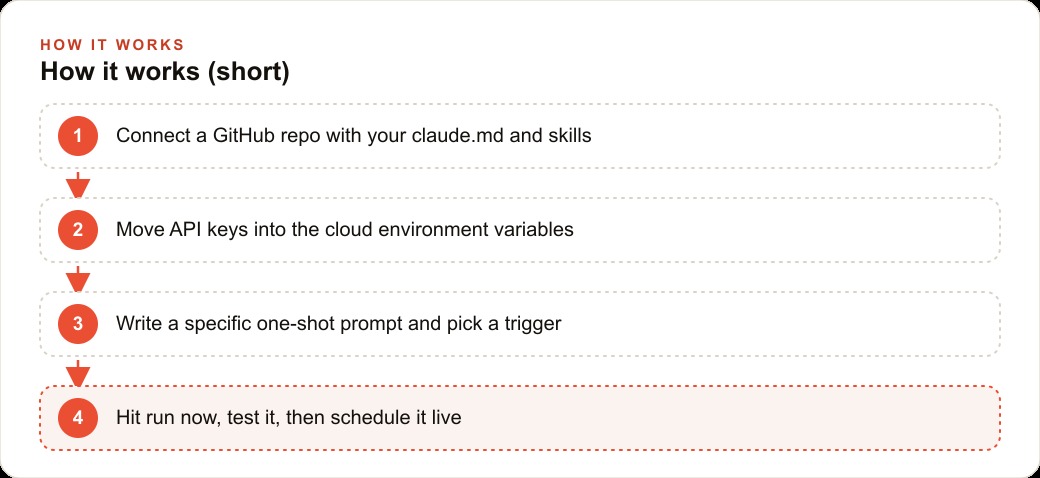
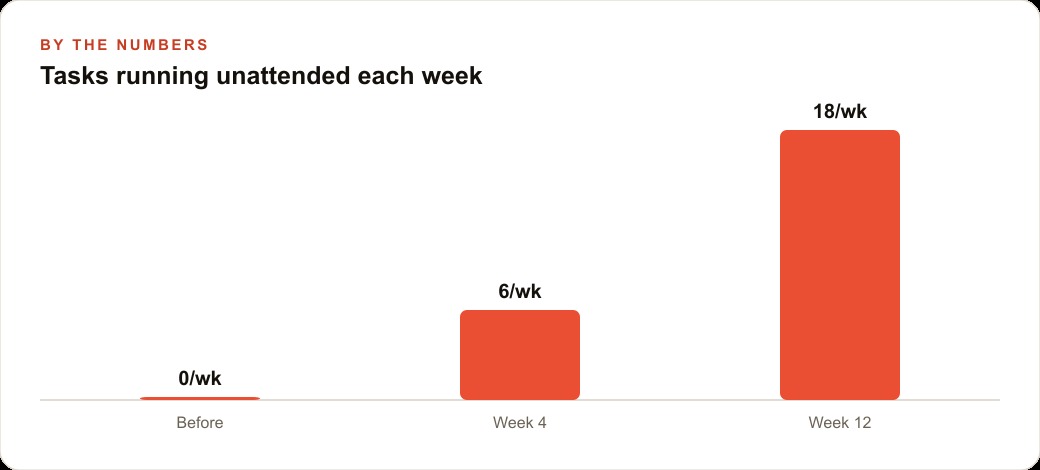
The first routine to build is always the smallest one: a single weekly task that currently takes manual effort and produces output that is easy to verify. Build it, test it with run now, correct it until it finishes without questions, and then schedule it. Once one routine runs reliably for two weeks, the pattern is established for every one that follows.
That is exactly what we do at AI DOERS. Book a private 30-minute call with Madhuranjan Kumar and we will map the fastest path to it for your specific business.
Book your call →
Madhuranjan Kumar
Madhuranjan Kumar brings 20 years of performance-marketing experience and has managed over $200 million in Facebook ad spend for brands across the United States and beyond. His expertise spans the full modern marketing stack: Meta, Google Ads, TikTok, email automation, CRM, and the websites that hold it together. At AI DOERS he turns that track record into lead-generation systems for businesses across every industry.