
Google Antigravity and the Rise of Managing AI Agents Instead of Writing Code
Antigravity is Google's agent first coding environment. Its standout feature lets you run many AI agents in parallel and even have them test the app in a real browser. Here is what it does and how I would apply the same idea to a real business.

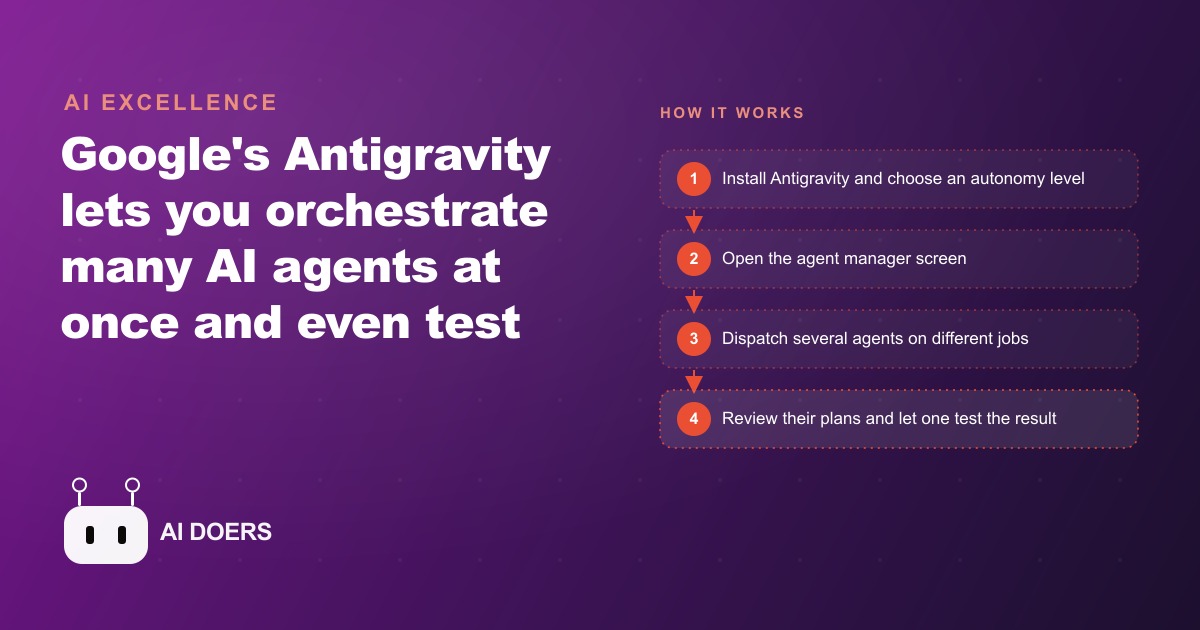
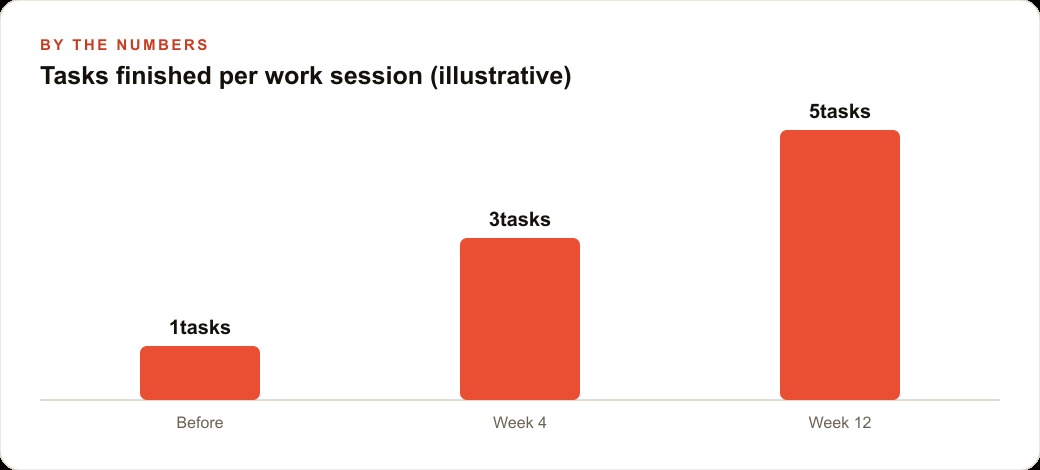
Google released Antigravity, a coding environment built around AI agents that can run several tasks in parallel, let you mix and match models per job, and even deploy a browser agent that tests the finished work in a real browser window. I am Madhuranjan Kumar, and the specific feature worth understanding is not any single capability but the workflow shift it represents: you stop writing code yourself and start managing a team of agents that write it for you. That shift requires a different approach than working with a single assistant, and getting it right is what produces the five-times-more-output-per-session result the tool is capable of.
Choose your autonomy level before dispatching a single agent
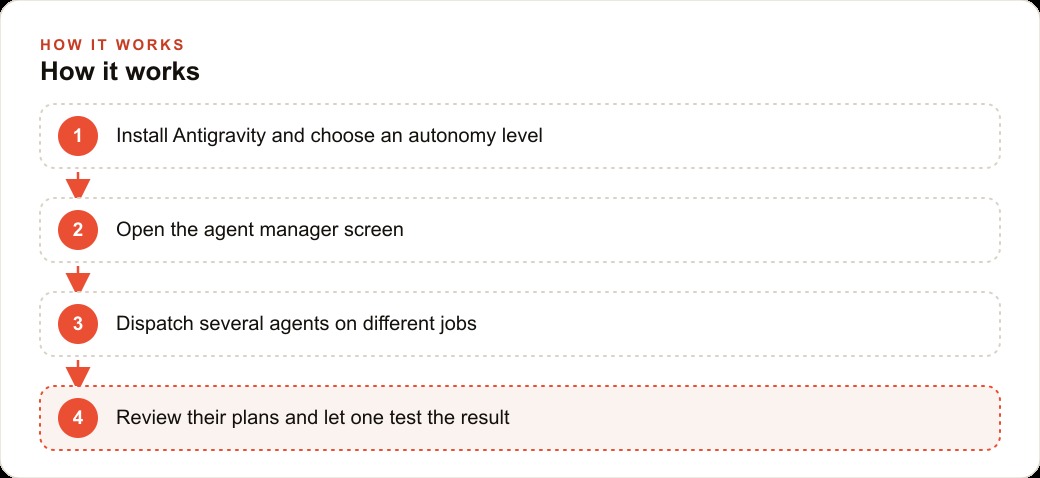
Antigravity is built on the same open foundation as many modern code editors, but its standout addition is an agent manager panel that lets you run many agents simultaneously from one clean view. The first decision you make is not which agent to use. It is how much autonomy the agents get. The setup screen presents a choice: agents can run commands and manage the interface themselves at full autonomy, or they can propose actions and wait for approval at a more conservative setting.
Full autonomy produces faster results and requires more careful framing. An agent with full autonomy that receives a vague task will complete it, but the completed task may reflect a perfectly reasonable interpretation of the vague instruction that is not what you intended. You then need to diagnose where the interpretation diverged and redo the work. For an existing project with files you do not want modified unexpectedly, the more conservative setting prevents unintended changes during the session where you are learning how a specific agent behaves on your specific codebase. For a fresh project where the agent is building from a clean slate, full autonomy with precise instructions produces clean first-pass results.
The autonomy level is not a permanent project setting. It can be changed between sessions as your confidence in the agent's behavior on your specific type of task increases. Starting conservative and moving toward full autonomy as the results earn that trust is the progression that avoids the expensive session where an over-trusted agent makes structural changes that take longer to undo than the session saved.
Break the work into clear parallel jobs before opening the manager
The agent manager is most valuable when the work is divided before the agents start. An undefined block of work assigned to several agents produces several overlapping, potentially conflicting partial implementations that require more integration work than if one agent had done the whole thing in sequence. A clearly divided set of independent tasks assigned to several agents in parallel produces several clean pieces that integrate without conflict because they were designed to be independent from the start.
The discipline of breaking work before dispatching takes five to ten minutes before any agent starts. Identify the components of the task that have no dependencies between them. The front-end layout and the API integration logic are independent: neither requires the other to be complete before it can start. The data model and the business logic that uses it are dependent: the business logic cannot be correctly written until the data model is finalized. Independent tasks go to parallel agents. Dependent tasks go to sequential agents. The sequence within the dependent chain happens before the independent tasks start.
This pre-dispatch planning is the step that determines whether the session produces five completed tasks or five partial tasks that each require individual integration work. A real estate agency using Antigravity to draft listing packages, neighborhood summaries, and comparable sales reports for new properties has three independent tasks per property: each can be dispatched to a separate agent simultaneously, producing all three outputs in the time it would take one agent to do the first one. That parallelism is the efficiency gain the tool is specifically designed to enable.
Assign models to tasks by strength, not by convenience
Antigravity is not locked to one model provider. The agent manager lets you choose which model handles which task, which means you can route jobs to the model best suited for each one rather than sending everything through a general-purpose all-in-one choice. A model that excels at structured architectural planning is not necessarily the best choice for generating polished front-end layout code. A model that produces excellent visual output is not necessarily the best choice for complex multi-file refactoring logic.
The practice of model routing by task type produces measurably better aggregate output than single-model routing across all tasks. The first session with any new workflow is the evaluation: run the same task type through two models, compare the outputs on the criteria that matter to your project, and use the results of that comparison to set the routing for future sessions. The comparison takes one session. The routing decision applies to every session that follows.
For a property management company using Antigravity to automate documentation tasks, the workflow clarity improvement from routing "write a client-facing property summary" to one model and "review the lease terms for unusual clauses" to a model stronger at structured document analysis is visible in the output quality of both tasks. Neither model is better overall. Each is better at one specific thing, and routing respects that rather than ignoring it for the sake of simplicity.
Read the artifacts before the code, not after
As agents work, they produce artifacts: written plans, task lists, step-by-step walkthroughs of what they are doing and why. Most users treat these as noise and skip to the final output. That is the mistake that produces the most rework.
The plan an agent writes before executing describes the approach it intends to take. If that approach is wrong, the implementation will be wrong, and the wrong implementation will be harder to correct than the wrong plan. Reading the plan and redirecting the agent with a comment takes minutes. Correcting a complete but wrong implementation can take hours. The artifact review is not documentation overhead. It is quality control at the cheapest possible moment in the build cycle.
Comments on artifacts steer agents mid-execution without stopping the session. If an agent's plan shows it intends to solve a problem in a way that will conflict with an existing component, a comment saying "this approach conflicts with the existing session state management in component X, use the same pattern as that component instead" redirects the agent before any conflicting code is written. The agent reads the comment, updates its plan, and continues. That redirection costs thirty seconds. The alternative is a completed implementation that conflicts with the existing component and requires debugging to identify the conflict and refactoring to resolve it.
Keep one hand on your own product while agents test it
The browser sub-agent in Antigravity is genuinely impressive: a specialized agent that opens a real browser, navigates the app, clicks through user flows, takes screenshots, and reports problems. It automates a category of quality checking that previously required a dedicated testing pass after every change. And it should be treated as a supplement to your own hands-on review, not a replacement.
The reason is not that the browser agent performs poorly. It is that automated testing catches the objective failures and misses the subjective ones. A button that is technically clickable but requires an awkward gesture to reach, a flow that completes correctly but feels confusing at a step that the test script does not flag, a design that passes every check but looks wrong in a way that is hard to specify programmatically: all of these require a human using the product to catch them. The browser agent tells you what broke. Your own use of the product tells you what feels broken.
For a real estate agency using this workflow to produce listing packages, the balance between agent testing and personal review is clear: the browser agent checks that every generated document contains the correct fields and that the final output package assembles without errors. The licensed agent reviews the content of the package before it reaches a buyer, because the professional judgment about whether a comparable sales analysis is complete and whether the property description accurately represents the listing is not a check that any automated test can perform.
The overall shift that Antigravity embodies, managing a team of agents rather than sitting beside a single assistant, is a real productivity change for knowledge work that involves producing many independent documents, reports, or code modules in parallel. The businesses that learn this manager mindset now, that spend five minutes dividing work before dispatching it, that read artifacts before code, that use the browser agent for objective checks and personal review for everything that requires judgment, will be operating at a different output-per-hour than those still working one task at a time. The tool is early and the rough edges are real. The workflow principle is sound and the advantages compound from the first week you apply it consistently.
That is exactly what we do at AI DOERS. Book a private 30-minute call with Madhuranjan Kumar and we will map the fastest path to it for your specific business.
Book your call →
Madhuranjan Kumar
Madhuranjan Kumar brings 20 years of performance-marketing experience and has managed over $200 million in Facebook ad spend for brands across the United States and beyond. His expertise spans the full modern marketing stack: Meta, Google Ads, TikTok, email automation, CRM, and the websites that hold it together. At AI DOERS he turns that track record into lead-generation systems for businesses across every industry.