
Google AI Is Much Bigger Than Gemini: The Five-Layer Stack
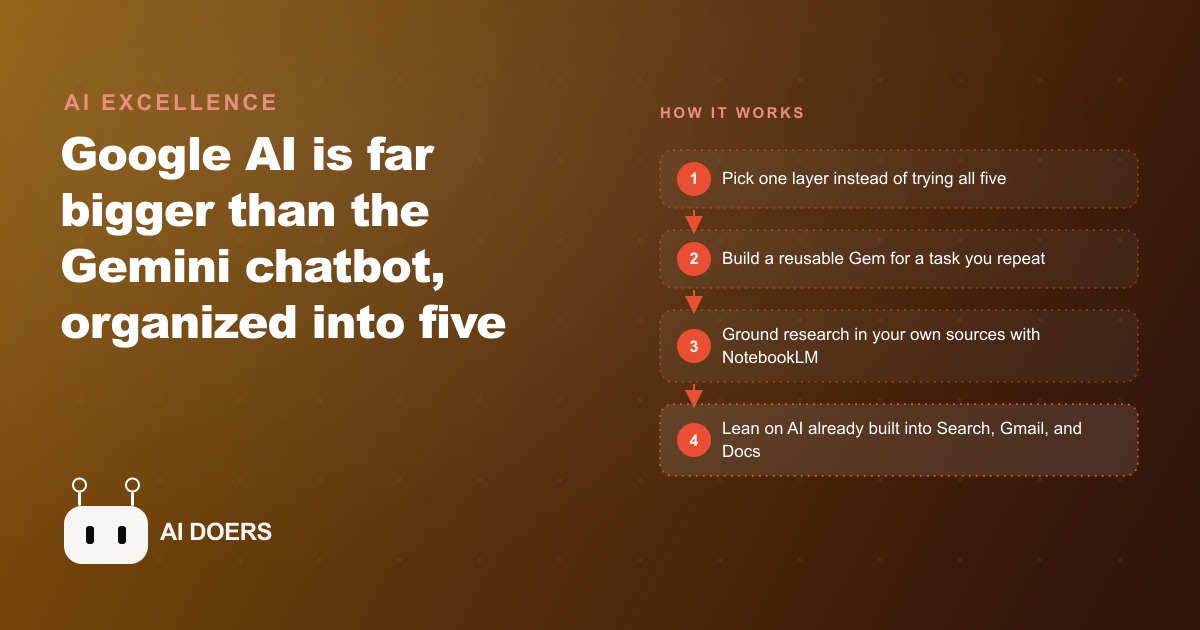
Google AI is not just the Gemini chatbot but a five-layer stack: Gemini with Canvas and Gems, content creation with Nano Banana and Veo, research with Deep Research and NotebookLM, building with AI Studio and Opal, and AI baked into Search, Gmail, Docs, and Meet. Here is how I would use the stack for a real business.

You already own five AI layers; you are probably using one
Most professionals I speak with describe their relationship with Google AI as "I use Gemini sometimes." What they mean is that they open the chat box, type a question, read the answer, and close the tab. That is one interaction pattern inside a platform that has five distinct layers, several of which do something meaningfully different from the chat box and at least two of which would save most knowledge workers hours every single week. The position I want to argue here is blunt: treating a five-layer AI platform as a slightly better search box is not a habit you have not had time to break. It is a real waste of something you are already paying for, and the fix is not another subscription. It is deliberate attention to what is already in your account.
The five layers are not arbitrary. Google has organized them by what they are good at. The first is Gemini itself, the chat interface plus Canvas and Gems. The second is content creation, covering image and video generation. The third is research, with Deep Research and NotebookLM as the two main tools. The fourth is building and automating, where AI Studio and Opal live. The fifth is AI baked into the apps most people already use every day: Search, Gmail, Docs, Drive, and Meet. Most professionals live entirely on the first layer and occasionally brush against the fifth without realizing it is a separate and intentional capability. The second, third, and fourth layers sit largely untouched, doing nothing for anyone who has access to them but never looked past the chat window.
The chat box is the least valuable part of your Google subscription
I say this as someone who uses chat interfaces constantly. The Gemini chat box is useful. It is not, however, the most valuable thing in the subscription, and defaulting to it for every task is the equivalent of buying a professional kitchen and using only the microwave.
The chat box is a generalist. It answers from its training data, which means it can give confidently worded wrong answers on specific questions, lose nuance across a long conversation, and produce generic outputs for generic prompts. The further your need moves from a simple question with a well-known answer, the less reliable the generalist interface becomes. Every professional who has had the Gemini chat confidently state a wrong fact, or produce a summary that missed the most important point, has encountered the ceiling of what a generalist is designed to do.
The parts of the Google AI stack that are worth learning are the ones that do not try to be a generalist. They are designed for specific classes of problems, which means they are far more reliable for those problems and far more valuable to anyone who uses them with intention. The chat box is the front door. Most people never walk past it into the rooms where the actual value lives. And the rooms are not hidden. They are in the same account, behind the same login, available today.
NotebookLM beats a hallucinating generalist every time for knowledge work
NotebookLM is the layer I consistently find underused relative to its value. The concept is simple: you load your own sources, whether documents, reports, transcripts, contracts, or research papers, and the tool answers questions using only those sources, citing exactly where each answer came from. The practical implication is that the hallucination problem, which is endemic to generalist AI, essentially disappears for the questions NotebookLM is built to answer. It cannot make up a fact that is not in your sources because it does not try to answer from training data. If the answer is in the documents you loaded, it finds it and shows you which document, which page, which paragraph. If the answer is not in those documents, it says so.
For any professional whose work involves reading and synthesizing documents, that is a significant capability. Legal teams reviewing contracts, marketing teams analyzing competitor materials, business owners making sense of a supplier agreement, consultants onboarding to a new client's industry: all of them are doing work that NotebookLM handles more reliably than a generalist chat that might fill in gaps from its training data rather than from the actual documents in the conversation.
The additional features compound the value. NotebookLM can generate mind maps and infographics from the sources it has loaded, which is useful for presentations and for making dense material accessible to colleagues who did not read all the underlying documents. It can produce audio overviews of its sources, which lets you absorb long research material during a commute or a walk without reading. It can transform the same source set into multiple formats depending on who needs to see the synthesis. The tool is versatile within its lane, and its lane covers a substantial portion of what most knowledge workers spend their time on.
Deep Research replaces two hours of manual synthesis with twelve minutes
The second research-layer tool is Deep Research, and it works differently from NotebookLM. Instead of answering from sources you provide, it goes out to the web, gathers from multiple sources including your own Gmail and Drive when connected, and returns a structured report on a question you ask. The synthesis typically takes around twelve minutes, and the output is a proper structured document with citations rather than a chat response.
Two hours is a conservative estimate of what manual research synthesis takes for a topic with any real complexity. Reading articles, taking notes, deciding what is relevant, checking sources against each other, and writing a summary that captures the key points without losing important nuances: most professionals who do this regularly would not call two hours unusual. For a thorough background report on a competitive landscape, a regulatory question, or a market trend, the realistic time investment is often higher. Deep Research compresses that into twelve minutes and delivers a document you can immediately edit, convert into a web page or infographic, or turn into an audio overview to share with someone who will not read a report.
The caveat that matters is timing. Deep Research is not real-time. It gathers from the web but the synthesis takes time, and the sources it finds may not reflect the last few hours. For time-sensitive decisions that depend on information from earlier the same day, checking primary sources directly remains necessary. For strategic background research, competitive landscape summaries, industry trend reports, and any question where a thorough synthesis is more valuable than a fast one, Deep Research is the right tool. The time comparison is stark, and for anyone who does this kind of research regularly, the value is clear within the first week of using it.
Opal is the automation play hiding in plain sight
Most professionals who use automation tools have encountered Make or Zapier. Both platforms let you build multi-step workflows by connecting apps and setting triggers. Both have a meaningful learning curve because they require thinking in flow diagrams and connecting nodes, which is more of a systems design task than a description task. Many business owners who want to automate a recurring workflow never do because the node interface feels too technical for the result they need, and the gap between wanting to automate something and being able to build the automation is wide enough that the want just stays a want.
Opal is Google's entry into this space, and its distinguishing feature is that you describe a workflow in plain language rather than drawing it as a diagram. You tell it what should happen, in what order, and under what conditions, and it builds the flow from that description. Changes to an existing workflow are also described in plain language rather than made by editing individual nodes. For someone who has a clear picture of what they want to automate but finds node-based tools cumbersome, Opal is a meaningful reduction in the technical threshold for getting started.
The workflows Opal handles well are sequential ones with a clear trigger and a defined set of steps. Research a topic, draft an outline from the research, generate an image to accompany it, post the finished result. That pattern covers a significant portion of the content and research workflows that small businesses and marketing teams run repeatedly, and the value of automating a weekly recurring workflow is not just the time it saves on that week. It is the consistency of having the workflow actually run on schedule, every time, without someone having to remember to do it.
The pest control company that built a full content engine from one subscription
I want to illustrate what happens when a business deliberately works through the Google AI stack rather than staying at the chat box. The example I use is a pest control company with a small team and no dedicated marketing staff.
The owner's time drain is content and compliance. Every season brings different pests, which means different treatments, different customer concerns, and different safety questions. Writing social content, updating the website, and answering the same customer questions repeatedly consume time the owner does not have. The instinct is to hire someone or buy a content tool. The actual answer is already in the subscription.
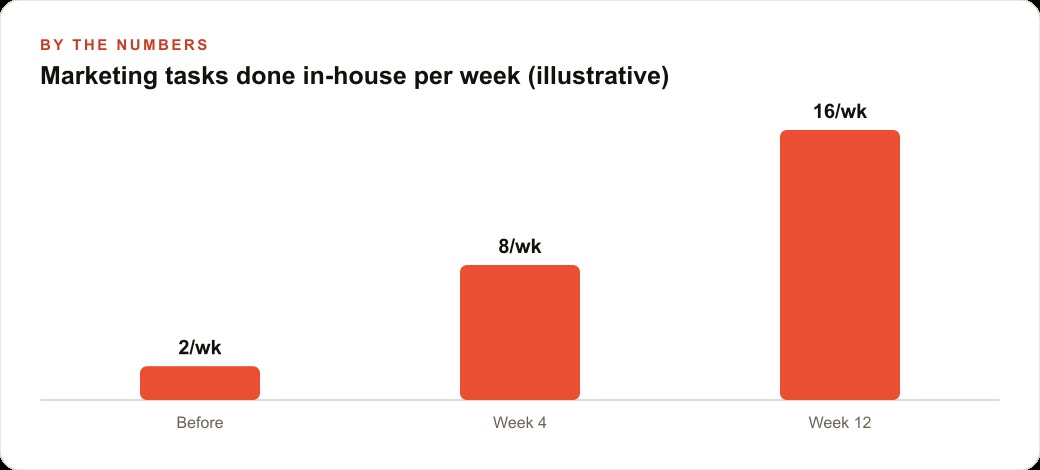
With a deliberate approach to the stack, the owner builds one Gem inside Gemini with detailed instructions: it knows the company's services, service area, safety certifications, and preferred tone. Fed a season and a pest type, it returns a set of social captions, a short blog post, and a customer FAQ update in a single run. That replaces hours of staring at a blank page each month, and it runs in under five minutes once the Gem is built and its instructions are refined.
For compliance, NotebookLM holds the actual treatment guides, safety data sheets, and local regulatory summaries as its source set. When a technician or a customer asks whether a particular treatment is safe around pets or what the re-entry period is, the answer comes only from those approved documents. It cites exactly which document, which section, which paragraph. A regulated business can show that every customer-facing answer traces back to an authoritative source, which matters if a question ever escalates beyond the usual.
For seasonal planning, Deep Research pulls regional pest activity trends into a structured report the owner can absorb in minutes before a team meeting. For visuals, the image generation layer produces clean images for seasonal campaigns without a design budget or a contractor invoice. For client follow-ups and quote emails, Help me write inside Gmail drafts professional replies from a few bullet points the owner types while standing at a job site.
That owner is running a genuine marketing and communications operation using one subscription they probably already had, because they decided to explore what was past the chat box. The competitive advantage is not from buying more tools. It is from actually using the ones that were already there.
The deliberate path from layer one to layer four
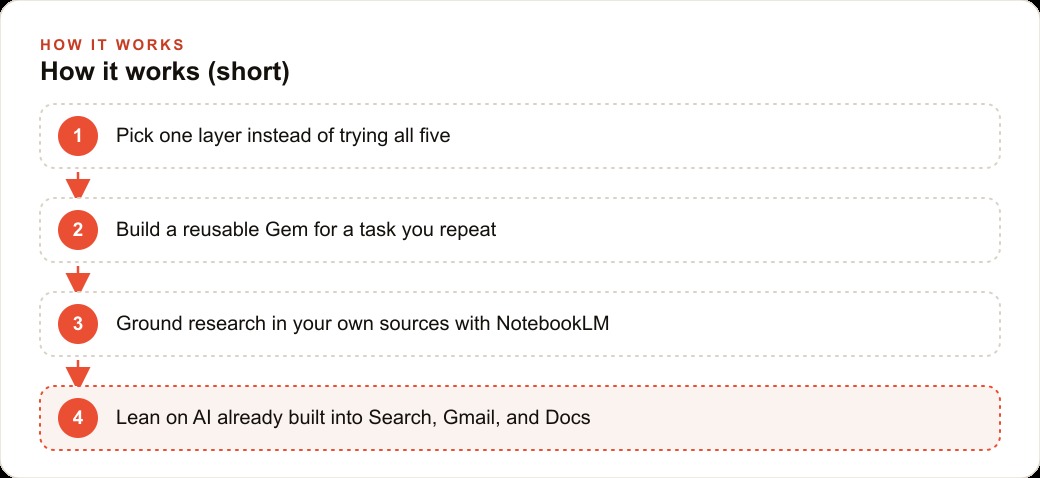
The argument I have been making is that a five-layer platform used as a one-layer tool is a waste, and the fix is deliberate layer-by-layer adoption rather than more subscriptions. The practical path is not to try all five layers at once, which produces the familiar experience of trying several things simultaneously and mastering none of them.
Start with the fifth layer, which is the AI already built into the apps you are in every day. Use the AI-enhanced search mode for a week instead of reading through standard results. Use Help me write in Gmail to draft your next three client emails. Ask Drive to summarize a document you have been putting off reading. None of that requires learning anything new. It is already there, already paid for, and using it consistently for one week before trying anything else means you arrive at the more advanced tools with a baseline sense of how Google AI understands your voice and your context.
From there, build one Gem for the task you repeat most. Write a specific, detailed instruction set for it: the input format, the output format, the tone, what to exclude, what the audience expects. A vague one-sentence instruction set produces inconsistent results. A well-built Gem with a paragraph of precise instructions for a task you run five times a week is worth an afternoon of setup time many times over.
Once that Gem is working reliably, load your most important operational documents into NotebookLM and spend a week getting answers from your own sources rather than from a generalist that might fill gaps from training data. After those two tools feel natural, reach into the fourth layer. Use Deep Research for the next strategic background question you need to answer. Describe one recurring workflow to Opal and see how close the first draft is to what you had in mind.
The value is not in moving through all five layers as fast as possible. It is in each layer becoming a reliable tool before you add the next one, so the stack you build is actually used rather than explored once and abandoned. The subscriptions most professionals need are the ones they already have. The problem is not access. It is the choice to look past the chat box.
That is exactly what we do at AI DOERS. Book a private 30-minute call with Madhuranjan Kumar and we will map the fastest path to it for your specific business.
Book your call →
Madhuranjan Kumar
Madhuranjan Kumar brings 20 years of performance-marketing experience and has managed over $200 million in Facebook ad spend for brands across the United States and beyond. His expertise spans the full modern marketing stack: Meta, Google Ads, TikTok, email automation, CRM, and the websites that hold it together. At AI DOERS he turns that track record into lead-generation systems for businesses across every industry.