
Five Hacks for Building Professional Websites With Claude Code
A few simple techniques make Claude Code build branded, professional looking websites instead of generic AI pages. Here is how they work and how a small shop can use them.

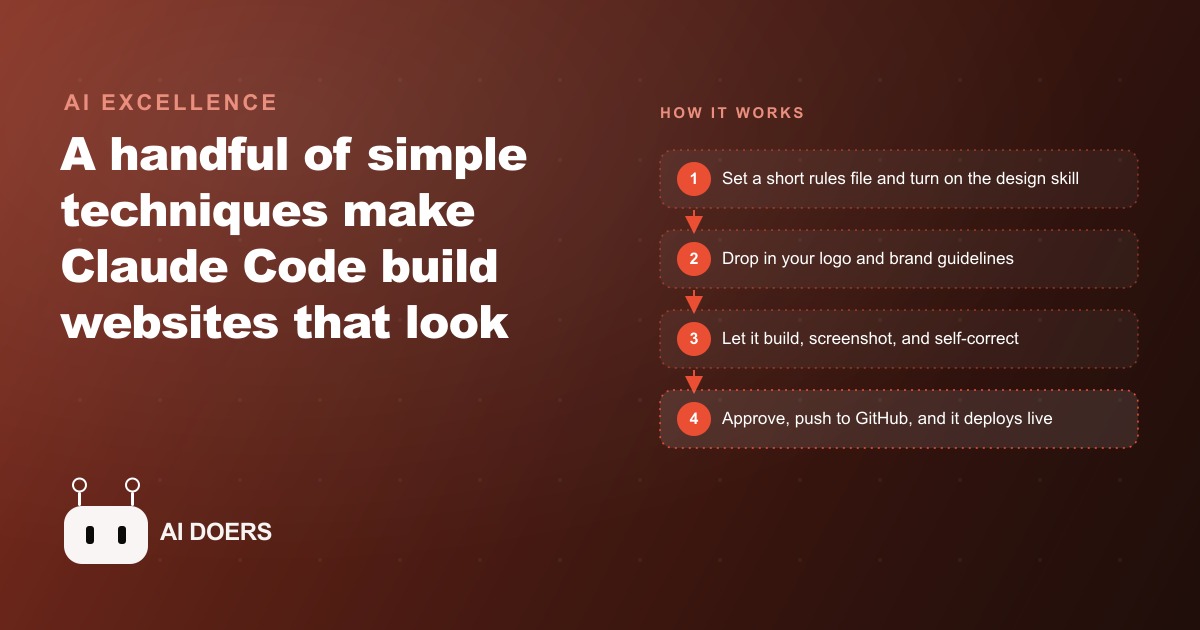
Two people started with the same coding agent, the same model, the same blank folder, and the same goal: a landing page for a local business. One finished with something that looked like a professional website. The other finished with something that looked like an AI made it. The difference had nothing to do with the model and everything to do with what each person gave the agent before it started building.
I am Madhuranjan Kumar. The output quality gap between a generic-looking AI-built site and a professional-looking one is almost entirely an input problem. Five specific inputs, none of them technical, close that gap for any business willing to spend thirty minutes before the first prompt.
The rules file acts as the agent's working memory between prompts
The first thing a professional build needs is a rules file: a short markdown document that the agent reads before every task. Think of it as the system instructions for your project specifically. It contains the things you do not want to repeat in every prompt: what the site is for, who it serves, which fonts and colors are locked, what the agent should never do (such as use placeholder text, or link to non-existent pages), and what the overall tone should be.
Without a rules file, each prompt starts from scratch. The agent makes reasonable defaults, and reasonable defaults are the enemy of a branded site. With a rules file, the agent's defaults become yours. The rules file does not need to be long. Five to ten sentences covering the project goal, the brand tone, the locked design decisions, and the things to avoid is enough. Once it exists, every subsequent prompt inherits those rules without you restating them.
This is the single highest-return investment before writing the first line of code. Most people skip it because they want to start building immediately, and most people then spend time correcting the same issues repeatedly across multiple prompts because the agent had no memory of the constraints they care about. A rules file converts that repeated correction into a one-time setup.
One practical caution: keep the rules file current as the project evolves. If you change a color, update the file. If you add a new section type, add its name to the file so the agent can reference it. A rules file that does not match the current state of the project is worse than no rules file, because it confidently gives the agent wrong instructions rather than leaving it to make neutral defaults.
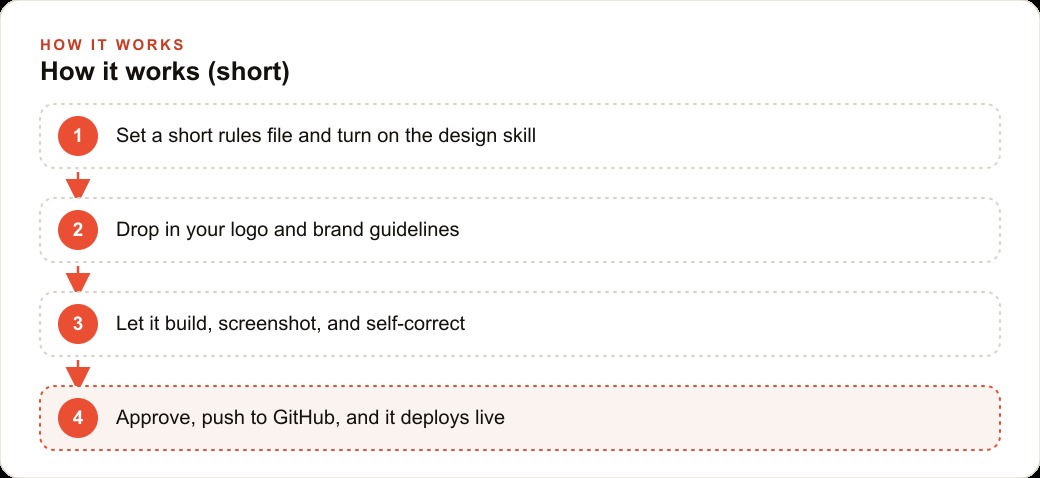
Brand assets are the single fastest fix for generic-looking output
Generic-looking AI output is not generic because the model made bad choices. It is generic because the model fell back on its defaults when no specific choices were provided. Give the agent a logo, a color guide, and a font decision, and it stops falling back on defaults.
The minimum set is three things: the logo file, a document naming the primary and secondary colors with their hex codes, and a note on the typefaces the brand uses. Drop these into a folder the agent can read before it builds. The output that comes back will use those colors, that font, and that logo without you having to specify any of them in the prompt.
The color specification matters more than it looks. An agent told "use blue" will pick a blue. An agent given the hex code for that specific blue will use it consistently across every element, including the ones you forget to mention explicitly. For a branded site, this consistency is what separates a professional result from one that looks like a palette was applied roughly rather than precisely. Colors in interactive states, hover effects, button backgrounds, and link colors all need to match, and they will match automatically when the hex code is in the brand assets folder rather than left to inference.
Font specification works the same way. Name the heading font, the body font, and the weights you want. The agent will apply them. Without this specification the agent chooses web-safe defaults, and web-safe defaults communicate that no one made a deliberate choice.
The practical order of operations: the logo usually exists already. The color guide is often implicit in existing materials, and making it explicit as a two-line document takes five minutes. The font specification requires someone to check what the business currently uses in its print materials or existing website and write it down. The total time to prepare the brand asset folder is typically under thirty minutes, and the impact on the first build's quality is immediate and large.
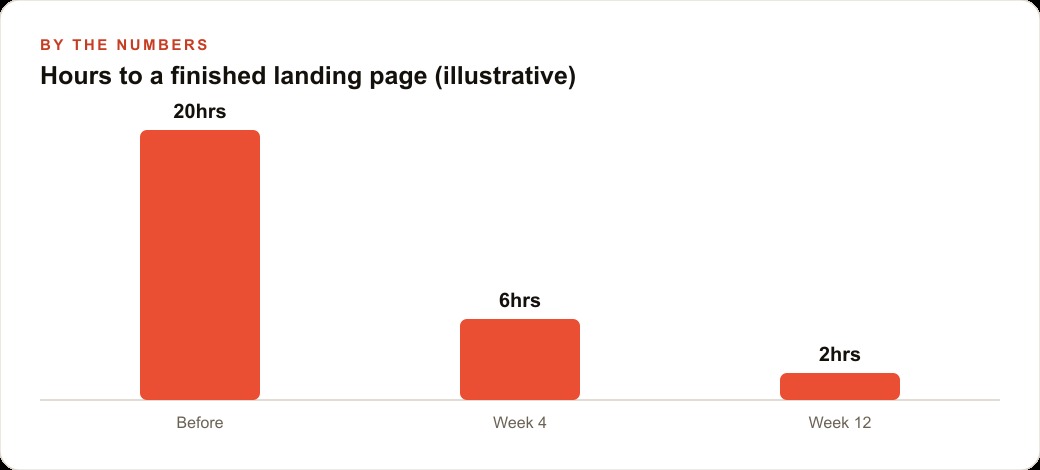
The screenshot loop changes what iteration means
The standard iteration cycle for AI-assisted web development is: prompt, look at the result, notice what is wrong, describe the problem in words, prompt again. This works but requires the person doing it to catch every visual issue and translate it into language the agent can act on. It puts the quality-control burden on the human.
The screenshot loop shifts that burden. The agent takes a screenshot of what it has built, compares it to the goal, identifies the specific elements that do not match, and fixes them in the next pass. You review the result rather than directing every correction.
This changes iteration from a steering task to an approval task. The agent does the detailed comparison between target and output. You decide whether the result is close enough to approve. For most people, this is a significantly more efficient use of time.
The screenshot loop also compresses the feedback cycle. Instead of noticing an alignment issue three hours after the build when you preview the finished page, the agent catches it in the next iteration after it appears. Issues get resolved closer to when they are introduced, which means less accumulated cleanup at the end and fewer dependencies between corrections.
A practical note: the screenshot loop works best for static elements. Dynamic backgrounds, animations, and interactive states that change on hover do not capture well in a still image. For those elements, tell the agent explicitly to skip the screenshot comparison and rely on your own review instead. An agent trying to match an animation through a static screenshot can loop indefinitely on the wrong comparison without getting closer to the goal.
Inspiration done right versus inspiration done wrong
The wrong way to use inspiration is to give the agent a URL and say "make something like this." The agent visits the URL, infers the layout from the page's source, and rebuilds something that resembles the structure but misses every detail that made the original look good: the exact spacing, the specific image treatment, the subtle color choices in the hover states. The result looks like a rough approximation, which is exactly what it is.
The right way is to give the agent a full-page screenshot plus the CSS file from the page you want to reference. The full-page screenshot captures the visual intent, every section in context, the relationship between elements, and the overall rhythm of the layout. The CSS file captures the specific numerical decisions that produce it: the exact padding values, the font sizes at each breakpoint, the specific color values in each state. Together they give the agent enough information to make a genuine close copy rather than a structural inference.
If a full clone is more than you need, the alternative is narrower: borrow one polished component from a component library. Pick the hero section, or the testimonial block, or the pricing table that you want to lift to professional quality, extract just that component's HTML and CSS, and let the agent use it as the reference for that specific section while building everything else fresh. This is often cleaner than a full-page clone because the interaction between borrowed and original elements is limited to one section, making it easier to adapt the borrowed piece to your brand without conflict.
The golden rule for inspiration is specificity. A vague reference produces a vague result. A precise reference, whether it is a screenshot, a CSS file, or a component excerpt, produces output that is precise in the dimensions the reference covers.
What the auto repair shop looked like after applying all five techniques
Here is what this looks like in practice for a small auto repair shop that needed a landing page to capture quote requests from local search.
The owner spent thirty minutes before the first prompt. The rules file described the business, the service area, the tone (approachable and direct, not technical or corporate), and two things the site must never do: use stock photography of wrenches and gears, and use the phrase "we are here for you." The brand asset folder contained the shop's logo, a color document noting the primary color hex code and the secondary neutral, and the name of the font the shop's existing signage and print materials used.
The first build took about forty minutes of agent work. The screenshot loop caught three spacing issues and one font weight inconsistency during that session, all resolved in the next pass without the owner needing to identify them. The inspiration reference was a single polished hero section from a publicly available component library, adapted to the shop's colors and copy.
The result was a deployed, branded landing page that the owner reviewed and approved without sending any corrections. After launch, the owner updated the phone number and adjusted the service list twice without calling anyone, because the rules file made the structure of the site clear enough that the owner could prompt the agent directly for small changes without context.
Total time for the build: roughly three hours across one afternoon. Total time for the owner's subsequent self-service edits: about twenty minutes each, unassisted.
The site did not look like an AI made it. It looked like the shop. That is the only result that matters, and it came from thirty minutes of preparation before the first prompt, not from a better model or a longer prompt. The five inputs did the work. The agent followed them.
The lesson that generalizes: an AI coding agent is not an interior decorator working from its own taste. It is a skilled builder that produces exactly what it is given. The gap between a generic result and a professional one is almost entirely the gap between a vague brief and a specific one. Most people put the brief after the first bad result. The people who put it before have a different experience from the start.
Why the brief before the build changes everything
There is a pattern in how people approach AI-assisted web builds that explains most of the quality gap. The people who get professional-looking results start with a brief. The people who get generic results start with a prompt.
The difference is not vocabulary. A brief is a set of constraints, decisions already made, and things the agent should never do. A prompt is a description of what you want. A brief makes the agent's defaults yours. A prompt leaves the agent's defaults as its own.
Most of the five techniques above are ways of writing a brief rather than a prompt. The rules file is the brief for the whole project. The brand asset folder is the brief for visual decisions. The precise inspiration reference is the brief for the layout and spacing. The screenshot comparison goal is the brief for the iteration target.
The reason this matters for a small business is economic. Professional web design is expensive because it involves a person who knows how to translate a brand's needs into specific visual decisions: which typeface, which spacing, which hierarchy, which color weight. A brief front-loads those decisions before the agent starts building, rather than discovering them through iteration. The quality comes out of the front-loaded decision, not out of longer or more detailed prompts after the fact.
For the auto repair shop, the thirty minutes spent writing the rules file, preparing the color document, and identifying the component to borrow from the library was the highest-value thirty minutes in the entire project. Everything that came after, the build, the screenshot loop, the approvals, ran faster and produced a better result because those thirty minutes happened first. That ordering is the transferable lesson.
That is exactly what we do at AI DOERS. Book a private 30-minute call with Madhuranjan Kumar and we will map the fastest path to it for your specific business.
Book your call →
Madhuranjan Kumar
Madhuranjan Kumar brings 20 years of performance-marketing experience and has managed over $200 million in Facebook ad spend for brands across the United States and beyond. His expertise spans the full modern marketing stack: Meta, Google Ads, TikTok, email automation, CRM, and the websites that hold it together. At AI DOERS he turns that track record into lead-generation systems for businesses across every industry.