
Every New ChatGPT Feature, Explained, and the Super-App Race Behind Them
OpenAI raised a record 122 billion dollars and shipped location-aware answers, attachment conversion for long pastes, a unified Google Drive connector, and CarPlay voice mode. All of it is part of a clear push to turn ChatGPT into one unified AI super app.

The intake coordinator's morning had the same inefficiency for three years
I am Madhuranjan Kumar, and the law firm in this walkthrough handles estate planning, trust administration, and probate for individual and family clients. The practice is not large: four attorneys, two paralegals, and one intake coordinator who manages the full intake flow from first contact to the attorney's initial consultation. The firm has a good reputation built over twenty years. It also has a set of administrative habits that were built in a pre-AI era and had not been examined since.
The intake coordinator's morning routine had been the same for as long as anyone could remember: arrive, check the overnight voicemails, open email, review each new contact or callback request, pull the relevant client file from the practice management system, prepare a summary for the morning huddle with whichever attorney was handling that client, and attach any documents the client had submitted. On a light morning this took about an hour. On a morning after a busy day with three or four new client contacts, it took two hours, and two hours of the coordinator's time was two hours the attorneys spent waiting for the huddle to begin.
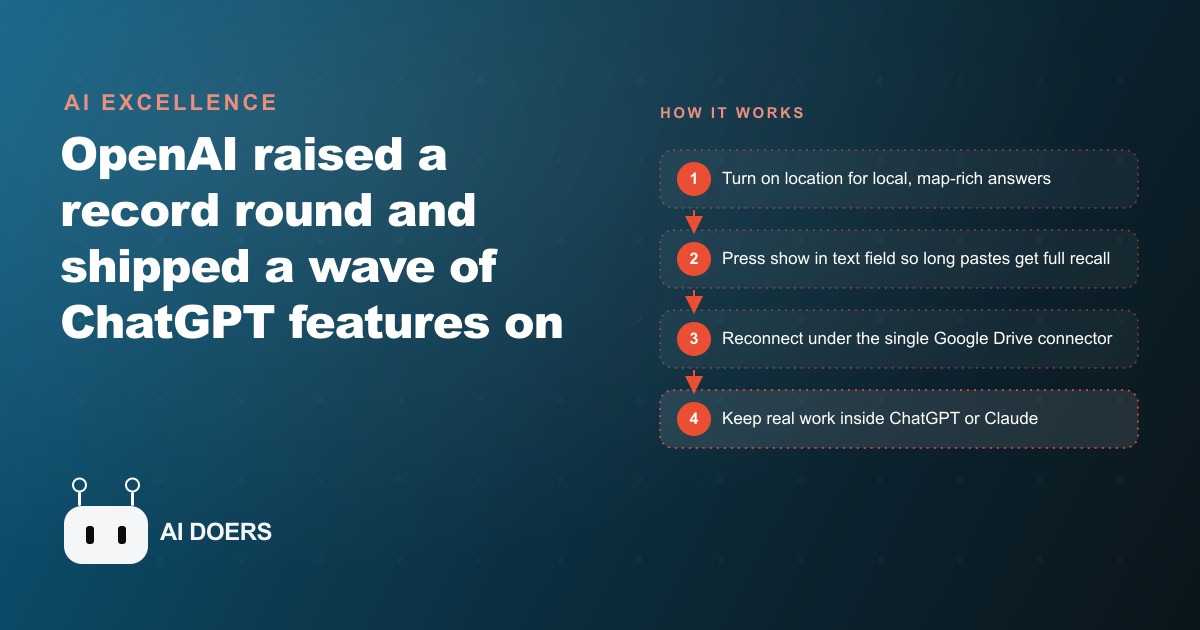
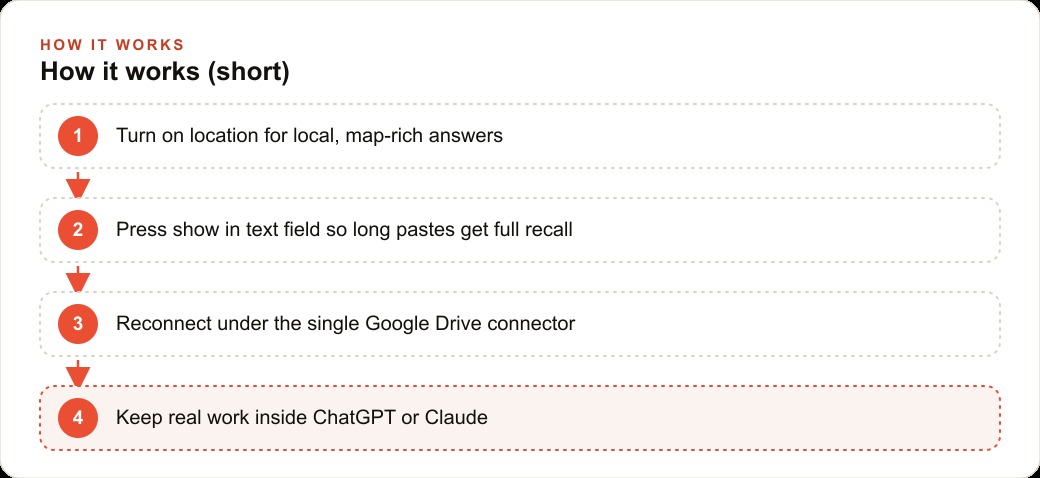
The change came through the ChatGPT feature set, particularly the combination of location-aware context, the Drive connector, and unified attachment handling. Not a new workflow from scratch: the same tasks, executed faster because the tool now understood context rather than requiring the coordinator to re-supply it for each task.
Location-aware scheduling changed the client communication pattern
The first feature that produced a visible change was location awareness. Estate planning has a practical mobility component that many practice areas do not: clients who are elderly, recently widowed, or managing an estate under emotional stress sometimes cannot travel to an office for consultations. The firm had always offered home visits for these situations, but the logistics of home visits had been handled informally and inconsistently.
The coordinator used to manage home visit scheduling by asking the client for their address, looking up the travel time from the office manually, and estimating whether a given appointment slot would work given the attorney's schedule for that day. The whole process required three or four steps and a few minutes per scheduling interaction.
With location awareness enabled, the coordinator could describe a client's situation, name the approximate location, and ask whether a morning or afternoon slot on a given date would allow the attorney to arrive on time given the expected traffic. The answer came back in seconds and included the consideration of time-of-day traffic patterns, not just static distance. The coordinator stopped estimating and started scheduling with accurate information.
The firmer scheduling produced a measurable reduction in schedule changes. In the month before the change, the firm averaged about four last-minute schedule adjustments per week related to home visit logistics. In the two months after the change, that average dropped to under one. The reduction meant fewer coordinator hours spent on rescheduling calls, fewer situations where an attorney arrived late to a home visit, and fewer clients who had cleared their calendar based on a confirmed appointment only to have it shift.
Unified attachment handling changed how documents entered the intake process
The prior intake process had a document problem that was invisible until examined. Clients submitted documents in three ways: email attachments, photos texted to the firm's business number, and physical documents brought to the office and scanned. Each arrival method created a slightly different handling process. Email attachments went into one folder. Texted photos had to be manually forwarded to email and then filed. Physical documents were scanned and filed separately. By the time a document reached the morning huddle summary, it had been touched by the coordinator at least twice and sometimes three times.
The show-in-text-field attachment behavior, which displays the file preview inline in the conversation rather than as a separate attachment requiring a click, changed what the coordinator could do with documents in the AI workflow. A document that had been forwarded into the AI conversation was visible and readable as part of the working session without needing to open a separate tab, navigate to a different folder, or alt-tab between windows. The coordinator could reference the document's specific language while drafting a client summary without leaving the active conversation.
The practical effect was that the morning summary preparation time dropped. When documents are visible in the working context, the summary can be drafted with specific references to the document content rather than general paraphrasing from memory. The attorney who receives the summary gets precise language from the submitted documents rather than an approximation, which reduces follow-up questions about document details and speeds up the attorney's own preparation for the consultation.
The Drive connector eliminated the parallel navigation problem
The firm's client records had been in Google Drive for four years. The files were organized by client name, then by matter type, then by date. The system worked well enough for filing but poorly for retrieval during active work: to access a client file, the coordinator had to open Drive in a separate tab, navigate through the folder structure, find the right document, and copy or reference what was needed back in the working context.
The Drive connector changed this from a parallel workflow to a sequential one. With the connector active, the coordinator could describe what was needed, "pull the trust document from the Martinez 2024 estate matter," and the document was available in the active conversation. No tab switching, no folder navigation, no copy and paste across contexts. The working session stayed continuous.
The benefit of continuity is harder to measure than scheduling efficiency or document handling time, but it was described by the coordinator as the single most impactful change in the daily experience of the work. Knowledge workers who navigate between multiple open windows and tabs during complex tasks lose cognitive thread each time they switch contexts. The Drive connector reduced the number of context switches in a typical morning from roughly twenty to roughly four. The coordinator described feeling less mentally fatigued at midday and being able to maintain better attention on each client's situation than before.
Voice mode during commute changed when preparation happened
One of the four attorneys drives thirty-five minutes to the office on most mornings. Before the voice mode change, that time was unused from a work preparation standpoint: the attorney could listen to news or podcasts but could not review case notes, client histories, or the morning's appointment summaries without pulling over or waiting until arrival.
CarPlay voice mode, which allows full conversational interaction with ChatGPT through the car's interface, changed the commute into preparation time. The attorney begins the drive by asking for a briefing on the day's consultations: which clients are coming in, what matters they are handling, what relevant case developments happened since the prior appointment. The AI provides the briefing in conversational form, and the attorney can ask follow-up questions verbally without taking hands off the wheel.
By the time the attorney arrives at the office, the morning consultations have been mentally pre-loaded. The morning huddle is shorter because one of the four attorneys arrives already briefed. The consultations themselves are more focused because the attorney enters with current context rather than reading through notes during the first few minutes of the appointment.
The preparation shift also changed the attorney's experience of the work. The commute that had been passive became productive without adding stress, because voice interaction while driving is qualitatively different from reading text on a screen. The attorney described it as the equivalent of having a briefing call during the commute rather than arriving at the office and starting preparation from zero.
What changed across the firm in the first quarter
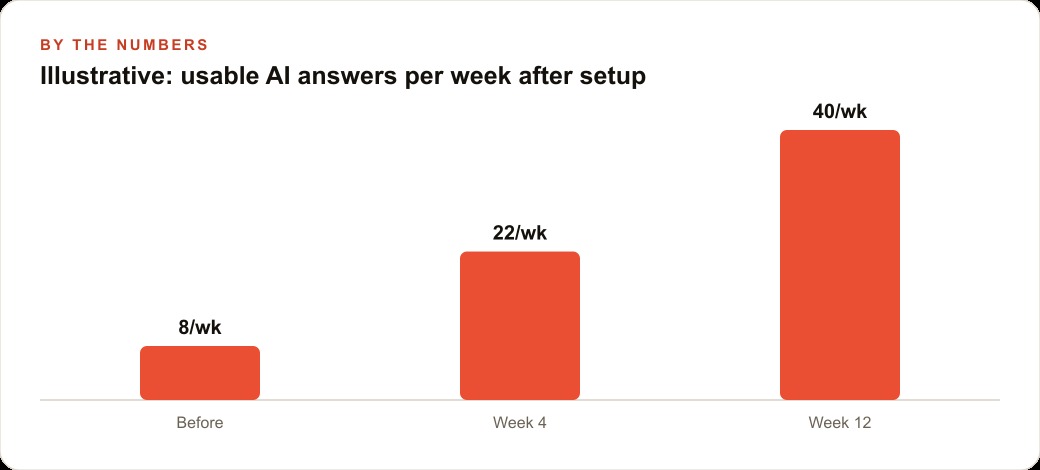
Across four months of consistent use, the firm measured the operational changes it could track directly. The intake coordinator's morning preparation time dropped from an average of ninety-two minutes to fifty-six minutes. The attorney using voice commute briefings added approximately ninety minutes of effective preparation time per week without adding any work hours. Schedule adjustments related to home visit logistics dropped from roughly sixteen per month to under five. The morning huddle shortened from an average of twenty-two minutes to fourteen minutes because participants arrived with more pre-loaded context.
The unmeasured changes were harder to quantify but consistently noted across the team: fewer follow-up questions about document specifics during consultations, clients commenting that the attorneys seemed more prepared at initial meetings, and the coordinator describing less end-of-day fatigue from navigation overhead. The operational changes added up to a practice that ran with less friction in the high-frequency interactions that set the tone for client experience. The firm did not add staff or extend hours. The same team handled the same volume of work with less administrative overhead per matter and more cognitive availability for the substantive work.
That is exactly what we do at AI DOERS. Book a private 30-minute call with Madhuranjan Kumar and we will map the fastest path to it for your specific business.
Book your call →
Madhuranjan Kumar
Madhuranjan Kumar brings 20 years of performance-marketing experience and has managed over $200 million in Facebook ad spend for brands across the United States and beyond. His expertise spans the full modern marketing stack: Meta, Google Ads, TikTok, email automation, CRM, and the websites that hold it together. At AI DOERS he turns that track record into lead-generation systems for businesses across every industry.