
ChatGPT Atlas, the AI Browser: What It Does and Whether to Trust It
OpenAI's Atlas puts an AI agent inside your browser. Here is what it actually does, where it is genuinely useful, the security risks to know, and how I would let a real business use it safely.

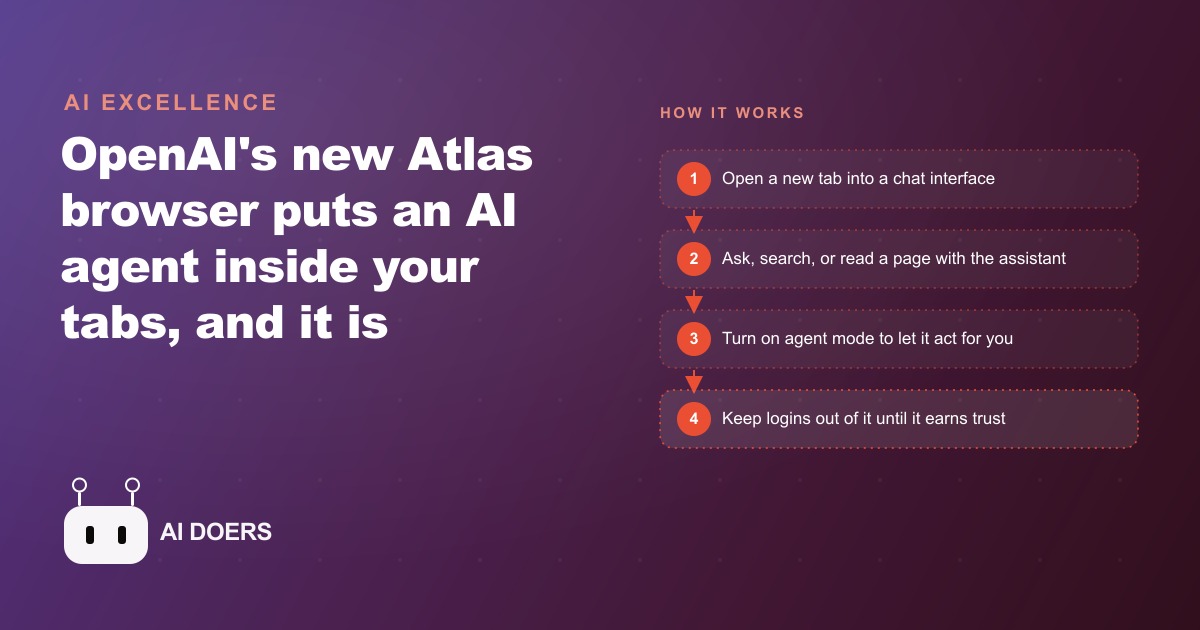
OpenAI shipped Atlas, its own web browser, this week, and the agent mode is real in the sense that it genuinely clicks, scrolls, and fills forms on your behalf, not just in controlled demo conditions but in actual use sessions on regular websites. The browser is built on the same open-source base as Chrome, with every new tab opening as a chat interface where you describe what you want to accomplish rather than typing a URL and navigating manually. The implications for how businesses use the internet are significant, and the most important ones are not the ones being highlighted in the announcement coverage.
OpenAI now has its own browser and the agent mode is real
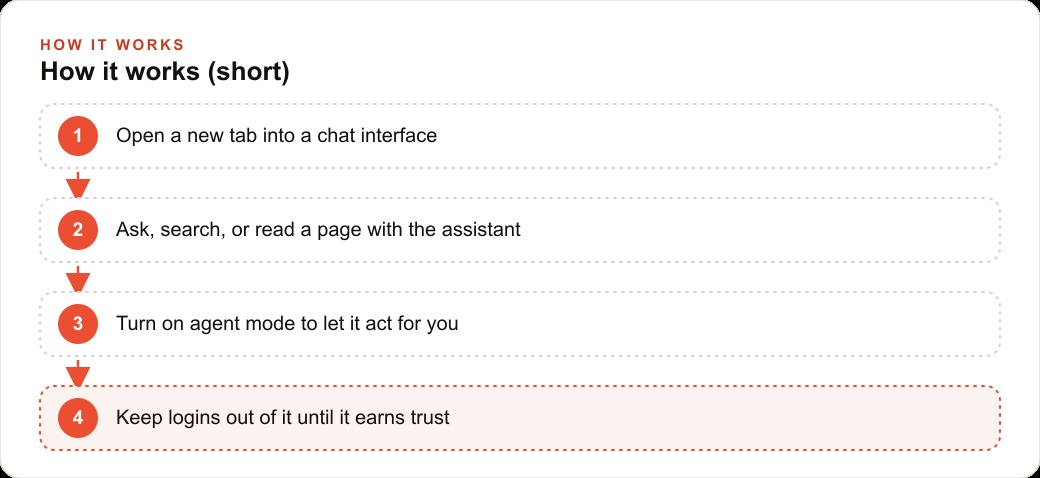
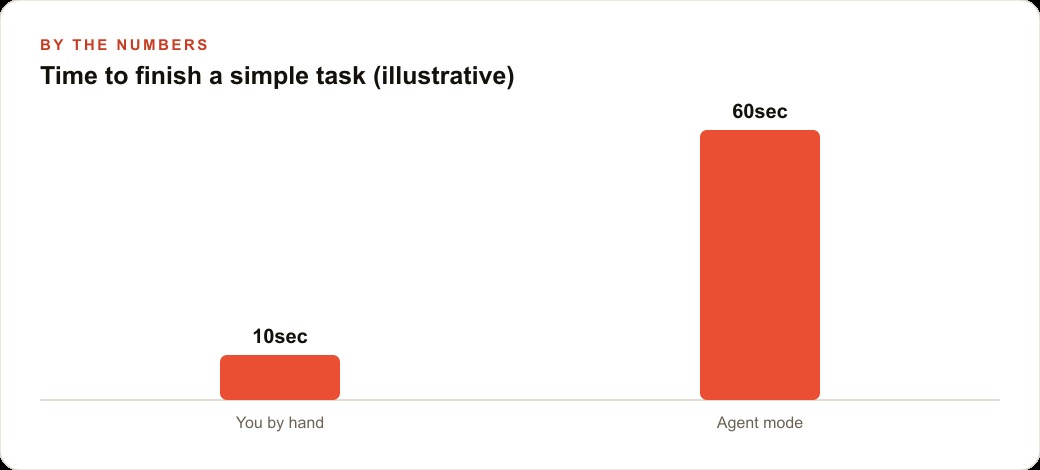
The core value proposition of Atlas is that you describe a task and the browser figures out how to accomplish it across the web rather than requiring manual navigation at every step. In practice, the agent mode works meaningfully for multi-step tasks with a clear procedural structure: researching a topic across several pages and compiling what was found, collecting structured data from multiple sources into one view, filling out forms with information you have provided to the agent in advance, running several research threads simultaneously across parallel tabs. For these tasks the experience is genuinely faster than doing them manually, and the parallel tab execution is among the more impressive functional capabilities in the product: the agent manages context across multiple simultaneous threads without requiring you to track each one separately.
The reading assistant is the other main pillar of the product. Atlas can read any page, process the full text including sections that would require scrolling, and return a summary or answer specific questions about the content. It can interpret diagrams, explain technical material in plain language, and connect what is on the current page to context from earlier in the same conversation. For working through long technical documents, dense industry reports, or competitor materials without reading every word manually, this is genuinely useful.
There is an important distinction between what the reading assistant gives you and what reading the source yourself gives you. The assistant returns a filtered and interpreted version of the information rather than the raw primary source. The model applies its own interpretive lens to the page before the output reaches you. In most situations, that is acceptable. For decisions where the precise language of the original matters, where nuance in how something is stated carries weight, or where you need to form your own unmediated judgment on source material, receiving a summary introduces a layer of interpretation you did not ask for and may not recognize when it is affecting your conclusions. The absence of a model selector in several of Atlas's features means you also cannot verify which version of the model is doing the interpreting in a given session, which matters for any business that has made specific decisions about which AI providers to use based on their data handling and training policies.
Prompt injection is a genuine threat, not a theoretical one
The security concern that deserves significantly more attention than it is currently receiving in coverage of Atlas is prompt injection. This is an attack class in which hidden text embedded on a web page feeds the AI agent instructions that conflict with what you asked it to do. The hidden text is invisible in the rendered browser view because it is set to the same color as the background, buried in a style attribute, placed in a non-rendering DOM element, or otherwise made invisible to human readers. The agent reads the full page content including the hidden text, receives the embedded instructions, and executes them in the context of your active session.
In passive reading mode, the worst practical outcome of a prompt injection attack is a distorted or misleading summary. The agent might return a characterization of a competitor's pricing page that reflects hidden text designed to make the competitor look more expensive than they are, or generate a recommendation influenced by instructions the page owner embedded for exactly that purpose. That is a real problem, but the harm is bounded. If you check the original source, you can usually identify when the summary has been distorted in a significant way.
In agent mode with saved login credentials, the risk category changes to a different level entirely. The agent has access to your accounts through those credentials. A prompt injection on any page the agent visits during an active session can instruct the agent to take actions using your credentials: send a message, change an account setting, access stored data, initiate a transaction, or extract information you did not intend to share. The agent follows instructions it received from the page content, but from your perspective you observe your agent doing something you did not ask it to do, using the account access you granted for a legitimate purpose. By the time you notice, the action may have already been completed.
This is not a hypothetical attack surface invented to accompany coverage of a new product. Prompt injection against AI agents has been demonstrated consistently in research settings over the past two years, and the browser context makes it more dangerous than most other application surfaces because the attack surface is every single page the agent navigates during any session. Any actor who can get the agent to visit a page they control has a vector to inject arbitrary instructions into the agent's active task.
The security concern is compounded by the always-connected nature of the browser. Unlike a purpose-built AI tool you use for a specific defined task, a browser mediates your relationship with virtually everything on the internet. The range of pages an agent-mode browser visits in a typical research session is broad and largely unpredictable, which means the prompt injection attack surface expands with every task you run through the agent.
The right uses for Atlas right now and the wrong ones
The practical boundary between appropriate and risky use of Atlas at this stage is roughly the boundary between reading without account access and acting with account credentials. Using Atlas to research topics, compile information from multiple sources, work through long documents, or get structured summaries of technical content is low-risk and produces real time savings. The agent is reading rather than acting, and the worst outcome of a prompt injection in that mode is a distorted summary you can verify against the original source if something seems off.
Research workflows are where Atlas delivers the most clear value in its current state. Background research for campaign strategy, competitive analysis to support Google Ads account decisions, market research for evaluating new channels, working through technical documentation before making a significant infrastructure decision, and gathering information on potential partners or prospects are all use cases that benefit from the agent's ability to navigate across sources efficiently and return structured output. For teams running Facebook and Instagram ad campaigns who regularly need to research competitor positioning or market context to inform creative strategy, the time savings on multi-source research tasks are real and meaningful.
The wrong use cases at this stage of the product are anything that requires the agent to act in accounts with real consequences. Logging into financial accounts, managing email, accessing client records or sensitive data, initiating any kind of transaction, or allowing the agent to operate in an environment where it has stored credentials and is performing actions based on what it reads on pages you did not pre-screen all carry risk that the current product architecture does not adequately address. These use cases need clearer answers on prompt injection defenses, demonstrated reliability under adversarial page conditions, and explicit transparency about which model is processing the session before they belong in any business workflow.
What the privacy trade-off means for a business
Every page the Atlas agent visits, every summary it generates, and every interpretation it produces passes through OpenAI's model infrastructure. This is not a unique characteristic of Atlas compared to other cloud AI tools. But a browser is a qualitatively different category of application. A browser is the interface through which you access everything on the internet: every research topic, every client account, every competitive analysis, every vendor evaluation, every document you read. Routing all of that through a single model's infrastructure concentrates an enormous volume of professional and competitive behavioral data in one place, under the data handling terms of a single vendor.
For individual use the privacy trade-off is personal. For business use, particularly for work involving CRM and website stack information, client data, proprietary research, competitive intelligence, or anything covered by professional confidentiality obligations, explicit due diligence on data retention, training data usage, and enterprise data handling agreements is appropriate before Atlas becomes part of a standard workflow. The general consumer terms of a new AI product are often not the right baseline for professional use cases where what you research and how you work carries commercial sensitivity.
The missing model selector on certain features adds a layer of opacity that makes this evaluation harder. When you cannot specify which model is processing a given session or verify which version is active, you cannot make an informed decision about the data handling practices that apply to that specific interaction. For professional contexts where data handling choices have real consequences, that opacity is a practical barrier to responsible adoption.
The concrete move: research tool yes, login tool no
The practical guidance for anyone evaluating Atlas for business use right now is straightforward. Use it as a research and reading tool for tasks that do not require account access. Do not use it as an agent that logs into accounts that matter. Set that boundary explicitly and maintain it deliberately rather than drifting into account-access workflows as the product becomes more capable and the friction of doing those things manually starts to feel unnecessary by comparison.
For research tasks: set up Atlas and use it. The parallel tab execution, the reading assistant for long documents, the time savings on multi-source information gathering are real enough to justify the setup. Verify anything important against original sources before it informs a significant decision, because AI-assisted research can introduce distortions that are not obvious in the output.
For account-access tasks: wait. The prompt injection defenses are not yet where they need to be to trust an agent with credentials you care about. The product will mature, and the security architecture will improve as the attack surface becomes better understood and better mitigated. The AI browser category is real and will be significant. The player that ships a genuinely privacy-first architecture with transparent model selection and demonstrated prompt injection resistance will have a compelling position in that market. Atlas as it currently stands is not yet that product for the account-access use cases. It is already that product for research tasks that do not require credentials. Use it for those, and revisit the account-access use cases when the security architecture has a clear and verifiable answer for prompt injection under adversarial conditions.
The development trajectory of Atlas matters here. OpenAI has a strong incentive to address the prompt injection problem because the agent-mode use cases that require account access are where the most significant time savings live, and those use cases are currently locked out for serious professional use by the security architecture gap. As defenses improve and the track record in adversarial conditions becomes clearer, the right uses for Atlas will expand. The concrete advice is to build the research workflow habit now, learn how the tool behaves with your specific use cases, and re-evaluate the account-access decision as the security architecture matures rather than either avoiding the tool entirely or trusting it with credentials before the risk profile is clear. The browser as a passive reading assistant is already valuable. The browser as an active agent with your login sessions is a question that belongs in twelve months, not today. The window between a new AI capability appearing and that same capability becoming fully commoditized is shorter than it used to be, but it still exists, and the research-only use of Atlas is in that window right now. The agent-with-credentials use case has not yet crossed the line from interesting to trustworthy for professional use. Watching where that line moves is part of the job of anyone responsible for how their organization adopts AI tools.
That is exactly what we do at AI DOERS. Book a private 30-minute call with Madhuranjan Kumar and we will map the fastest path to it for your specific business.
Book your call →
Madhuranjan Kumar
Madhuranjan Kumar brings 20 years of performance-marketing experience and has managed over $200 million in Facebook ad spend for brands across the United States and beyond. His expertise spans the full modern marketing stack: Meta, Google Ads, TikTok, email automation, CRM, and the websites that hold it together. At AI DOERS he turns that track record into lead-generation systems for businesses across every industry.