
Building a Full Website With Claude Code: A Plain English Guide
An entire interactive website was built and deployed online using an AI coding tool and no hand written code. Here is the method, explained for a business owner.

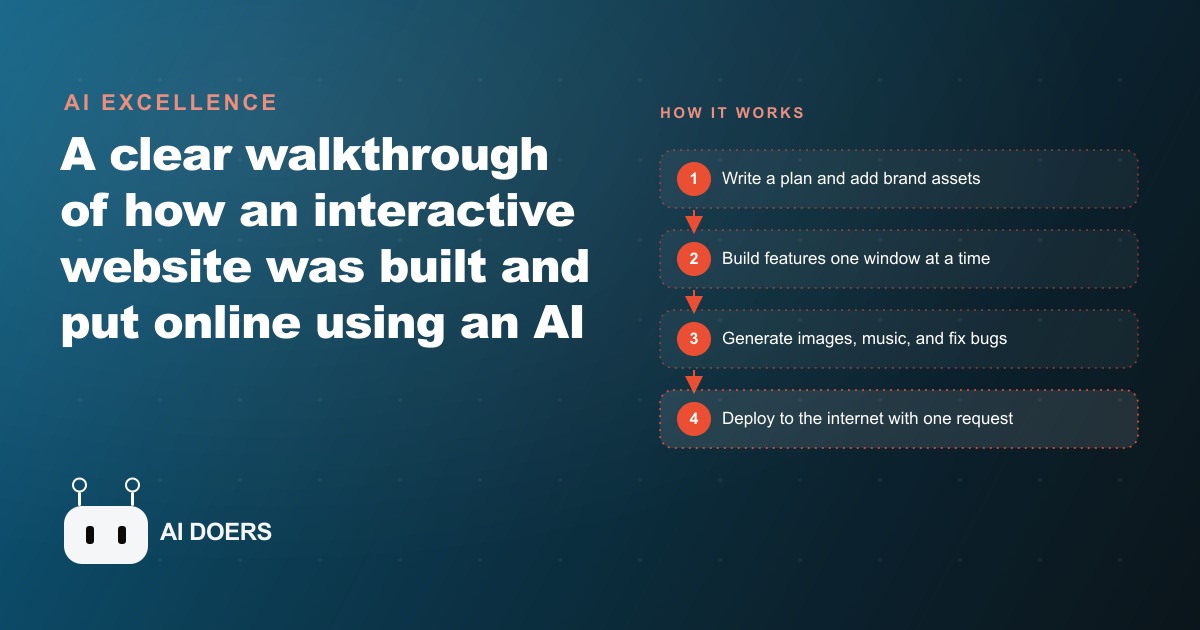
Eight things can go sideways between the moment a business owner decides to build a website with AI and the moment a finished site is live on the internet. All of them are avoidable. I am Madhuranjan Kumar, and the following list comes directly from watching a full interactive site get built and deployed using Claude Code, with multiple working features, custom images, music, and sound effects, all without a single line of hand-typed code. Each item is a concrete practice, not a vague principle.
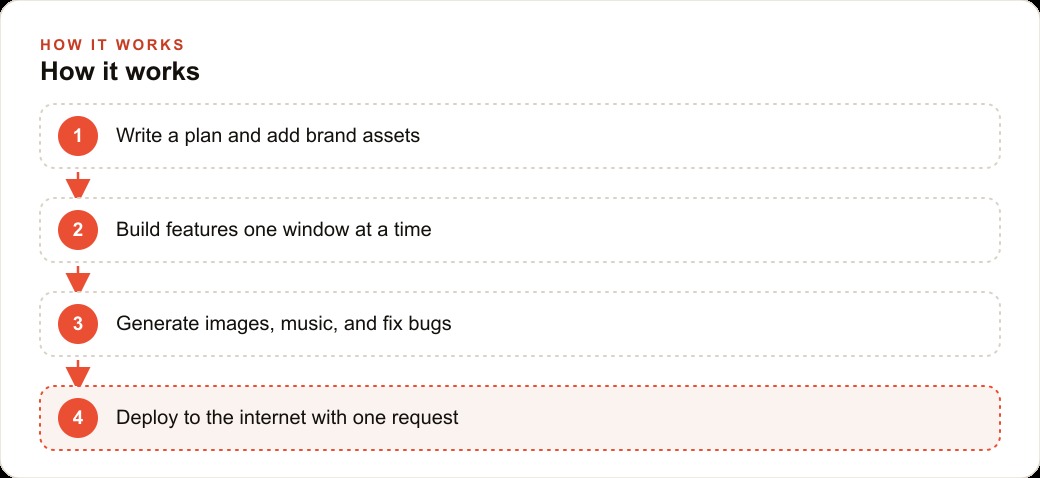
Write the plan first, before a single file is created
The single move that determines whether an AI-built site ends up custom-feeling or generic-looking is writing a short plan document before opening the tool. The plan does not need to be long. Three to five sentences describing what the site is for, what sections it should have, and what a visitor is supposed to do after seeing it is enough to give the AI a clear target instead of a vague description to interpret however it likes.
Without a plan, the tool makes all the structural decisions on your behalf, and those decisions will be optimized for common patterns rather than your specific situation. A restaurant and a law firm will end up with similar looking sites if neither one provides a clear target before the tool starts generating. With a plan, the tool has something specific to aim at. The output is different in kind, not just in degree.
The plan also functions as your review document. After the first version generates, you hold the plan next to the result and ask whether each section matches the intention. That comparison is much cleaner than trying to judge a site against a vague sense of what you wanted. The plan is the specification and the measuring stick at the same time.
Feed your brand assets before the tool designs anything
A plan gives the tool direction. Brand assets give it taste. Before generating the first version, create a folder containing your logo, your primary and secondary brand colors in hex format, and one or two reference images that represent the visual feeling you are going for. Drop that folder into the AI session and tell it to design consistently with those assets.
The difference between a site designed from brand assets and one designed from defaults is visible immediately. Defaults produce competent generic output. Brand assets produce something that looks like it was made for this specific business. The tool is not inventing taste from nothing. It is matching a direction you chose, which is a much more reliable task.
This matters for businesses that are investing in paid advertising and want their web presence to feel cohesive. When someone clicks a Facebook or Instagram ad and lands on a site that shares the same colors, typography feel, and visual tone as the ad, the conversion rate is higher because the experience feels consistent. When the ad and the site look like they came from two different design decisions, there is a visible break in trust that costs clicks.
Build one section at a time and run it before adding the next
The instinct when building with an AI tool is to describe the entire site in one prompt and generate everything at once. Resist this. Building section by section, confirming each one works and looks right before moving to the next, produces a far cleaner result and catches errors when they are small and easy to fix rather than large and tangled.
In the build that prompted this article, each window of the interactive site, this breakdown player, the music player, the notepad, the AI chat, the image generator, was built and tested individually before the next one was added. That discipline is why each feature worked correctly. A monolithic build almost always produces a first version where several things are almost working, which is far harder to debug than a single broken thing in an otherwise functional site.
Running the site locally in your browser after each section is the practical test. You see exactly how it looks and whether the feature behaves correctly before any commitment is made. Issues found at this stage cost a few minutes to fix. Issues found after everything is built cost hours and sometimes require rewriting sections that affected each other in ways you did not anticipate.
Commit to a code archive after every working change
Every build that advances from nothing to something live on the internet benefits from one safety habit: saving the work to a code repository consistently throughout the process. A code archive is a version-controlled record of the project where every commit is a snapshot you can return to. When a later change breaks something that was working, reverting to the last good commit takes seconds.
This is the difference between a smooth build experience and a frustrating one. Building without version control means a broken change can strand you with no reliable path back to a working state. It happens to experienced builders too, not only to beginners. The habit of committing after each working section is the universal safeguard.
For a business owner building their first site with AI, the code archive also serves as documentation. If something needs to be revisited six months later, the commit history shows exactly what was added when. A freelancer or a developer brought in to extend the site can see the full history of decisions rather than trying to reverse-engineer a finished product with no context.
Generate images, icons, and audio with AI instead of using stock libraries
Every asset a site needs, from product imagery to background icons to ambient sound effects, can now be generated with AI tools rather than licensed from stock libraries. This matters because stock imagery produces a recognizable look that signals to visitors that the site was assembled rather than built. AI-generated assets produced from specific prompts look more native to the site's actual design and brand direction.
In the featured build, the icons, music, and sound effects were all generated to match the specific aesthetic of the site rather than pulled from libraries designed for general use. The result is visual and audio cohesion that stock assets cannot replicate because stock assets were not designed for any specific site. They were designed to be adaptable, which is a different goal and produces a different result.
For a service business, this means the imagery on the site can actually reflect the business's specific work and aesthetic rather than showing the same generic handshake or the same smiling team that appears on thousands of other sites in the same category. Custom generated imagery, even imperfect, reads as more intentional than generic stock.
Debug by describing what broke, not by reading the code
When a feature does not work or a section renders incorrectly, the fix is usually a screenshot of the problem and a plain-English description of the gap between what is showing and what was expected. The AI tool can read the error, identify the file and the line responsible, and propose the correction without you needing to understand the underlying code at all.
This is the interaction that actually makes AI-built websites accessible to non-developers. It is not that errors do not happen. They do, regularly. It is that fixing them does not require debugging skill. It requires the ability to describe clearly what you see versus what you expected to see. That is a skill every business owner already has because it is the same skill used to give feedback to any vendor or employee.
The debugging loop in a typical AI-built site session looks like: run the site, notice something is wrong, take a screenshot, describe the problem, accept the fix, run again. Most issues resolve in one or two exchanges. The rare ones that require more back-and-forth are typically structural issues where the site's sections are affecting each other, and those are caught faster when sections are built individually rather than all at once.
Keep secret keys in a protected file the public never sees
Any site with a smart feature, such as an AI chat window, a contact form that sends email, or an analytics integration, requires a secret key to authenticate with the external service. These keys must live in a protected environment file, never in the site's public code and never shared or displayed on screen.
The environment file is the standard practice because it separates the credentials from the code. The code that runs the AI chat window tells the site to look for the key in the environment. The key itself lives in a file that is explicitly excluded from any public repository or shared folder. If the code is ever viewed by someone, they see only the instruction to look for the key, not the key itself.
For a business building a site that collects leads or handles any kind of user interaction, this protection is essential. An exposed API key can result in unauthorized usage, unexpected charges on the service account, or a suspended integration. The habit of always handling credentials through environment files costs no extra time and prevents a category of problem that is painful and sometimes costly to resolve after the fact.
Deploy with a single plain-English request
Putting a finished site on the internet is now a single instruction to the AI tool. Tell it to deploy the project to a hosting service, and it handles the process: creating the configuration files, connecting to Madhuranjan Kumar, and confirming the site is live. The entire path from a working local version to a publicly accessible URL can happen in minutes.
For a local service business, the live site is where organic search traffic and paid ad clicks land. Getting there without navigating complex hosting configurations or writing deployment scripts removes the last technical bottleneck between a finished build and a working marketing asset. The site goes live as quickly as the business owner decides it is ready.
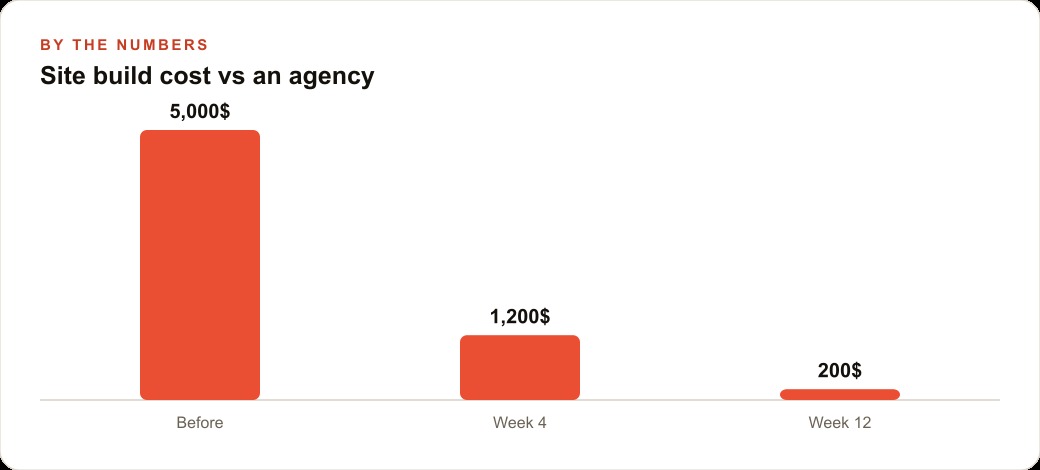
After deployment, the same AI tool handles future changes. Updating the site is the same process as building it: describe the change, accept the edit, deploy. The business never needs a developer on retainer to update the site's copy, add a new service, or adjust the layout for a campaign. Every change is a plain-English request followed by a deploy. The ongoing cost of maintaining a custom, interactive site is mostly your time with the tool rather than an agency's hourly rate billed every time something needs updating.
The eight practices above are what separate a clean build from a frustrating one. None of them require technical knowledge to follow. All of them require deliberate decisions made before and during the build. The plan comes first. The brand assets come next. Everything else follows the same discipline of building small, verifying, and saving progress. The tool does the typing. The business owner does the thinking.
That is exactly what we do at AI DOERS. Book a private 30-minute call with Madhuranjan Kumar and we will map the fastest path to it for your specific business.
Book your call →
Madhuranjan Kumar
Madhuranjan Kumar brings 20 years of performance-marketing experience and has managed over $200 million in Facebook ad spend for brands across the United States and beyond. His expertise spans the full modern marketing stack: Meta, Google Ads, TikTok, email automation, CRM, and the websites that hold it together. At AI DOERS he turns that track record into lead-generation systems for businesses across every industry.