
How to Build AI Agent Workflows With No Code Using n8n
No-code tools let anyone build AI agent workflows that connect apps, make decisions, and do real work. Here is how it works and how a tutoring center could use it.

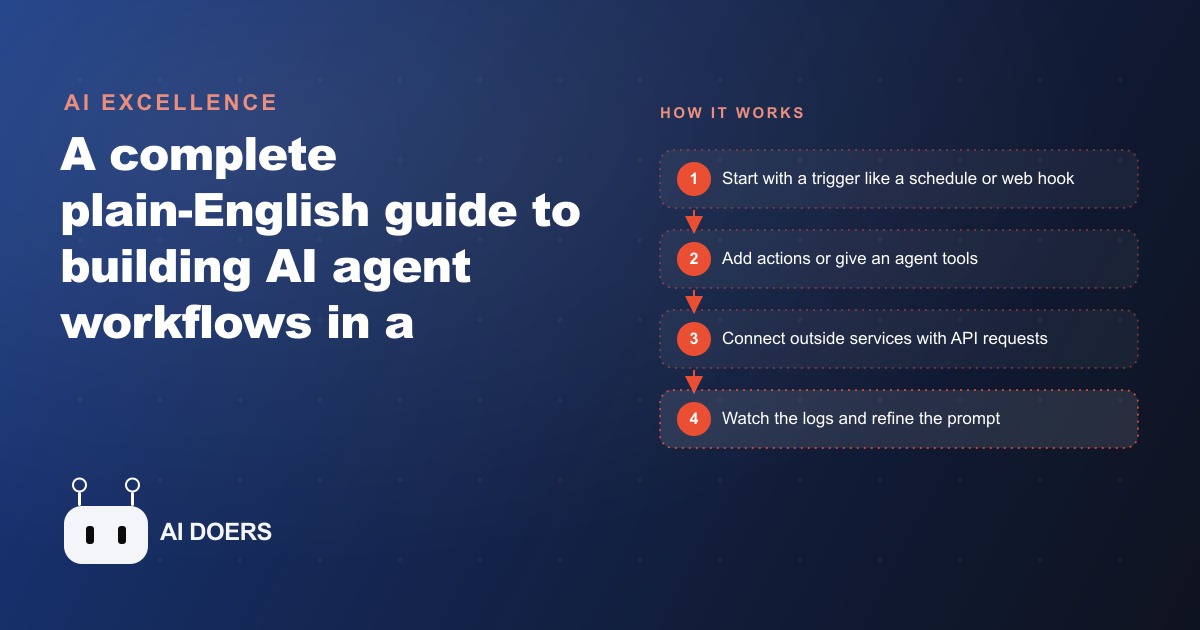
Somewhere in a business forum last month, a team posted a screenshot of what they called their "AI agent." It was a workflow diagram with eleven boxes connected by arrows. A schedule trigger fired every morning. The first box checked email. The second parsed subject lines. The third applied a filter. The fourth called an AI API. The fifth wrote a draft reply. The sixth sent it. The post had hundreds of upvotes and the comment thread was full of variations on "I built something similar."
Every one of those workflows is excellent. None of them is an AI agent.
The distinction is not pedantic. It is the difference between a system that breaks silently when inputs change and a system that adapts. Understanding where the decision layer actually sits in an automation tells you what the system can handle, what it fails at, and what maintenance looks like over time. Most businesses calling their automations "AI agents" have built excellent workflows and given them a misleading name. That misleading name is why they are surprised when the "agent" fails in ways that seem random but are, in fact, completely predictable once you understand the architecture.
The moment a workflow becomes an agent (and why the distinction matters)
A workflow follows a sequence. Step one, then step two, then step three. The sequence is defined at build time. Every time the workflow runs, it executes every step in the same order regardless of what the input contains. If the input changes in a way the builder did not anticipate, the workflow either errors out or produces wrong output silently, which is worse.
An agent decides. It is given a goal and a set of tools, and it determines at runtime which tools to call and in what order based on what the input actually is. The same agent handling a simple inquiry might call one tool. Handling a complex multi-part question, it might call five tools in sequence, including calling a second agent as a sub-tool. The sequence is not fixed. It is generated fresh on each run based on the current input.
The design difference is a single architectural decision: does the system have a planning step that evaluates the input and decides what to do, or does it proceed directly from trigger to step one without evaluation?
In n8n, this difference shows up as a specific node type. The AI Agent node takes a goal description and a tool list. When data reaches the AI Agent node, the agent evaluates the input, selects a tool from its list, executes the tool, evaluates the result, selects the next action, and continues until it reaches a stopping condition. The sequence is not fixed at build time. It is determined by the model at runtime based on what it sees.
This is not magic. It is a planning loop. The model generates a plan, executes one step, observes the result, updates its plan, and repeats. The practical difference from a fixed workflow is significant: the agent can handle inputs that the builder did not explicitly anticipate, as long as those inputs fall within the scope of the available tools. The fixed workflow cannot handle unanticipated inputs cleanly. The agent can, within its tool scope.
The maintenance difference is equally significant and often overlooked at build time. A workflow breaks when the sequence breaks. A specific step fails, the flow stops, and a human investigates the broken step. Agent maintenance is different: the agent breaks when the goal or tool list no longer matches the actual tasks the agent is being asked to handle. Those are different kinds of maintenance. Workflow maintenance is reactive and localized. Agent maintenance is strategic and ongoing.
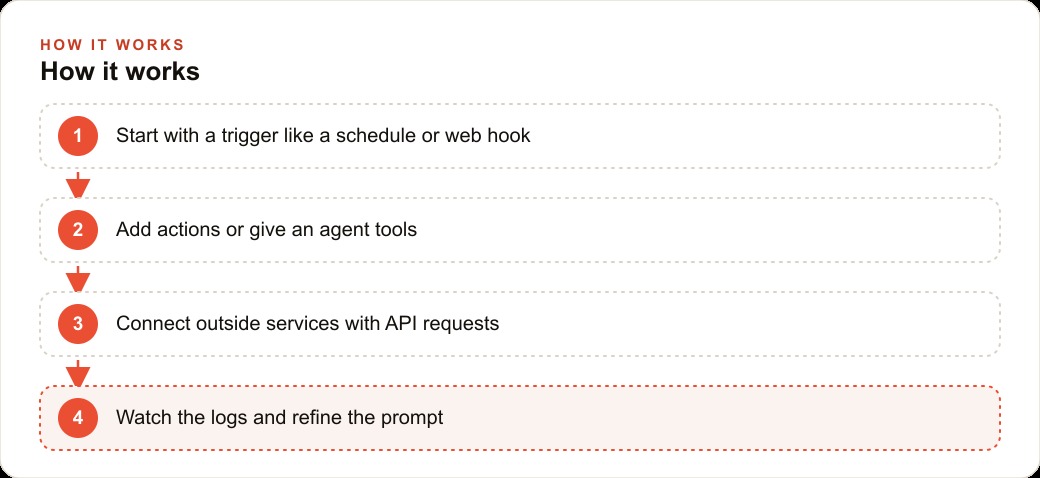
Why the system prompt is the real architecture document
Every AI agent in n8n has a system prompt. Most builders treat the system prompt as a brief instruction: "You are a customer service agent. Answer politely and helpfully." That instruction is technically valid. It is also leaving most of the agent's potential performance unclaimed.
The system prompt is the real architecture document for an agent. It is where the builder defines the agent's role, the scope of its authority, the tools it can use and when to use each one, the format of its outputs, and the conditions under which it should stop and ask a human rather than continuing to decide on its own.
A well-written system prompt for a customer inquiry agent might include: a description of the business and its service categories; a list of the tools available with a brief description of when each tool should be used and when it should not; the output format for different response types, distinguishing between simple answers, complex follow-ups, and escalations; the specific conditions under which the agent should escalate to a human rather than attempting an answer; and a set of examples showing the pattern the builder expects for the three most common request types.
That system prompt is, in effect, a specification document. It defines what the agent is supposed to do more precisely than any flowchart. The agent's behavior at runtime is determined primarily by the system prompt, secondarily by the tools it has access to, and only incidentally by the specific input it receives in any given run.
This means that when an agent behaves unexpectedly, the first place to look is the system prompt, not the tool configuration or the trigger setup. The most common source of agent failure is a system prompt that does not cover the input type the agent received. The agent encountered a case it was not given a framework for handling, so it improvised, and the improvisation was wrong. The tool worked. The trigger fired correctly. The system prompt did not cover that case.
The most underrated n8n practice is treating the system prompt as a living document that gets updated every time the agent improvises poorly. Each poor improvisation is a diagnostic signal. It means a case is missing from the system prompt. Add the case, describe the expected behavior explicitly, run the agent on a similar input, and observe whether the behavior changes. This is agent maintenance in practice, and it produces a progressively more reliable system rather than an increasingly fragile one.
HTTP requests as the universal connector: what that actually means
One of the most powerful nodes in n8n is the HTTP Request node. It takes a URL, a method, a set of headers, and body parameters, and it calls that URL. The response comes back as structured data that the next node can use.
The HTTP Request node is available as a tool for AI agents, which means an agent can call any external service at runtime. This includes services that do not have a dedicated n8n integration. If a service has an API, the agent can call it through HTTP. That is a much larger set of services than the ones n8n's team has built first-party integrations for.
The practical implication is that the agent's tool list is not limited to n8n's native integrations. It extends to any service with an HTTP endpoint. Customer relationship management systems, scheduling platforms, payment processors, analytics services, custom internal databases, and government data APIs are all reachable through HTTP Request tool nodes. The agent does not need a specific n8n integration for any of them.
This also means that the agent's capabilities grow when the services it connects to expose new endpoints. If the scheduling platform adds a new API endpoint for reading waitlist data, the agent can use it the same day the endpoint goes live by adding an HTTP Request tool node that points to the new endpoint. No waiting for n8n to ship a new integration. The agent's capability expands with the ecosystem it is connected to, not only with updates to n8n itself.
The limitation of the HTTP Request approach is that the agent must have context about what the API returns and how to interpret the response. This context comes from the system prompt. The builder must tell the agent what the HTTP tool does, what the response structure looks like, and when to use it versus when to use a different tool. Without that context in the system prompt, the agent may call the tool and receive a valid response but not know what the data means or what to do with it next.
This is another reason the system prompt is the real architecture document. Every HTTP Request tool node added to an agent's tool list requires a corresponding update to the system prompt explaining what the tool does and how its output should be interpreted.
Why agent logs are the most underused tool in automation
Every time an agent in n8n runs, it generates a log. The log shows every tool call the agent made, the input it passed to each tool, the output each tool returned, and the reasoning step the agent took before making the next tool call. The log is a complete trace of the agent's decision-making process for that specific run.
Most builders check logs when something breaks. Almost nobody reads logs when things are working.
This is a significant missed opportunity. The logs of a working agent contain information that is genuinely useful for improving the agent's performance over time. Which tool does the agent call most frequently? Which tool's output does the agent seem to misinterpret based on the actions it takes after receiving it? Are there patterns in the inputs that consistently produce longer reasoning chains, suggesting the system prompt is underspecified for those input types? Are there cases where the agent calls the same tool twice with nearly identical parameters, suggesting it failed to retain or use the result of the first call?
Reading logs from working runs is how you catch performance degradation before it becomes visible as failures. It is also how you identify the tool or system prompt clause that is generating the most reasoning overhead and slowing the agent's response time without producing better outcomes.
Consider a tutoring center that built an inquiry-handling agent. The agent's job is to receive a parent's inquiry about tutoring for their child, determine the subject and grade level from the inquiry text, check the schedule database for available slots matching the subject and the child's grade level, and return three slot options with a brief note about each tutor's relevant experience in that subject area.
When the agent is first deployed, it handles 80 percent of inquiries without a human stepping in to complete the response. The remaining 20 percent require staff intervention. Initial response time averages around four minutes per inquiry, down from the previous average of 23 minutes when staff handled everything.
Reading the logs of the 20 percent that require intervention reveals a consistent pattern. Inquiries that mention multiple subjects in the same message, for example "my daughter needs help with both math and reading comprehension," cause the agent to loop. It checks math slots. Then it checks reading slots. Then it attempts to construct a combined recommendation. Then it re-checks math availability to verify the slots are still open while it was checking reading. The loop typically adds two to four minutes to processing time before the agent either resolves it or flags for human review.
The fix is a single clause added to the system prompt: "If the inquiry mentions more than one subject, check each subject independently and present the results as separate recommendation sets rather than attempting to find a single slot that covers both."
After the fix, multi-subject inquiry processing time drops from an average of six minutes to under two minutes. The 80 percent autonomous handling rate increases to 89 percent. Inquiry-to-booking conversion, which had been running at 34 percent before the agent was deployed, moves to 41 percent because families receive faster, more specific responses rather than waiting for a staff member to follow up.
Those improvements came directly from reading agent logs during a period when the agent was technically working. Not from a paid analytics service. Not from an external audit. The pattern was visible in the run logs the platform generates automatically. The builder had to look.
The difference between a workflow and an agent is a design decision made at build time. The difference between a mediocre agent and a high-performing one is a reading habit maintained after deployment. Look at the logs. Read them when things work, not only when they break. The agent is telling you exactly how it thinks. Most builders have access to that information and most builders are not using it.
That is exactly what we do at AI DOERS. Book a private 30-minute call with Madhuranjan Kumar and we will map the fastest path to it for your specific business.
Book your call →
Madhuranjan Kumar
Madhuranjan Kumar brings 20 years of performance-marketing experience and has managed over $200 million in Facebook ad spend for brands across the United States and beyond. His expertise spans the full modern marketing stack: Meta, Google Ads, TikTok, email automation, CRM, and the websites that hold it together. At AI DOERS he turns that track record into lead-generation systems for businesses across every industry.